Copying
68
2
F Place the originals, and then press the {Start} key.
Note
❒ To change the length after pressing the {q} key in step
D
, select [Original]
or [Copy], and then enter the desired length.
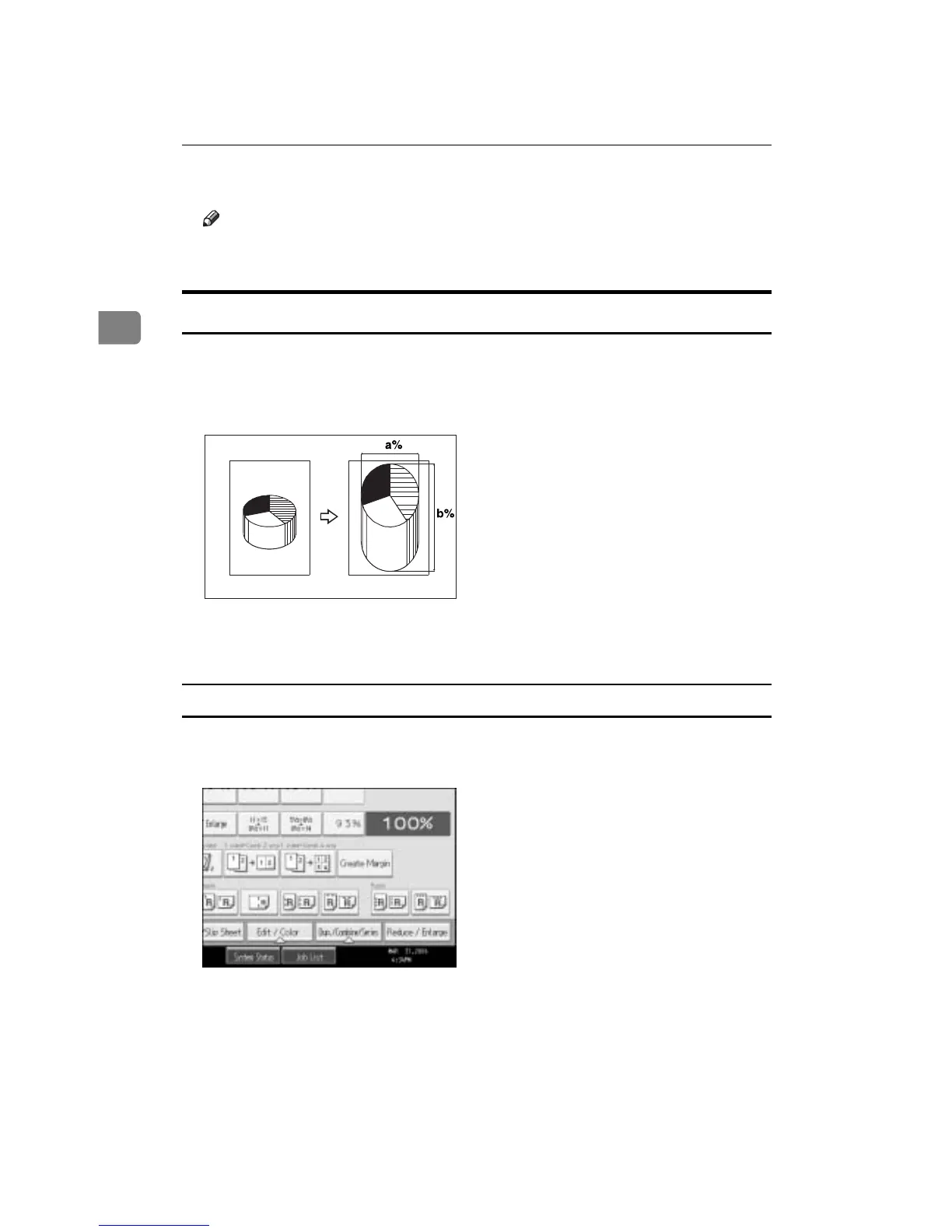
Directional Magnification (%)
Specify the horizontal and vertical lengths of the original and copy image at dif-
ferent reproduction ratio. Copies can be reduced or enlarged at different repro-
duction ratios horizontally and vertically.
a: Horizontal ratio
b: Vertical ratio
To enter the ratio with the number keys
Select a ratio using the number keys.
A Press [Reduce / Enlarge].
B Press [Direct. Mag. %].
C Press [Horizontal].
D Enter the desired ratio with the number keys, and then press the {q} key.
E Press [Vertical].
CP2P01EE









 To Next Page