Copier Functions
121
2
Note
❒ To change the number entered in steps
B
-
D
, press [Clear] or the {Clear/Stop}
key, and then enter a new number.
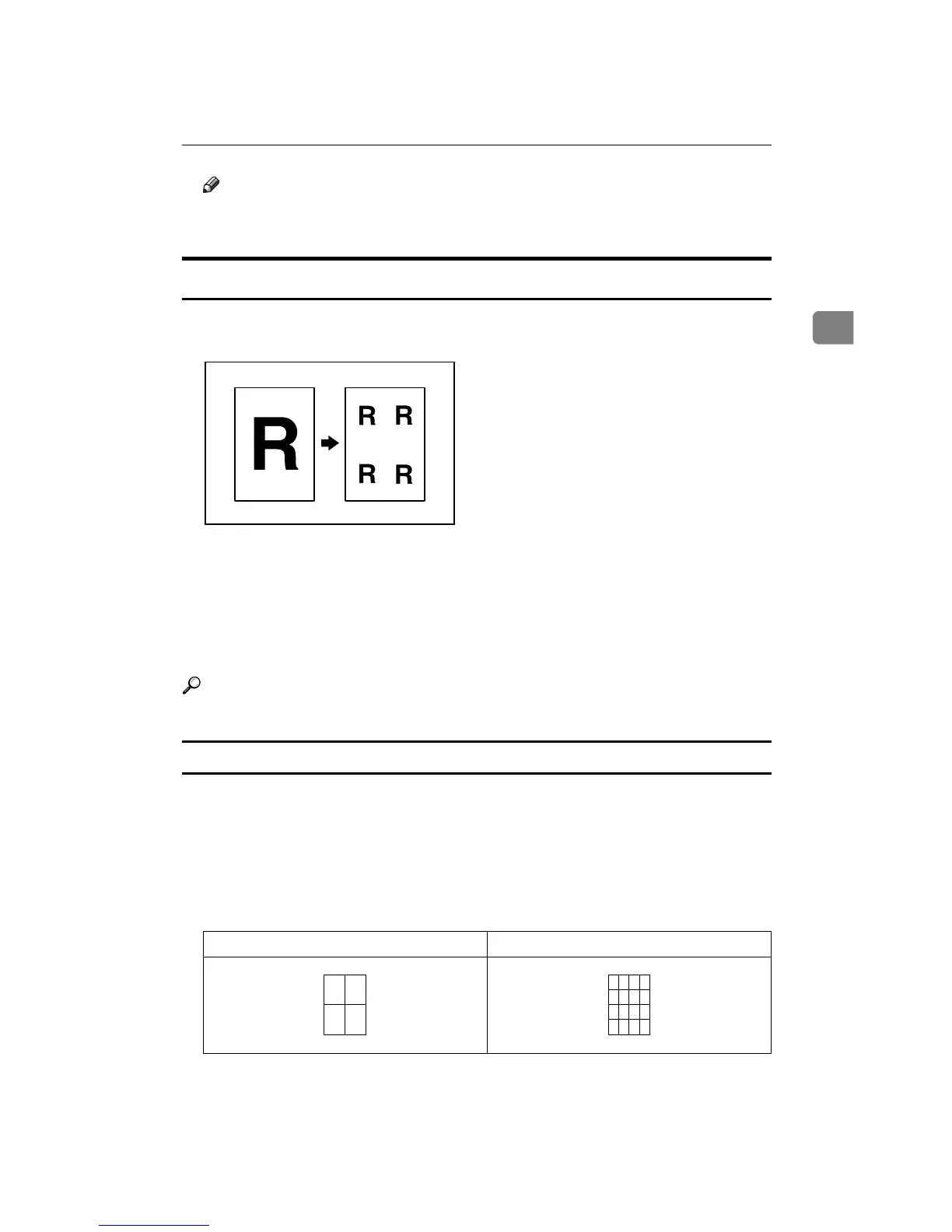
Image Repeat
The original image is copied repeatedly.
There are two ways to specify an image to be repeated.
❖ Whole Area Repeat
Repeatedly copies the entire image.
❖ Specified Area Repeat
Repeatedly copies a specified portion of the image.
Reference
See “Image Repeat Separation Line”, General Settings Guide.
Whole Area Repeat
Repeatedly copies the entire image.
The number of repeated images depends on the original size, copy paper size,
and reproduction ratio. For example, see the following table:
❖ Original: A5K/Copy paper: A4K or Original: A5L/Copy paper A4L, Original:
5
1
/
2
" u 8
1
/
2
"K/Copy paper: 8
1
/
2
" u 11"K or Original: 5
1
/
2
" u 8
1
/
2
"L/Copy paper:
8
1
/
2
" u 11"L
4 repeats (65%) 16 repeats (32%)
Repeat1
Repeat2









 To Next Page