Copying
70
2
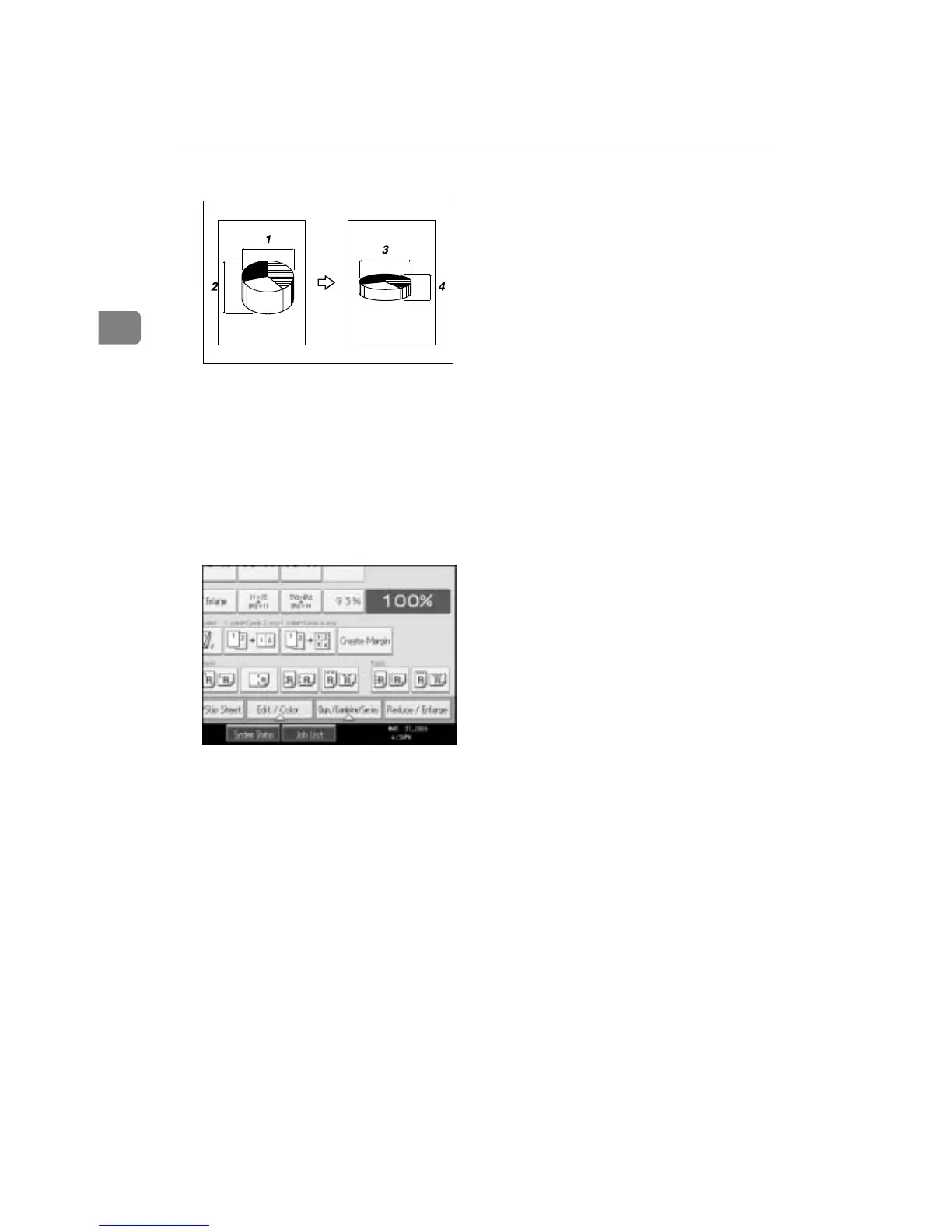
A Horizontal original size: A mm (inch)
B Vertical original size: B mm (inch)
C Horizontal copy size: a mm (inch)
D Vertical copy size: b mm (inch)
Measure and specify the lengths of the original and copy by comparing “A” with
“a” and “B” with “b”.
A Press [Reduce / Enlarge].
B Press [Dir. Size Mag. Inch].
C Enter the horizontal size of the original with the number keys, and then
press the {q} key.
You can enter sizes within the following ranges:
• Metric version: 1 - 999 mm (increments of 1 mm)
• Inch version: 0.1" - 99.9" (increments of 0.1")
D Enter the horizontal size of the copy with the number keys, and then press
the {q} key.
E Enter the vertical size of the original with the number keys, and then press
the {q} key.
F Enter the vertical size of the copy with the number keys, and then press the
{q} key.
G Press [OK] twice.
CP2M01EE









 To Next Page