Color Functions
47
2
A Press [Edit / Color].
B Make sure that [Color] is selected before pressing [Adjust Color].
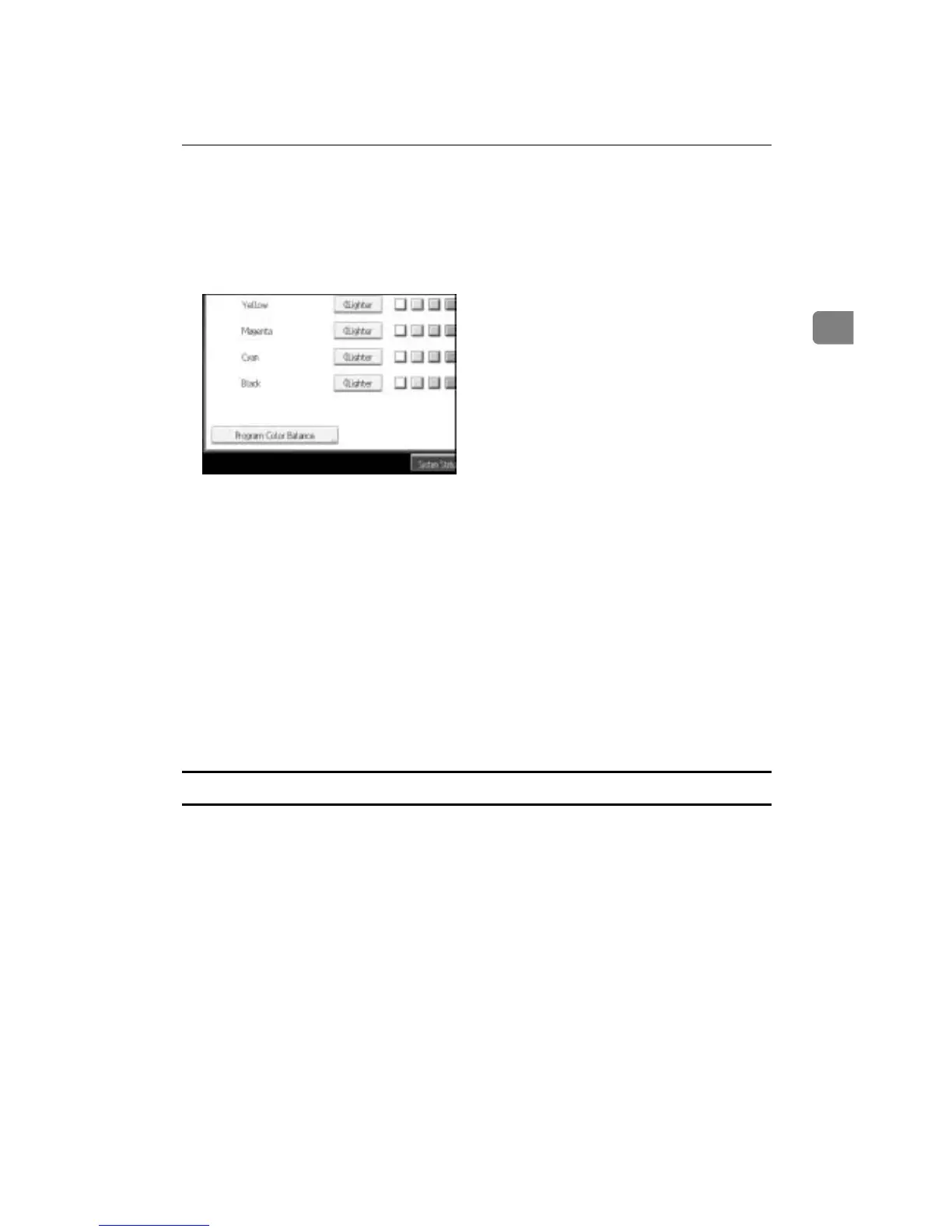
C Make sure that [Color Balance] is selected before pressing [Program Color Bal-
ance].
D Make sure that [Recall] is selected, and then select the program number ([1]-
[3]) to be changed.
The programmed color balance appears.
E Change the registered contents.
F After the programmed contents are changed, press [Program Color Balance].
G Press [Program], and then press the program number to be overwritten.
H Press [Yes].
The program is overwritten.
I Press [OK] twice.
Copying with the registered contents
Applies settings registered in color balance programs to the copy job.
A Press [Edit / Color].
B Make sure that [Color] is selected before pressing [Adjust Color].
C Make sure that [Color Balance] is selected before pressing [Program Color Bal-
ance].
D Make sure that [Recall] is selected, and then select the program number reg-
istered by the color balance to be used.
E Press [OK] twice.
F Place the originals, and then press the {Start} key.









 To Next Page