Copier Functions
73
2
E Place your originals.
When placing an original on the exposure glass, start with the first page to be
copied. When placing an original in the ADF, set so the first page is on the top.
When placing an original on the exposure glass or in the ADF using Batch
mode, press the {q} key after all the originals have been scanned.
F Press the {Start} key.
Note
❒ To confirm the type of finishing, press the {Sample Copy} key in step
E
.
Reference
See “Memory Full Auto Scan Restart”, “Rotate Sort: Auto Paper Contin-
ue”, “Auto Tray Switching”, General Settings Guide.
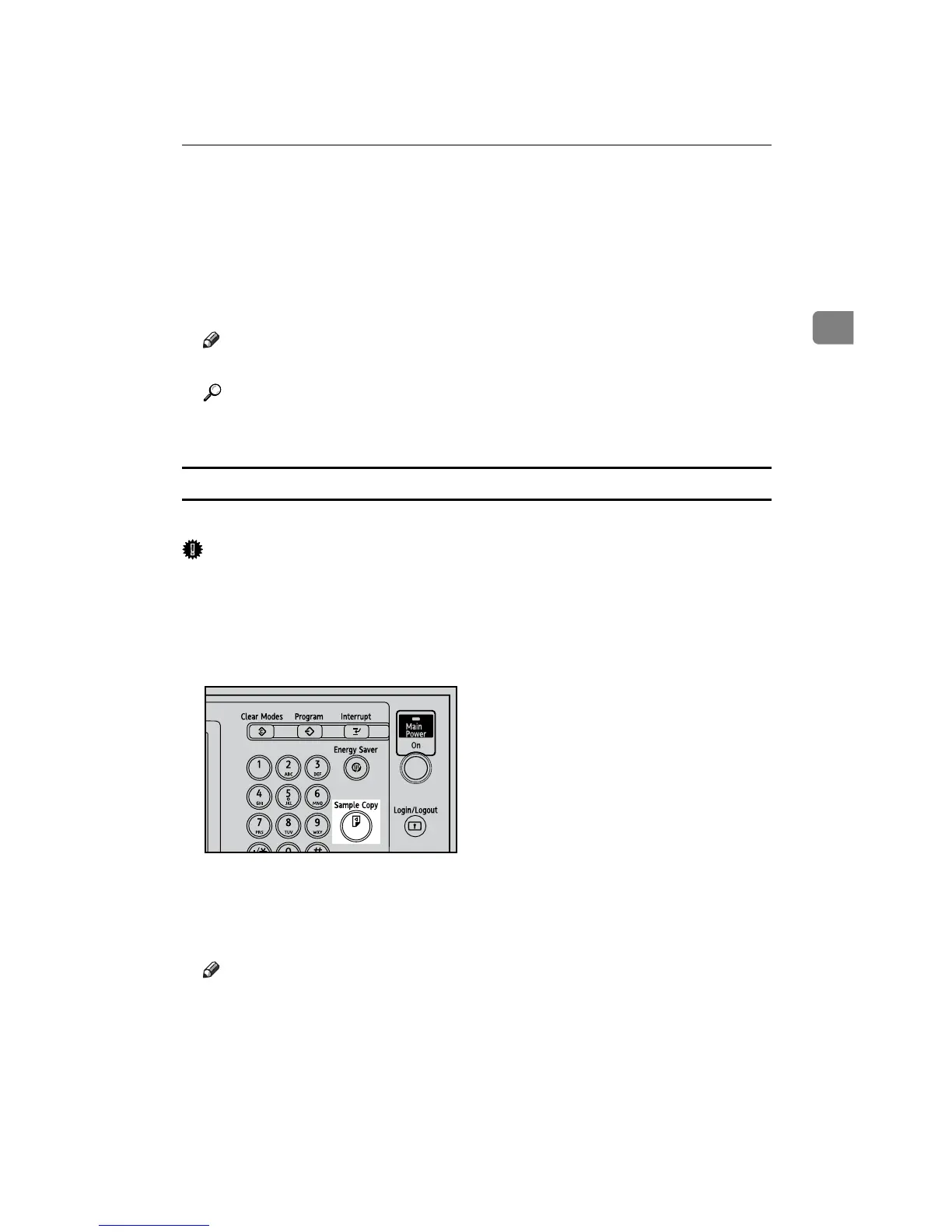
Sample Copy
Use this function to check the copy settings before making a long copy run.
Important
❒ This function can be used only when the Sort function is turned on.
A Select Sort and any other necessary functions, and then place the originals.
B Press the {Sample Copy} key.
One copy set is delivered as a sample.
C If the sample is acceptable, press [Continue].
The number of copies made is the number specified, minus one for the proof
copy.
Note
❒ If you press [Suspend] after checking the results, return to step
A
to adjust
the copy settings as necessary. You can change the settings for Staple,
Punch, Duplex (1 sided o 2 sided, 2 sided o 2 sided), Copy Orientation,
Margin Adjust., Cover/Slip Sheet, Stamp, and Designate. However, de-
pending on the combination of functions, you may not be able to change
some settings.
AQI034S









 To Next Page