Copier Functions
129
2
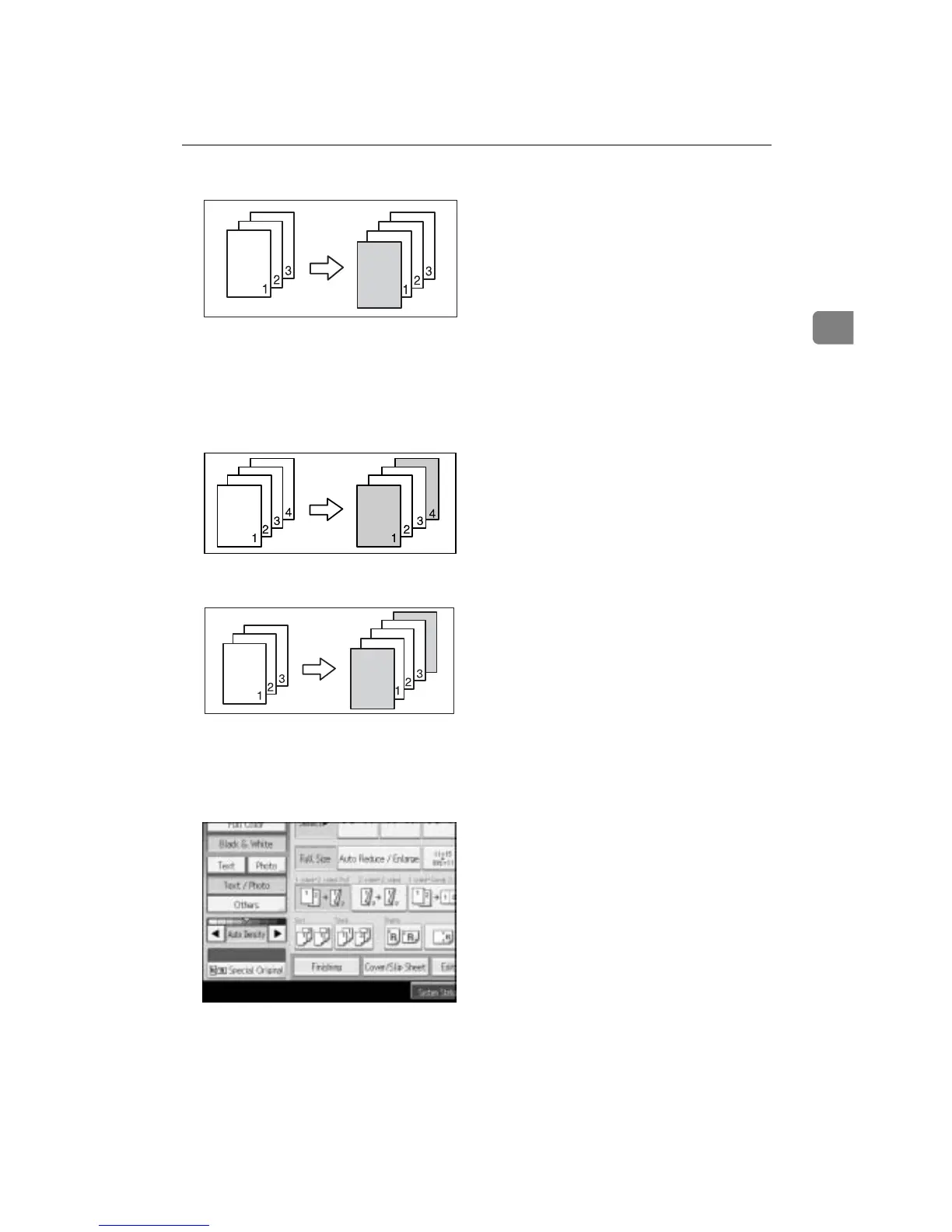
•Blank
❖ Front/Back Covers
The first and last pages of your original are copied on specific paper for use
as covers, or a cover sheet is inserted before the first copy and after the last
copy.
•Copy
•Blank
A Set the tray for the front cover paper.
The cover sheet should be the same size and orientation as the copy paper.
B Press [Cover/Slip Sheet].
C Select [Copy] or [Blank] for the cover sheet, and then press [OK].
D Select the paper tray that contains the sheet paper to copy the originals.
E Place your originals in the ADF, and then press the {Start} key.
AMF085S









 To Next Page