Placing Originals
25
1
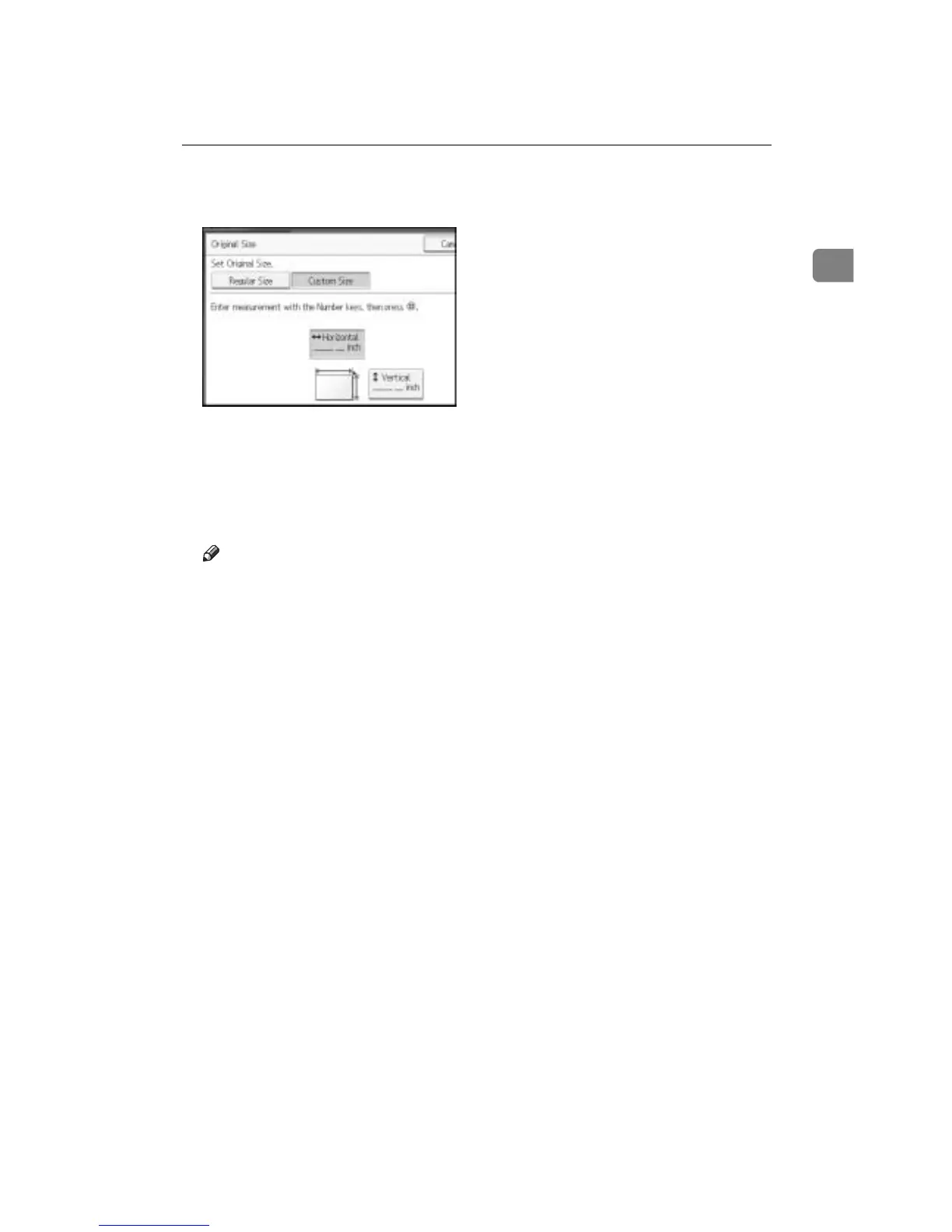
D Enter the horizontal size of the original with the number keys, and then
press the {q} key.
E Enter the vertical size of the original with the number keys, and then press
the {q} key.
F Press [OK].
G Place the originals, and then press the {Start} key.
Note
❒ If you make a mistake in step
D
or
E
, press [Clear] or the {Clear/Stop} key,
and then enter the value again.









 To Next Page