iii
What You Can Do with This Machine
<Color Functions/Color Adjustments>
Color Copying
You can switch the color copy mode depending on the type of originals used and
the desired finish.
See p.41 “Selecting a Color Mode”.
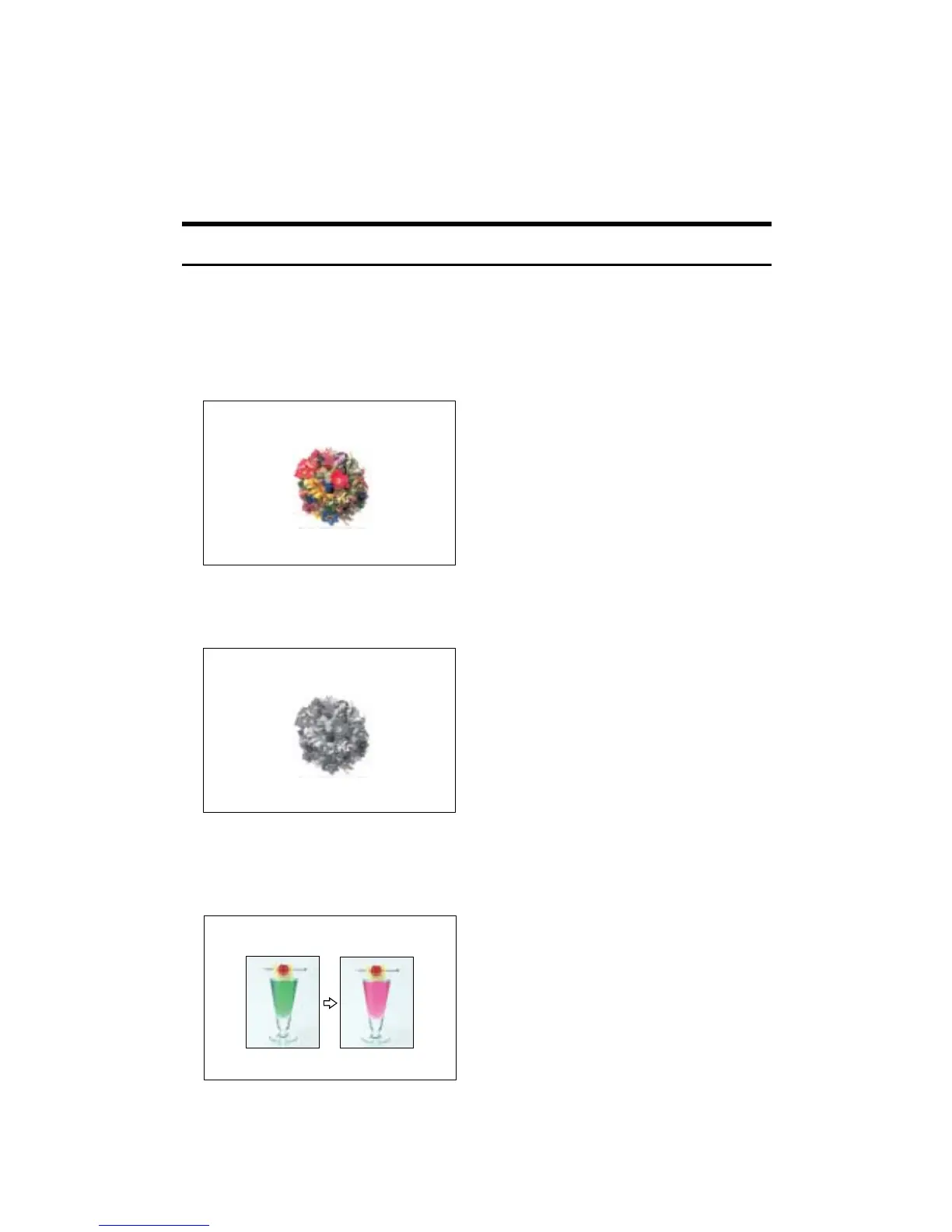
❖ Full Color Copy
Copies using four colors: yellow, magenta, cyan and black.
❖ Black/White Copy
Copies in black and white even if the original is colored.
❖ Convert Colors
See p.42 “Convert Colors”.
Copies by changing a specific color in the original to another color.
AMF033S
AMF034S
AMF038S









 To Next Page