Copying
54
2
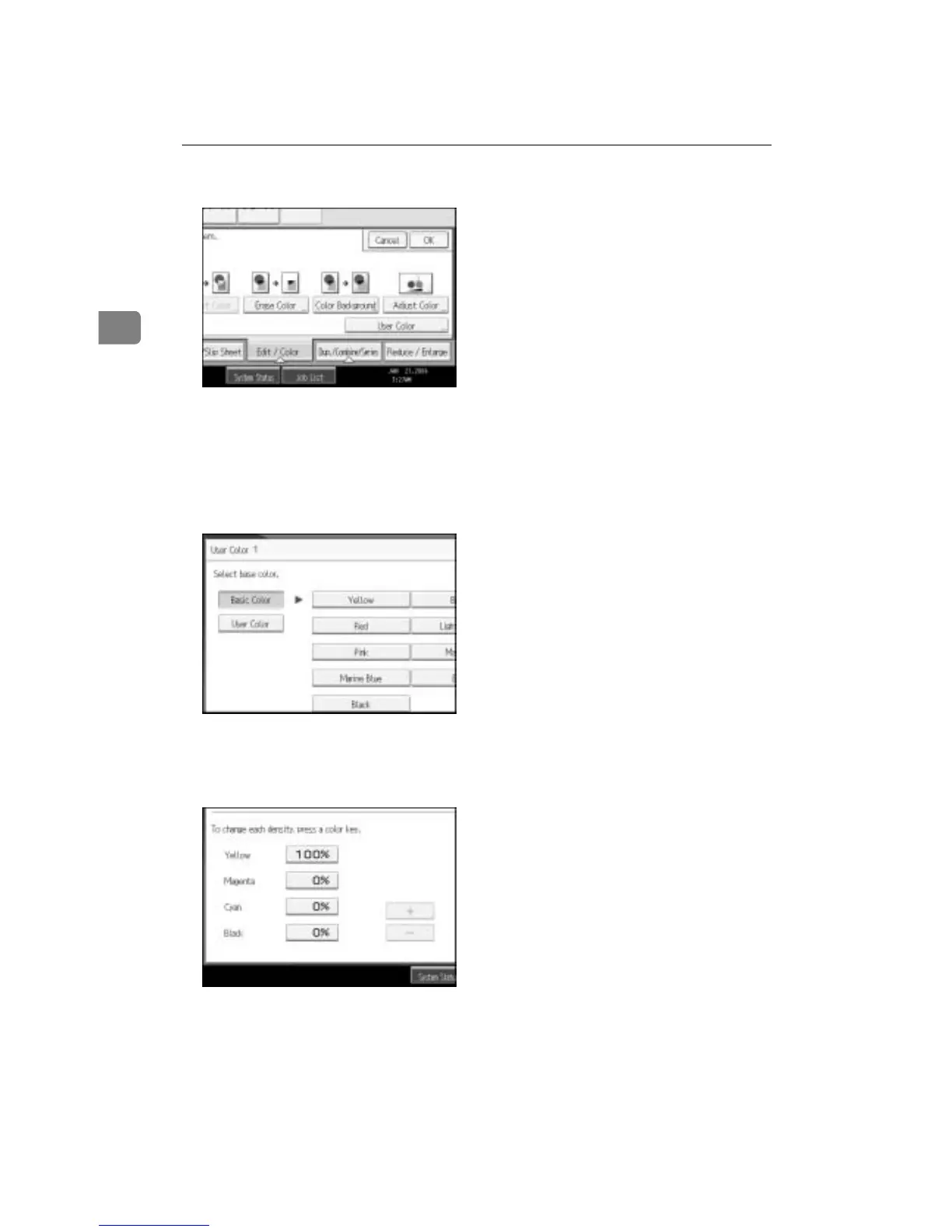
B Press [Color], and then press [User Color].
C Make sure that [Program] is selected, and then select the number ([01]-[15])
for the color you want to register.
D Select the color to be used as a base for registration from the basic and user
colors.
The density of each color for the selected color is displayed.
To select User Color, press [User Color], and then select the color.
E Select the color whose density is to be specified, and then specify the den-
sity in percentages using [n] or [o].
F Check names and densities of each color, and press [OK].
G Press [OK] twice.









 To Next Page