Copier Functions
65
2
B Select a preset ratio which is close to the desired ratio.
C Adjust the ratio with [o] or [n].
To change the ratio in increments of 1%, press [o] or [n]. To change the ratio
in increments of 10%, press and hold down [o] or [n].
D Press [OK].
E Place the originals, and then press the {Start} key.
Note
❒ If you have incorrectly entered the ratio in step
C
, readjust it with [o] or
[n].
To enter the ratio with the number keys
Select a ratio using the number keys.
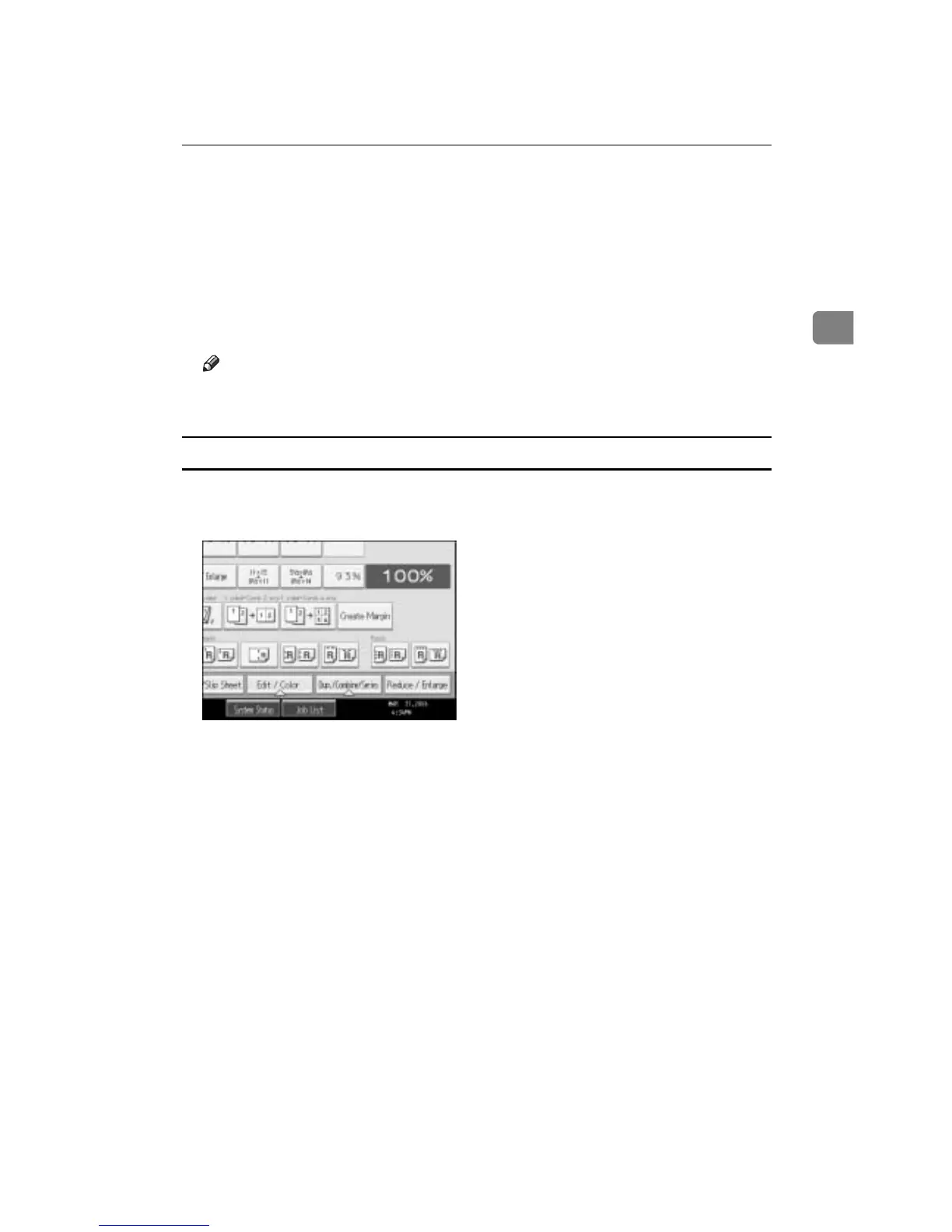
A Press [Reduce / Enlarge].
B Press [Number keys].
C Enter the desired ratio with the number keys, and then press the {q} key.
D Press [OK] twice.
E Place your originals, and then press the {Start} key.









 To Next Page