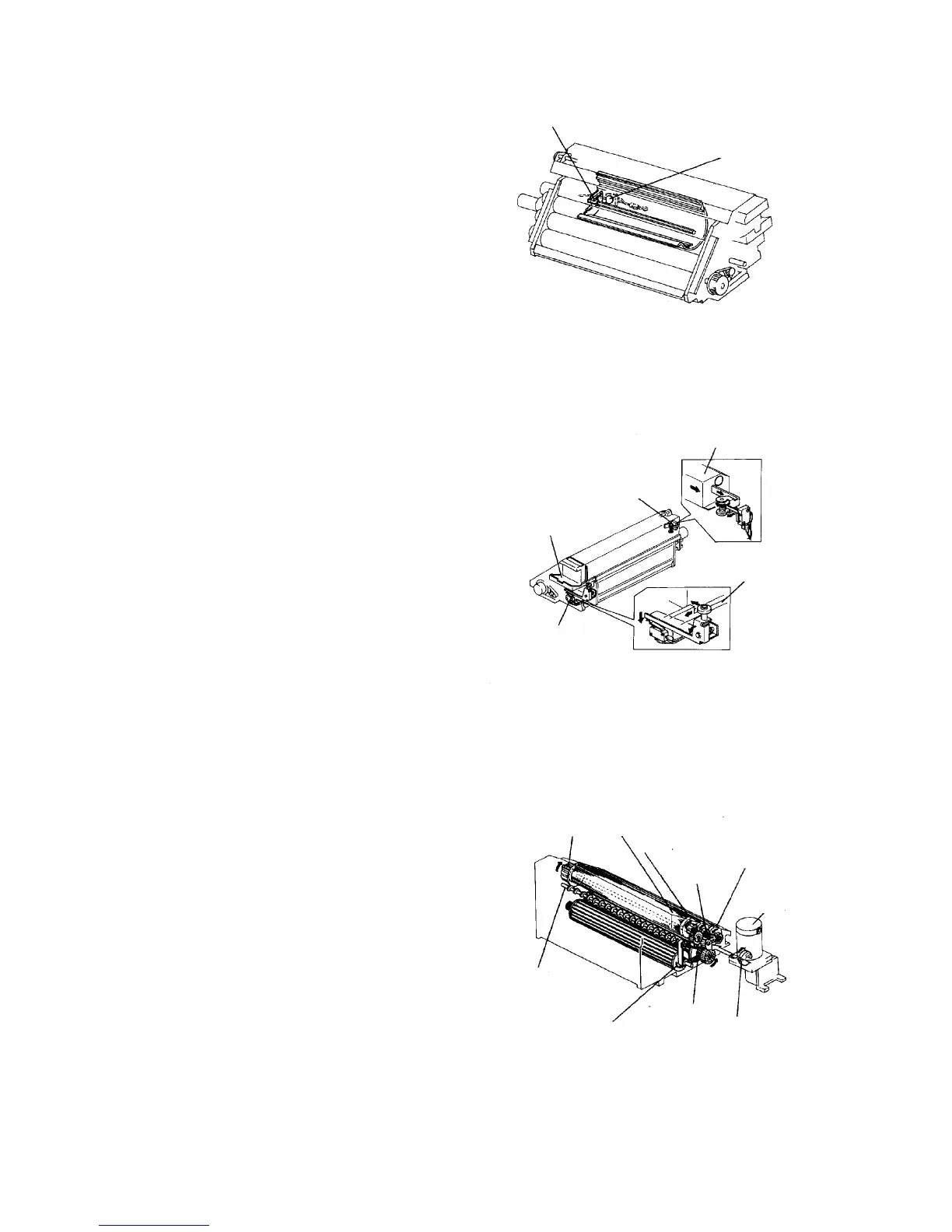
2.9.6 Toner near-end detection mechanism
The toner near-end sensor is mounted on the side wall
of the toner hopper. It is a pressure sensitive sensor
that detects the quantity of toner.
The external side of the pressure sensor is constantly
vibrated by the internal oscillation circuit. When the
quantity of toner exceeds the predetermined value, this
vibration is suppressed.
When the quantity of toner becomes low, vibration is
detected. This informs the CPU of toner near-end status,
and the toner near-end indicator comes on.
2.9.7 Toner cartridge replacement
Because the toner is supplied by cartridge and the front
door has a small door for the toner supply, the toner can
be supplied even during copying. When the toner
cartridge is removed, the cartridge set switch is turned
on. The machine then indicates a guidance of "Pull the
cartridge shutter" on the guidance display. By pulling
and then pushing in the cartridge shutter, the cartridge
shutter switch is turned on and off. The guidance will
disappear after this operation. The toner end or
near-end indication will also disappear.
2.9.8 Drive mechanism
The development unit uses an independent
development motor that starts turning according to the
image production timing of the OPC.
The drive of the development unit is transmitted from the
joint gear via helical gears.
The development unit can be turned manually using the
development knob.
Small toner agitator
Toner near-end sensor
Cartridge shutter switch
Toner cartridge
shutter grip
Cartridge
Viewed from recess
Shutter
Cartridge set switch
Development knob
3rd roller
2nd roller
1st roller
Helical
gear
Development motor
Joint gear
Left paddle
wheel Right paddle
wheel
Developer
auger













 To Next Page