3.3 SERVICE TOOLS
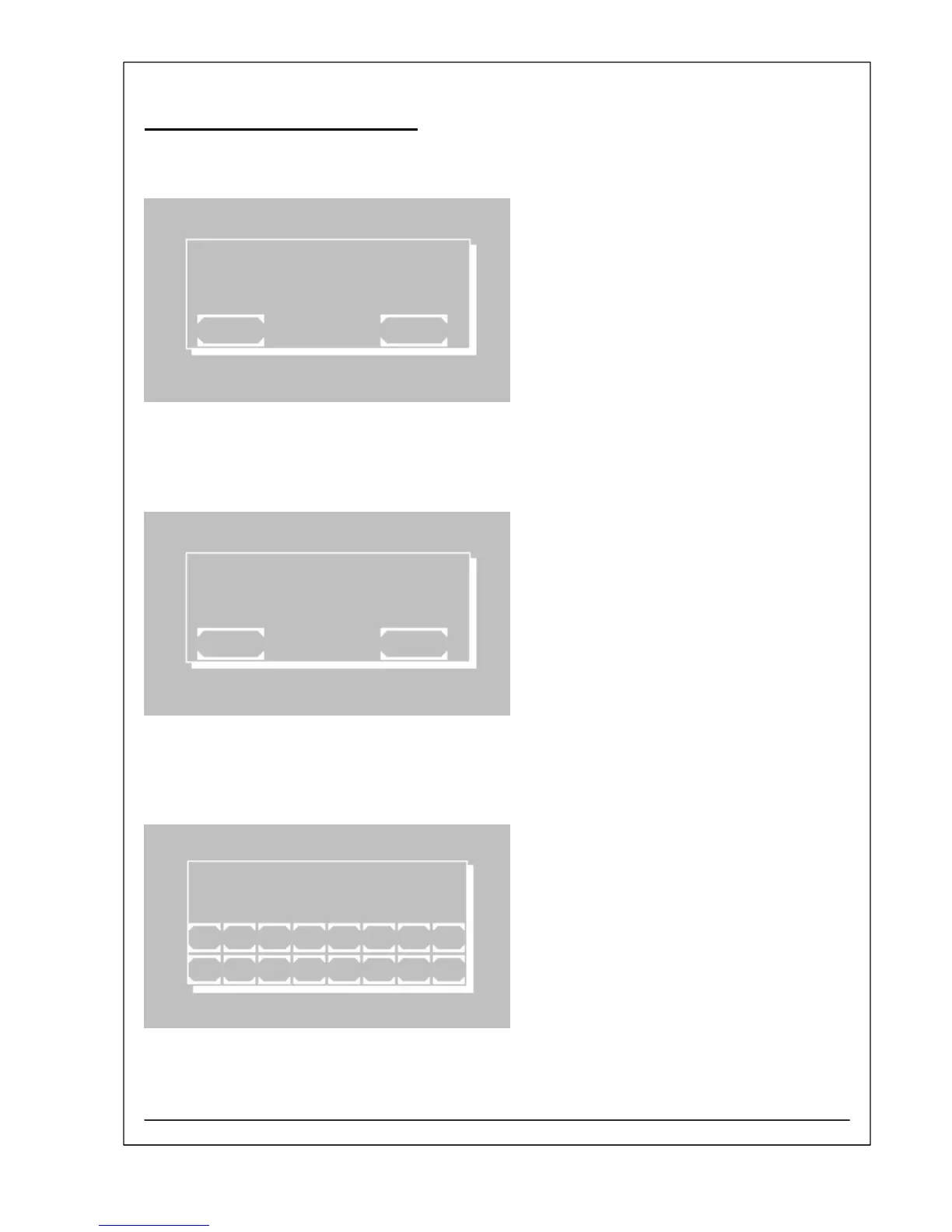
S3 Display Test
The display test is invoked with [START].
For three seconds all pixels of the touch screen are
illuminated.
The test terminates by itself.
[EXIT] leaves the function without any changes.
DISPLAY TEST
EXIT START
S4 Lamp
The function shows the current lamp voltage. The value
is shown in the second line (e.g. 12.13 V).
With [MIN.] the lamp voltage can be temporarily
reduced. In case of the adjustment of the optical path
the light spot is better to be seen.
With [MAX.] the lamp voltage arises to its normal value.
[EXIT] leaves the function without any changes.
LAMP
12.13V
EXIT MIN.
S5 Serial No.
The current serial number of the device can be read
and set. The number (e.g. 7001) is shown on the right
upper corner of the window.
A new number can be entered with maximum five
digits.
The input has to be confirmed with [E].
SERIAL NO. 7001
1 2 3 4 5 6 7 8
ESC 9 0 . + - E
RIELE BERLIN Photometer 5010 V5+ 3.3.6 11.03.2009



 To Next Page