3.3 SERVICE TOOLS
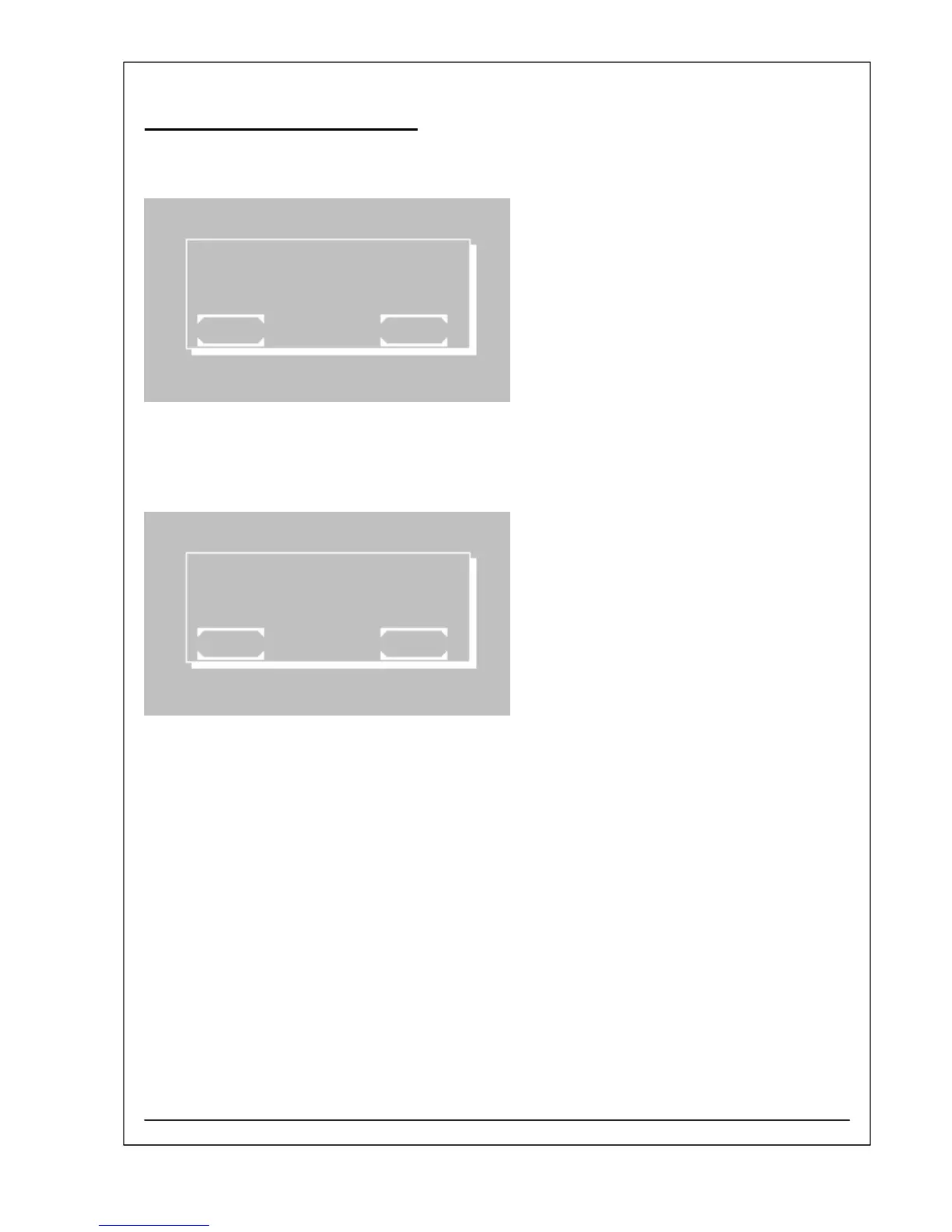
S17 Calibration 12V ADC
In the first line the actual value of the voltage 12 V
DC
is
to be seen (e.g. 12.02V).
The internal measuring unit can be calibrated by
pushing [START].
It is assumed that the adjustment of the voltage 12 V
DC
of halogen lamp is done properly (chapter 4.40 –
Voltage 12 V
DC
of halogen lamp).
The procedure is finished by [EXIT].
CAL.12V ADC 12.02V
EXIT START
S18 Distributor Text Init
The distributor text shown after switching on the
Photometer 5010 V5+ will be erased by invoking
[START].
[EXIT] leaves the function without any changes.
A new distributor text can be set by software “Serial
Monitor 5010” (chapter 4.9).
DISTRIBUTOR TEXT INIT
EXIT START
RIELE BERLIN Photometer 5010 V5+ 3.3.12 11.03.2009



 To Next Page