4.40 PCB RR-120 MOTHERBOARD REF 5010-120
Adjustment of amplifier stage
1. Before starting adjustments switch the Photometer 5010 V5+ off and unplug from the main socket.
Open the photometer regarding safety rules of chapter 1 of this service manual. The Photometer 5010
V5+ has to be dismantled (chapter 5.1 – Opening – item 4 and item 5).
2. Insert standard cuvette adaptor for disposable cuvettes into the device, but do not insert cuvette.
3. Switch the device on.
4. Be sure that the optical unit is adjusted faultless (chapter 4.10, 5.4 and 5.5) and check the supply
voltages and the lamp voltage (chapter 4.40.4 and 4.40.5).
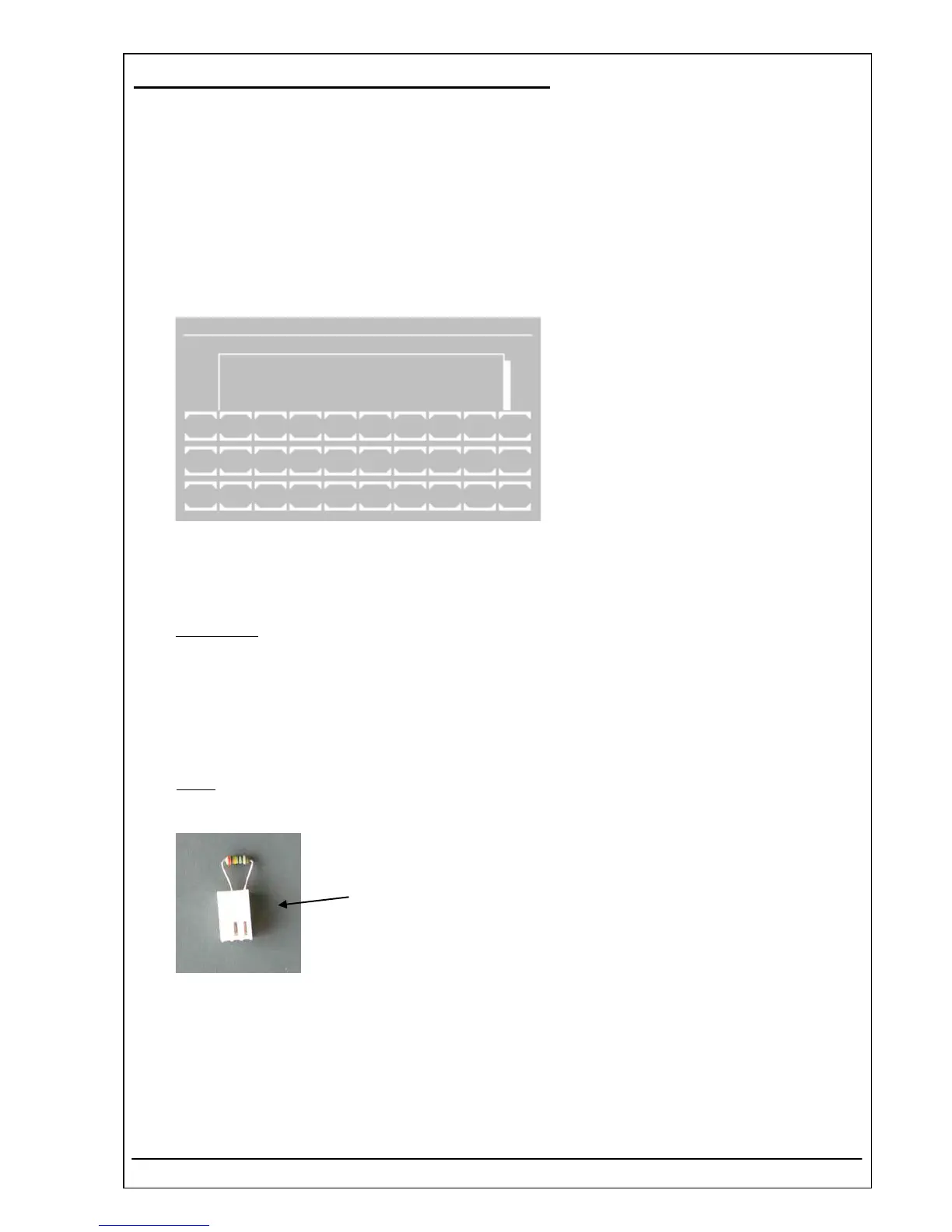
5. Run UTILITIES – ADC COUNTS (OPTIC).
Indicated is the current value of the optical
analogue-digital converter. The value is
proportional to the light-current depending on
the selected amplification level and the boost
setting.
To a key actuation the system reacts
possibly only after three seconds.
The functions V0 to V7 set the amplification
level. The function BO increases (boost ON)
or reduces (boost OFF) the time slot. The
functions F0 to F9 place the filter wheel into
the positions 0 to 9. The position 0 corre-
sponds to the filter wheel position at the dark
level adjustment.
Stop function by [ESC].
UTILITIES PAGE 5/5
ADC COUNTS (OPTIC)
BOOST OFF
V0 F1 340 nm 21336
V0 V1 V2 V3 V4 V5 V6 V7 BO.
F0 F1 F2 F3 F4 F5 F6 F7 F8 F9
ESC
6. Amplification
:
Select amplification level V7 and boost OFF. Turn the filter wheel to the wavelength 340 nm by selecting
F1. Turn the potentiometer P3 (on the mother board) clockwise to the maximum. The ADC should show
a value ≥ 150000 counts.
7. Select amplification level V0 and boost OFF. Turn the filter wheel to that position by selecting F1 up to
F9, so that the shown ADC value becomes a maximum. If necessary adjust the ADC to a value
≤ 600000 counts with the potentiometer P3. The amplification can be reduced by turning P3 counter-
clockwise.
8. Offset
:
Switch the device off.
9. Remove the the photodiode plug and connect the plug 1 MOhm with the socket ST7.
plug 1 MOhm
10. Switch the device on.
11. Run UTILITIES – ADC COUNTS (OPTIC). Turn the filter wheel to the dark position by selecting F0.
12. Note the ADC value e.g. 18015.
RIELE BERLIN Photometer 5010 V5+ 4.40.7 17.03.2009



 To Next Page