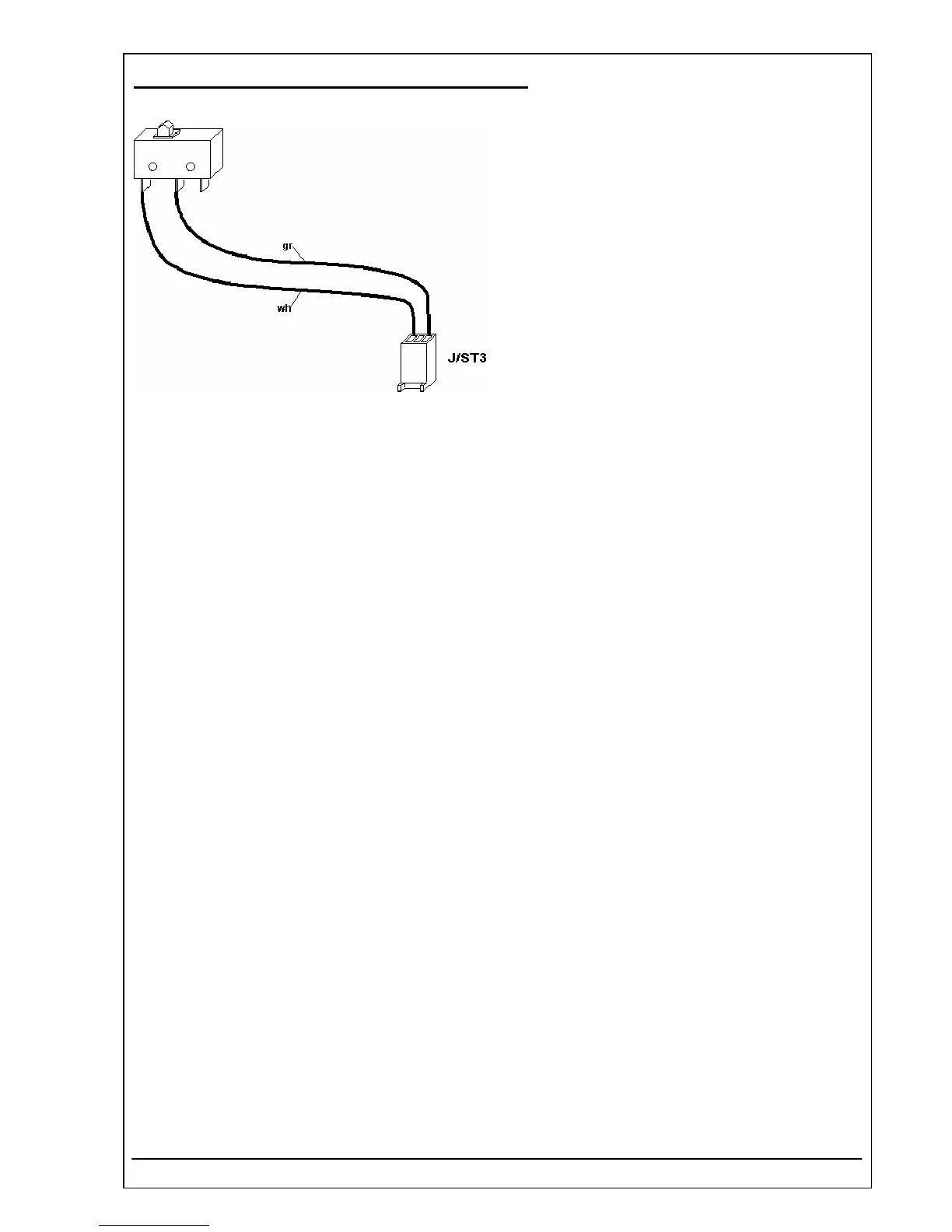
4.33 MICROSWITCH WITH PLUG REF 5010-072
Function Description
The microswitch is pressed by the sipping lever, its
signal starts the peristaltic pump.
Location
Top case
Replacement
The Photometer 5010 V5+ has to be dismantled:
• see chapter 5.1 Opening
• see chapter 5.2 Separating the top case from the bottom case
Disconnect plug J/ST3 of PCB RR-122 display, printer, touch.
Remove microswitch by a screw driver and clean frame from remaining glue.
Installation
For installation proceed in reverse order.
Use for example glue „Delomet Typ 2301“.
RIELE BERLIN Photometer 5010 V5+ 4.33.1 15.05.2006



 To Next Page