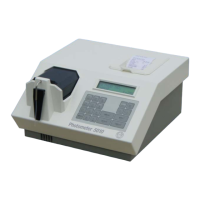
3.4 PLUG IDENTIFICATION
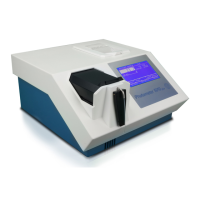
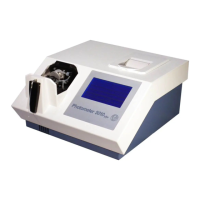
RIELE BERLIN Photometer 5010 V5+ 3.4.1 22.11.2007
In the device all plug-in connections are marked with P1 ... P23 as described below:
PLUG FROM ⇒ TO PLUG
• Terminal AC / DC power supply ⇒ motherboard pcb RR-120 P1
• P2 motherboard pcb RR-120 ⇒ sip control peristaltic pump
• P3 motherboard pcb RR-120 ⇒ fan
• P4 motherboard pcb RR-120 ⇒ halogen lamp
• P5 motherboard pcb RR-120 ⇒ light barrier filter wheel
• P7 motherboard pcb RR-120 ⇒ photodiode
• P8 motherboard pcb RR-120 ⇒ Peltier element
• P9 motherboard pcb RR-120 ⇒ Pcb RR-122 for display, printer, touch
• P10 motherboard pcb RR-120 ⇒ Pcb RR-122 for display, printer, touch
• P11 motherboard pcb RR-120 ⇒ Pcb RR-121 motor filter wheel
• P13 motherboard pcb RR-120 ⇒ Interface RS-232
• P14 motherboard pcb RR-120 ⇒ Pcb RR-121 motor peristaltic pump
• P20 motherboard pcb RR-120 ⇒ Pcb RR-126 cuvette adaptor
• P21 motherboard pcb RR-120 ⇒ Pcb RR-126 cuvette adaptor
• Terminal AC / DC power supply ⇒ Pcb printer controller CN2


 To Next Page