3.3 SERVICE TOOLS
DESCRIPTION OF SERVICE TOOLS
S1 System Initialisation
With [START] the default parameters will be set.
Several settings (see table) are then typed over in the
battery powered RAM. They remain active, even after
switching the device off/on, until they are specifically
changed.
[EXIT] leaves the function without any changes.
After a print-out of the program release the date and
time can be set (chapter OM 7.2.16).
The action ends with a long beep.
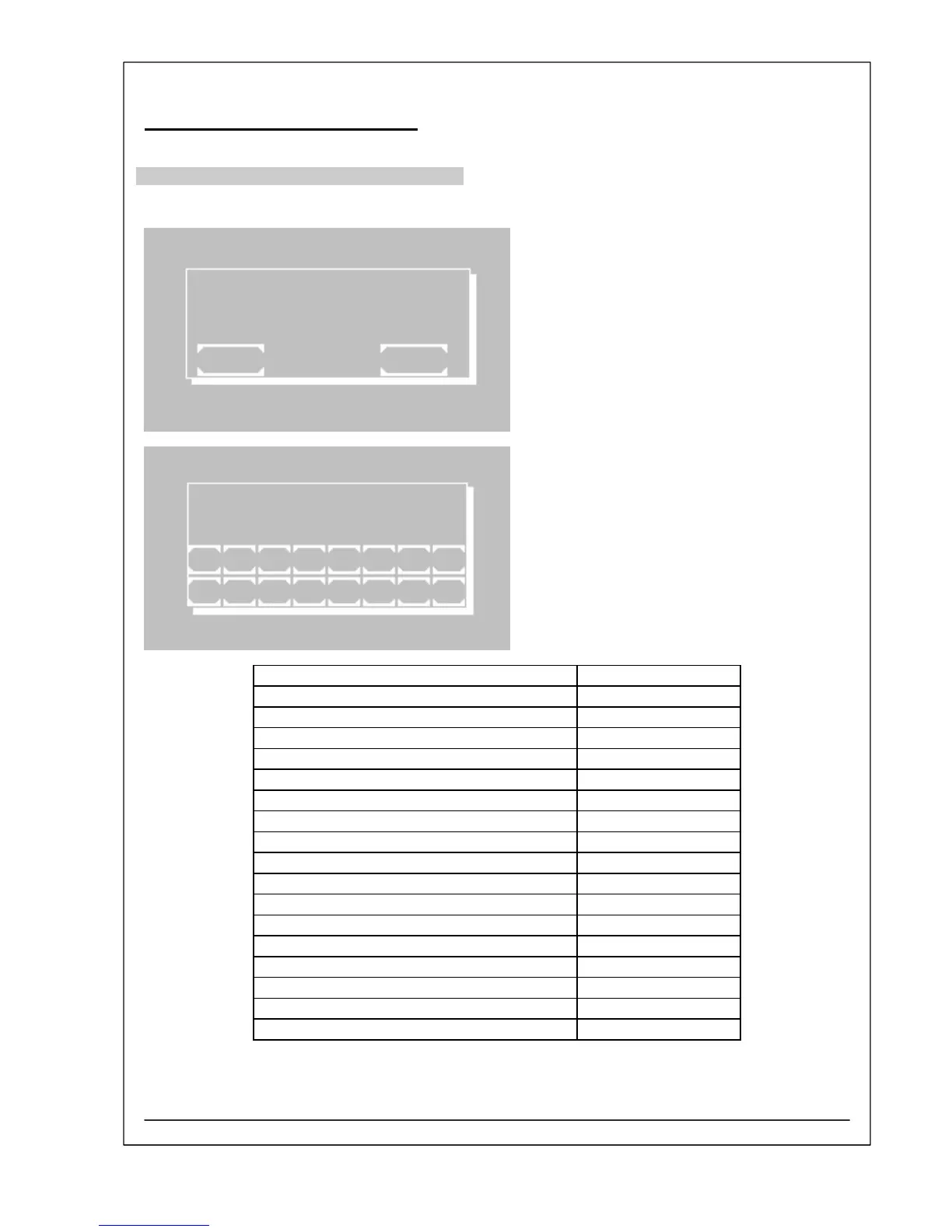
SYSTEM INITIALISATION
EXIT START
DATE TIME
mm.dd.yy hh:mm:ss
10.12.05 14:54:34
1 2 3 4 5 6 7 8
ESC 9 0 . + - E
Beeper ON
Printer internal ON
Printer external OFF
Real time clock ON
Boost mode up to 390 nm
Language English
Analog-digital converter correction 150
Temperature control: Correction values 3000
EDP OFF
EDP protocol STX / ETX / BCC
Resulting factors of methods based on standard not affected
Error list not affected
Laboratory name not affected
User name not affected
Data logging not affected
Quality control not affected
Multi-standard functions not affected
Bubble detector ON
RIELE BERLIN Photometer 5010 V5+ 3.3.3 11.03.2009



 To Next Page