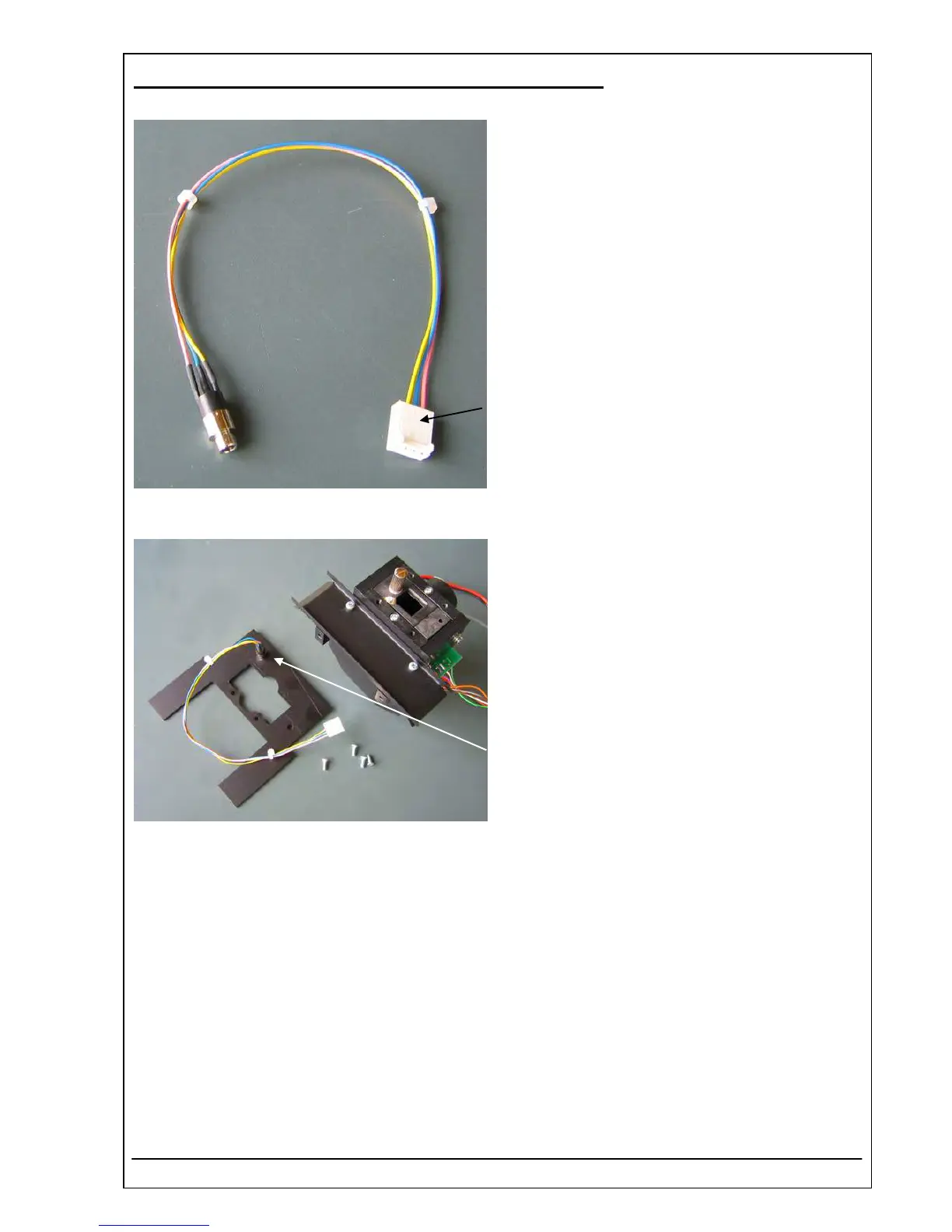
4.23 CONNECTOR BUBBLE DETECTOR REF 5010-069
Function Description
The connector bubble detector connects the bubble
detector with PCB RR-120 motherboard.
The plug P2 is connected with the socket ST2 on the
mother board RR-120.
Location
Optical unit
Connector bubble detector
Replacement
The Photometer 5010 V5+ has to be dismantled:
• see chapter 5.1 Opening – item 1, item 2, item 3, item 5
Loosen milled nut and remove the connector bubble detector.
Remove the green lead with crimped connector belonging to plug P2 pin 4 (type of adaptor).
Installation
For installation proceed in reverse order.
RIELE BERLIN Photometer 5010 V5+ 4.23.1 11.05.2006



 To Next Page