3.2 SHORT INSTRUCTION GUIDE
Utility programs
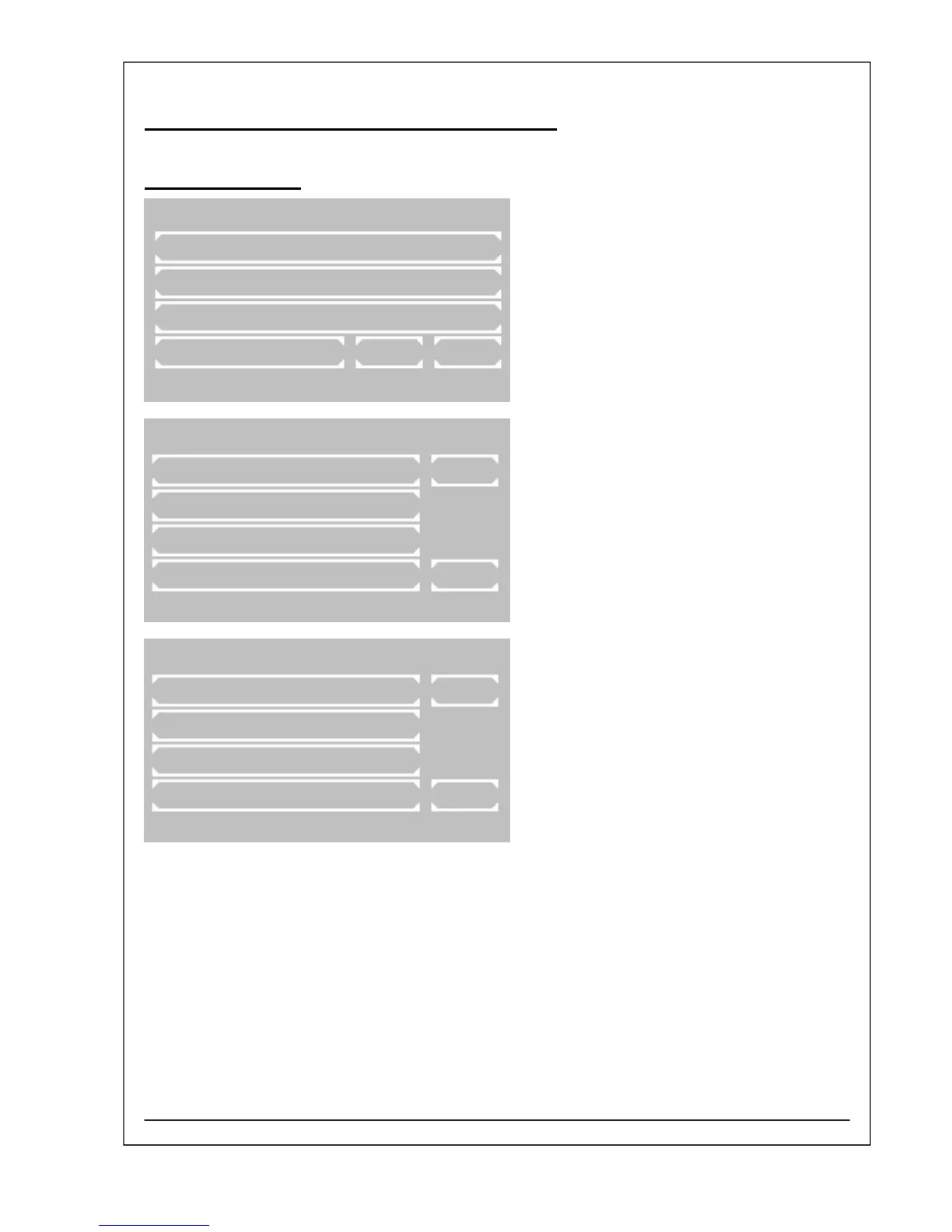
Main menu:
Utility programs are necessary for the adjustment
and maintenance of the photometer.
Page 1 of utility programs:
Scrolling through all utility programs is possible
by [PAGE]. The current page is shown at the right
upper screen corner. By [EXIT] the program
returns to the main menu.
A utility program is selected by pressing the
relating key.
Page 5 of utility programs:
The last key is representing the service tools.
MAIN MENU
MEASURE WITH PROGR. METHODS
MEASURE WITH BASIC METHODS
MEASURE NEW / CHANGE / COPY
UTILITIES LAMP LF
37.03C 22.11.07 11:39
UTILITIES PAGE 1/5
DARK ADJUSTMENT PAGE
MULTI-STANDARD
PRINTER
PUMP / BUBBLE DETECT EXIT
37.01C 22.11.07 13:05
UTILITIES PAGE 5/5
LANGUAGE PAGE
ADC COUNTS (OPTIC)
SERVICE TOOLS EXIT
37.01C 22.11.07 13:05
RIELE BERLIN Photometer 5010 V5+ 3.2.1 12.03.2009



 To Next Page