3.3 SERVICE TOOLS
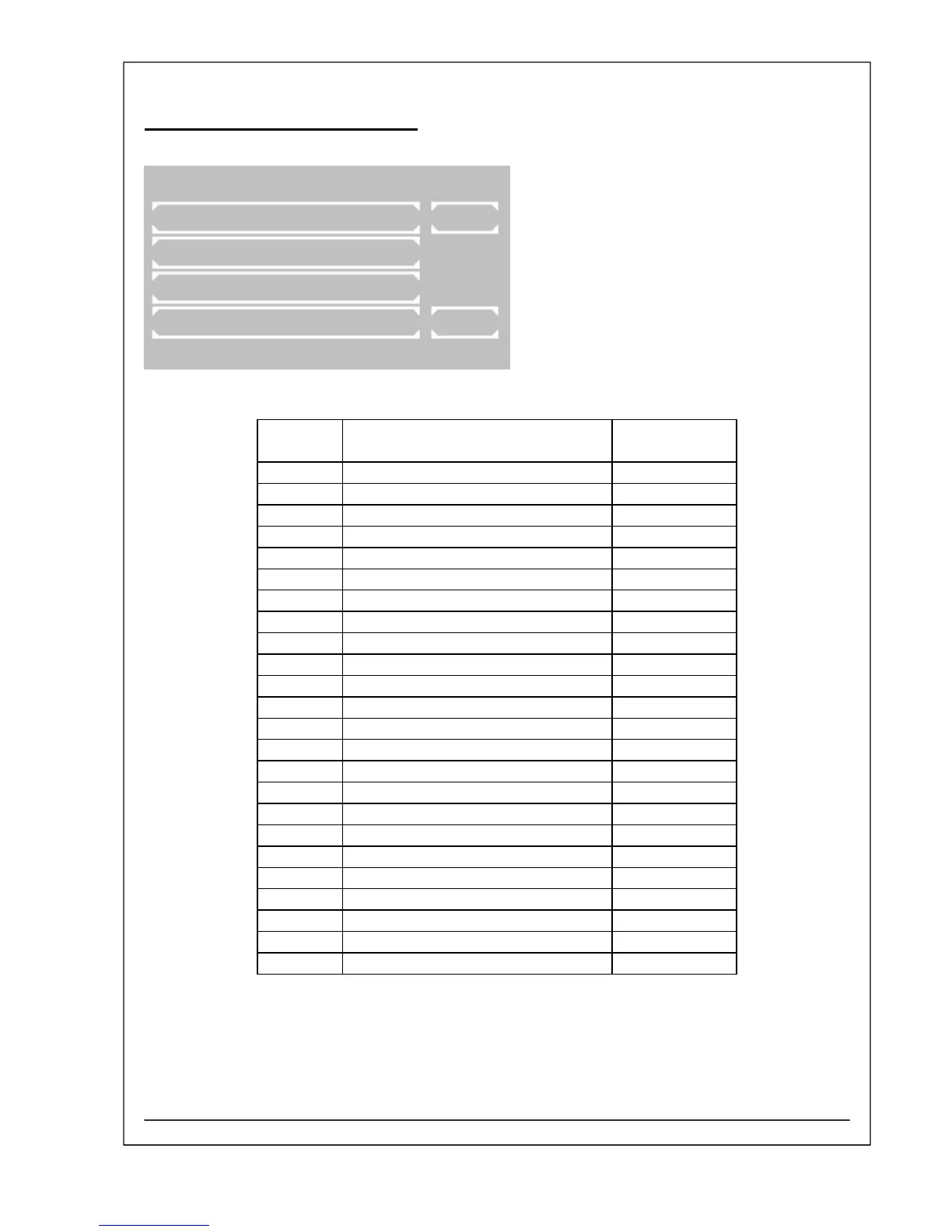
Selection of a desired service tool is possible with
[PAGE].
The current page is shown on the right upper corner of
the display.
Abort of service tool selection and change back to
program selection with [EXIT].
A service tool will be invoked by pushing the
corresponding button.
SERVICE TOOLS PAGE 1/6
SYSTEM INITIALISATION PAGE
MEMORY
DISPLAY TEST
LAMP EXIT
Item no. Service tool Description
in chapter
1 SYSTEM INITIALISATION S1
2 MEMORY S2
3 DISPLAY TEST S3
4 LAMP S4
5 SERIAL NO. S5
6 PCB LAYOUT S6
7 SET WAVELENGTH S7
8 TEST FILTER WHEEL S8
9 TEMPERATURE ON/OFF S9
10 TEMPERATURE VALUE S10
11 CORRECTION VALUE S11
12 TEMPERATURE CALIBRATION S12
13 ADC CORRECTION S13
14 ADC COUNTS (OPTIC) S14
15 ADC COUNTS (DARK ADJ.) S15
16 BOOST WAVELENGTH S16
17 CALIBRATION 12V ADC S17
18 DISTRIBUTOR TEXT INIT S18
19 AUTOMATIC RESULTS S19
20 BCC OF METHOD / CURVE S20
21 CLEAR FACTORS + RB S21
22 CLEAR ERROR LIST S22
23 PRINTER TEST S23
24 STACK TEST S24
RIELE BERLIN Photometer 5010 V5+ 3.3.2 11.03.2009



 To Next Page