4.11 FILTER WHEEL
RIELE BERLIN Photometer 5010 V5+ 4.11.2 09.04.2009
Installation of additional optical filters / Replacement of optical filters
The filter wheel can be equipped with additional optical filters in the positions 7 to 9.
In the standard equipment the not used positions are optically locked by metal slices.
The respective metal slice is replaced with a filter at installation of an additional filter. In the memory of the
Photometer 5010 V5+ the value of the wavelength (e.g. 670 nm) for the corresponding position (e.g. 7)
becomes changed by a service software routine.
Mechanical operations:
Location
Optical unit
Replacement
The Photometer 5010 V5+ has to be dismantled:
• see chapter 5.1 Opening
• see chapter 5.2 Separating top case and bottom case
• see chapter 5.3 Base plate – page 5.3.1
The filter wheel is turned by hand so that the corresponding hole is at the cut-out of the motor mounting plate
(see page 4.11.1).
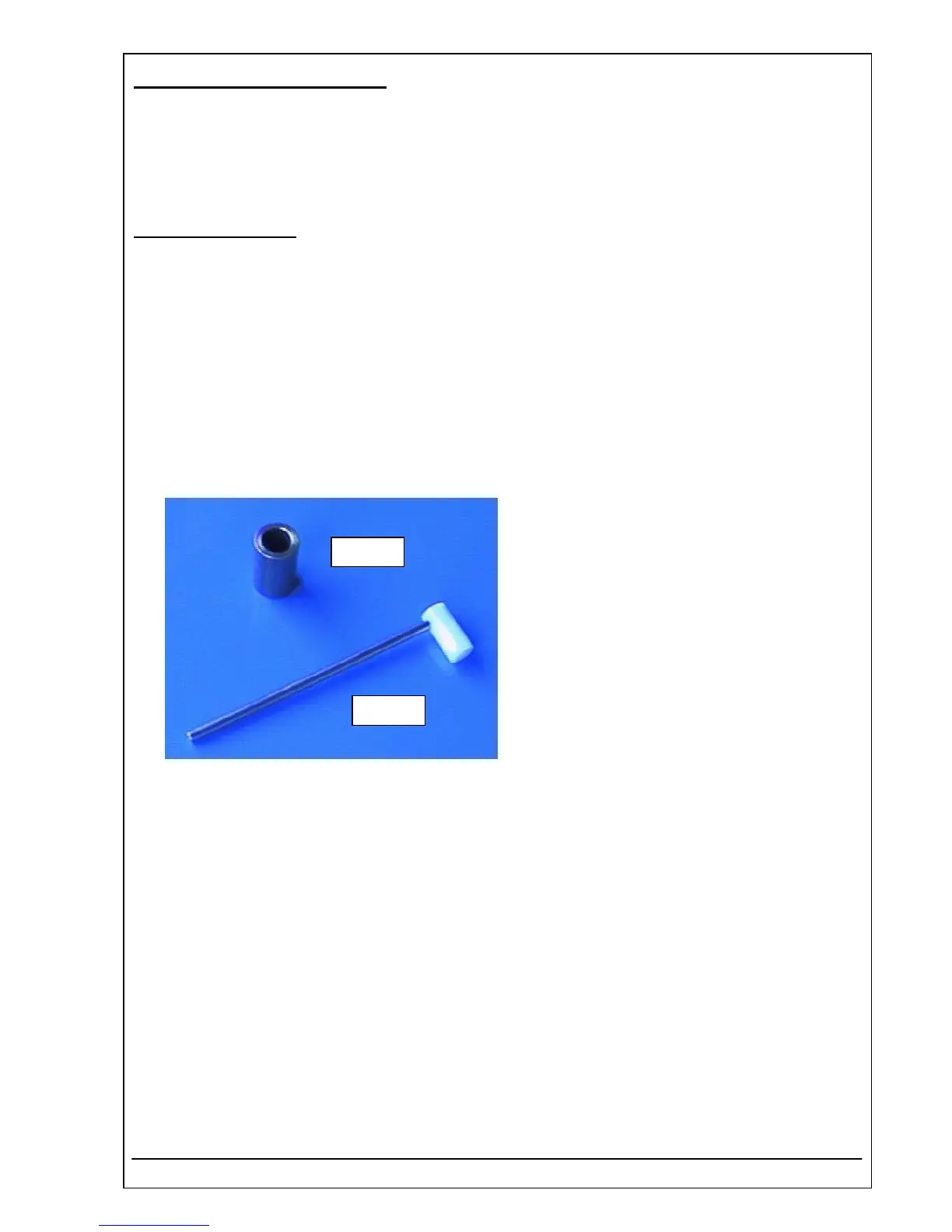
With the tool kit filter exchange ( RIELE
REF 5010-001 ) a filter exchange can be
easily carried out.
The tool kit filter exchange consists of the
tools A and B.
Tool B
Tool A



 To Next Page