4.19 LIGHT BARRIER FILTER WHEEL REF 5010-063
Installation
For installation proceed in reverse order.
1. Switch on the Photometer 5010 V5+.
2. Run UTILITIES – SERVICE TOOLS - TEST FILTER WHEEL.
The rotation of the filter wheel can be controlled.
With [F0] up to [F9] the discret positions of the filter
wheel can be selected.
A specific value (e.g. 399MS) shows the rotation of
the filter wheel. The abbreviation MS is used for
motor step.
Move the holder up or down as long as each
hole
situated on the border line of the filter wheel is
centered to the hole situated on the mounting p
F
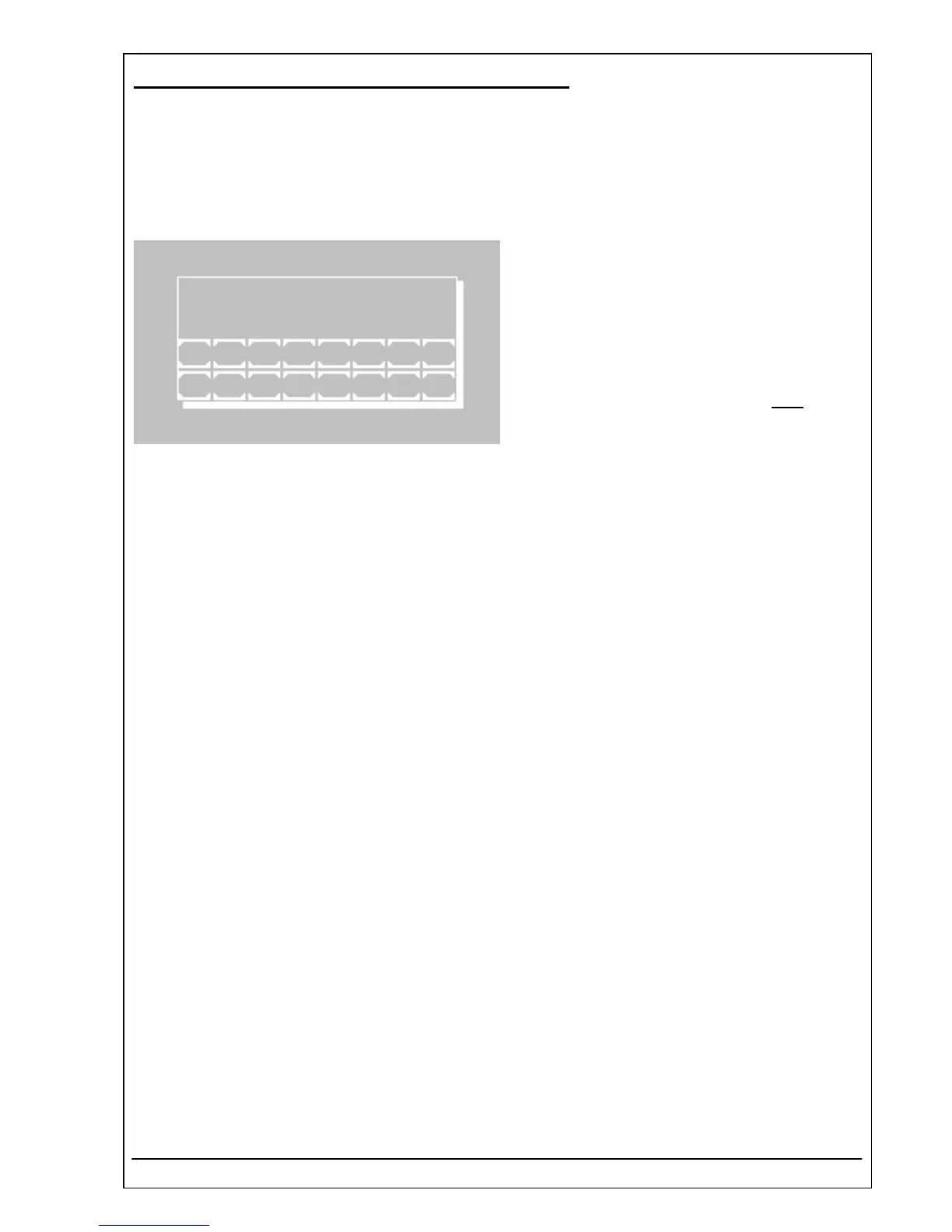
TEST FILTER WHEEL
F1 340nm 399MS
F1 F2 F3 F4 F5 F6 F7 F8
ESCF9 F0
late.
ix the cylinder head screw.
3. Check one after another the used positions of the filter wheel.
4. Finish the operation with [ESC].
RIELE BERLIN Photometer 5010 V5+ 4.19.2 11.05.2006


 To Next Page
 Loading...


