4.40 PCB RR-120 MOTHERBOARD REF 5010-120
15. Perform a pump calibration by applying utility U4.2
(OM chapter 7.2.4.4 – Pump calibration).
16. Switch off Photometer 5010 V5+. Change the cuvette adaptor. Switch on Photometer 5010 V5+.
17. Do a dark level adjustment by applying utility U1 in combination with standard cuvette adapter.
See OM chapter 7.2.1 - Dark level adjustment.
18. Control the settings by applying utility U7
(OM chapter 7.2.7 - Printout settings).
******ACTUAL*SETS*******
DATE: 11.05.08
TIME: 11:49:06
PHOTOMETER 5010 # 7000
V5.12a 31.10.08 D /2.0
PCB LAYOUT d
ADC COUNTS (DARK ADJ.) E
0: 17970 1: 17970
2: 17971 3: 17971
4: 17971 5: 17971
6: 17972 7: 17972
ADC COUNTS (DARK ADJ.) D
0: 17970 1: 17971
2: 17971 3: 17972
4: 17972 5: 17976
6: 17980 7: 17980
TEMPERATURE E
25C 8250 3000
30C 9500 3000
37C 11250 3000
TEMPERATURE D
25C 8250 3000
30C 9500 3000
37C 11250 3000
FILTER
0: DDD 1: 340
2: 405 3: 492
4: 546 5: 578
6: 623 7: 999
8: 999 9: 999
PUMP
MS AIR 205
MS/50ul 61
B-DET. 4
BATTERY: OK
VOLUME OPTIMIZED OFF
VDC LAMP 12.09V
ADC CORRECTION 150
STACK TEST 18
BOOST nm 390
EDP ON (STX-ETX-BCC)
LANGUAGE
1: ENGLISH
2: GERMAN
KEY SIGNAL ON
PROGR. METHODS 0
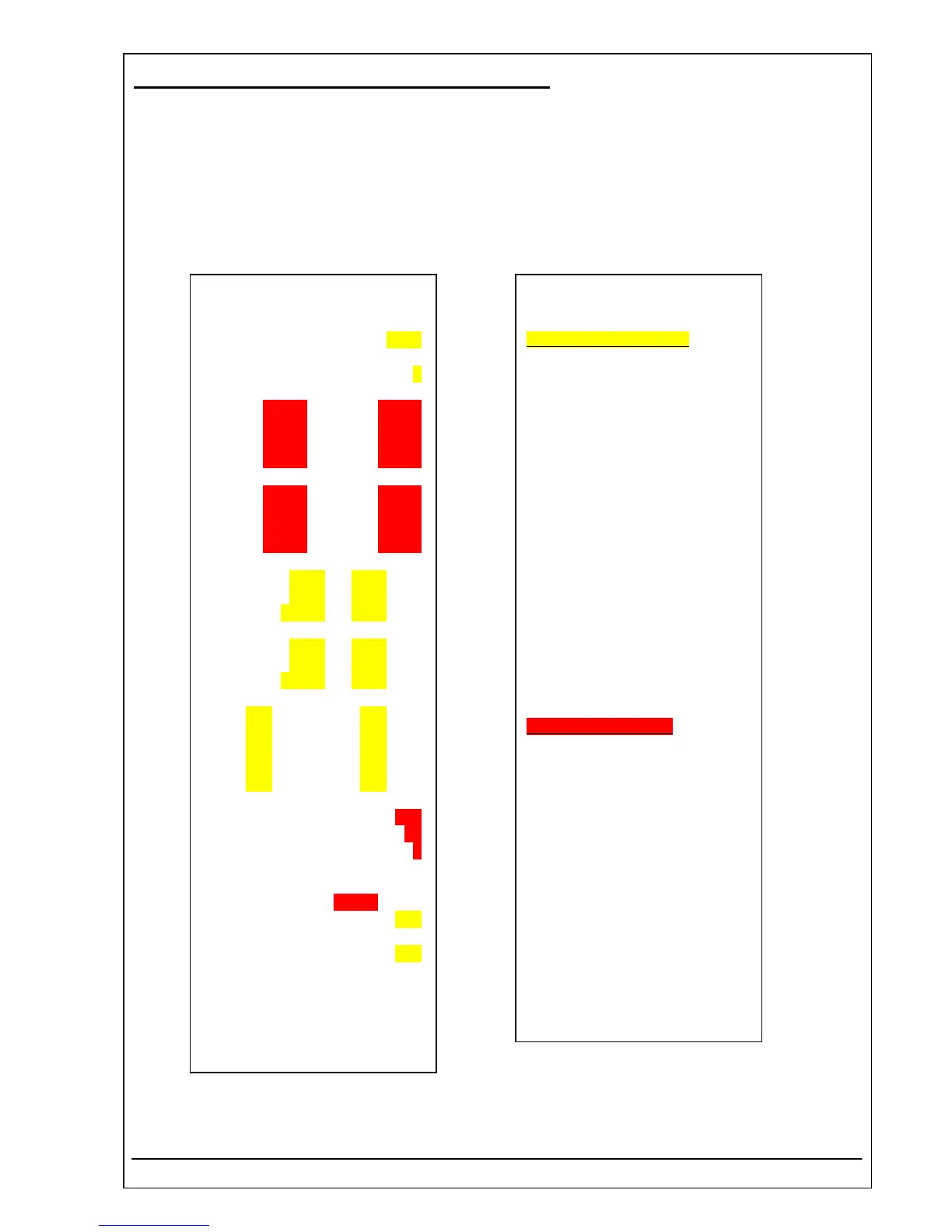
Yellow marked variables:
Those variables are specific to the
device and created in the factory.
In case of replacing the variables
get information by:
Serial number:
(see item 6)
Layout of pcb motherboard:
(see item 9)
Temperature values:
(see item 8)
ADC correction:
The default value is 150.
Boost nm:
The default value is 390.
Red marked variables:
ADC counts:
(see item 13 and 17)
MS Air, MS/50ul and B-Det:
(see item 14 and 15)
VDC Lamp:
(see item 2 and chapter 3.3 – S17
Calibration 12 VADC)
RIELE BERLIN Photometer 5010 V5+ 4.40.13 17.03.2009



 To Next Page