Page 13
Viewing and Hearing System Status
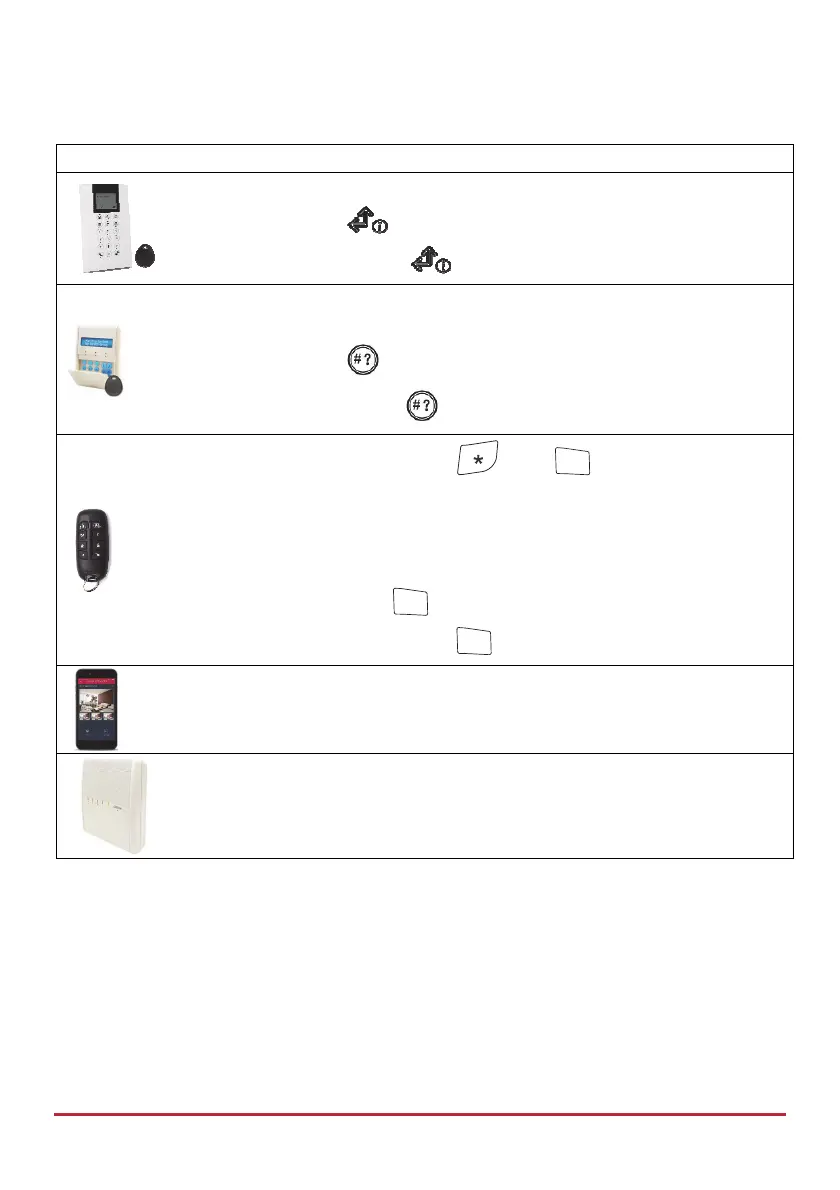
Device Procedure
NOTE: Short-press for display, or long-press for display + announcement.
Quick mode: Press
High Security mode: Press
, then enter code or use proximity tag.
NOTE: Short-press for LCD display, or long-press for display +
announcement.
Quick mode: Press
High Security mode: Press , then enter code or use proximity tag.
NOTE: For both modes, pressing before
4
?
will give status
indication only with the remote control’s LED, and not with a voice
message at main panel.
NOTE: For LED and buzzer indication and code descriptions, see Main
Panel LED Indicators on page 9, and Main Panel Sound Indicators on page 10.
Quick mode: Long-press
4
?
High Security mode: Long-press
4
?
, then enter code.
[Smartphone app]: View system status
Short-press the main panel button to hear a system status announcement
(if installer-defined)



 To Next Page