Page 16
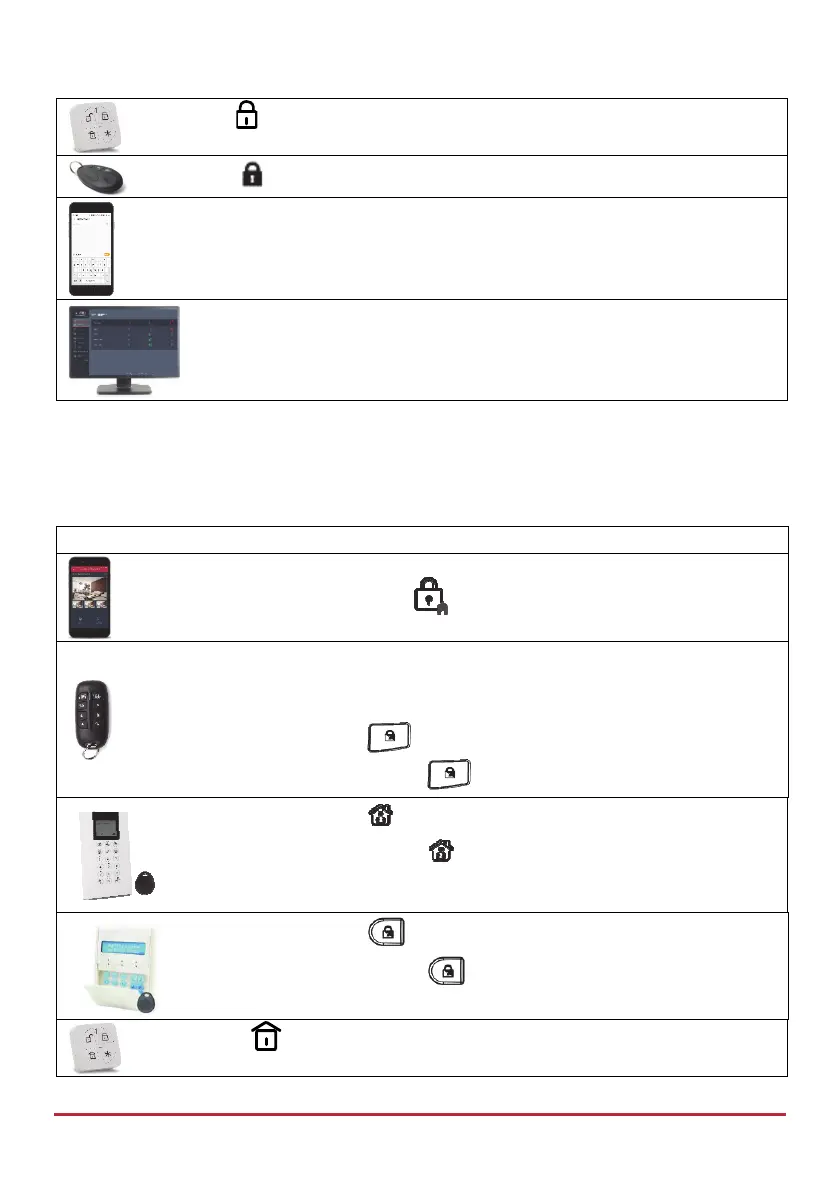
Press
Press
[SMS]: Enter code + S
Example: 1234S. For more information refer to SMS Operation, page 37.
[Web app]: Click Full Set
Part Setting
Partial Setting (also referred to as “Part” Setting or “Home” Setting) sets only part of the
premises, while enabling people to remain in another Unset part of the premises.
Device Procedure
[Smartphone app]: Press .
NOTE: For LED and buzzer indication and code descriptions, see Main
Panel LED Indicators on page 9, and Main Panel Sound Indicators on page
10.
Quick mode: Press
.
High security mode: Press
, then enter code.
Quick mode: Press
.
High security mode: Press , then enter code or use proximity tag.
Quick mode: Press
.
High security mode: Press , then enter code or use proximity tag.
Press



 To Next Page