Page 21
To view the last alarm information, at the LCD/Panda keypad press for about 3
seconds.
If an entry door is opened prior to Unsetting the system, "Alarm occurred in the system"
will be announced.
Short-press
/ to view the alarm type (system status), or long-press to view &
also hear the status. Smartphone users can also view this information.
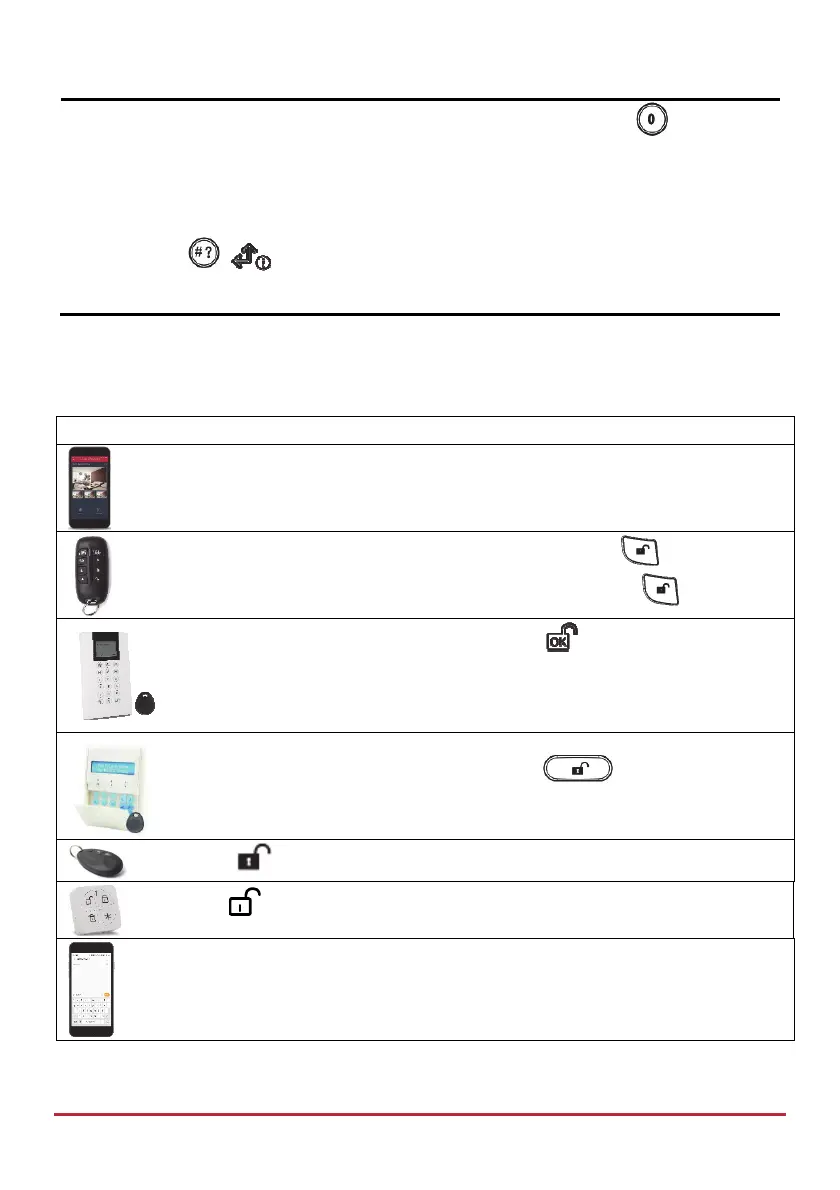
Partition Unsetting
Partition Unsetting enables you to Unset individual partitions within an set system.
Device Procedure
[Smartphone app]: Partition Unsetting
Quick mode: Press partition number (1–3), then press
.
High security mode: Press partition number (1–3), press
, enter code.
Press partition number (1–3), and then press
. Now enter code or use
proximity tag.
Press partition number (1–3), and then press . Now enter code or
use proximity tag.
Press (for all assigned partitions)
Press (for all assigned partitions)
[SMS]: Enter code + US + partition number (1–3). Example: 1234US2.
For more information refer to SMS Operation, page 37.



 To Next Page