Page 43
Deleting User Codes
User codes can only be deleted when the system is Unset.
NOTE: It is not possible to delete the Grand Master code, although it can be changed.
To delete a user code using an LCD/Panda keypad:
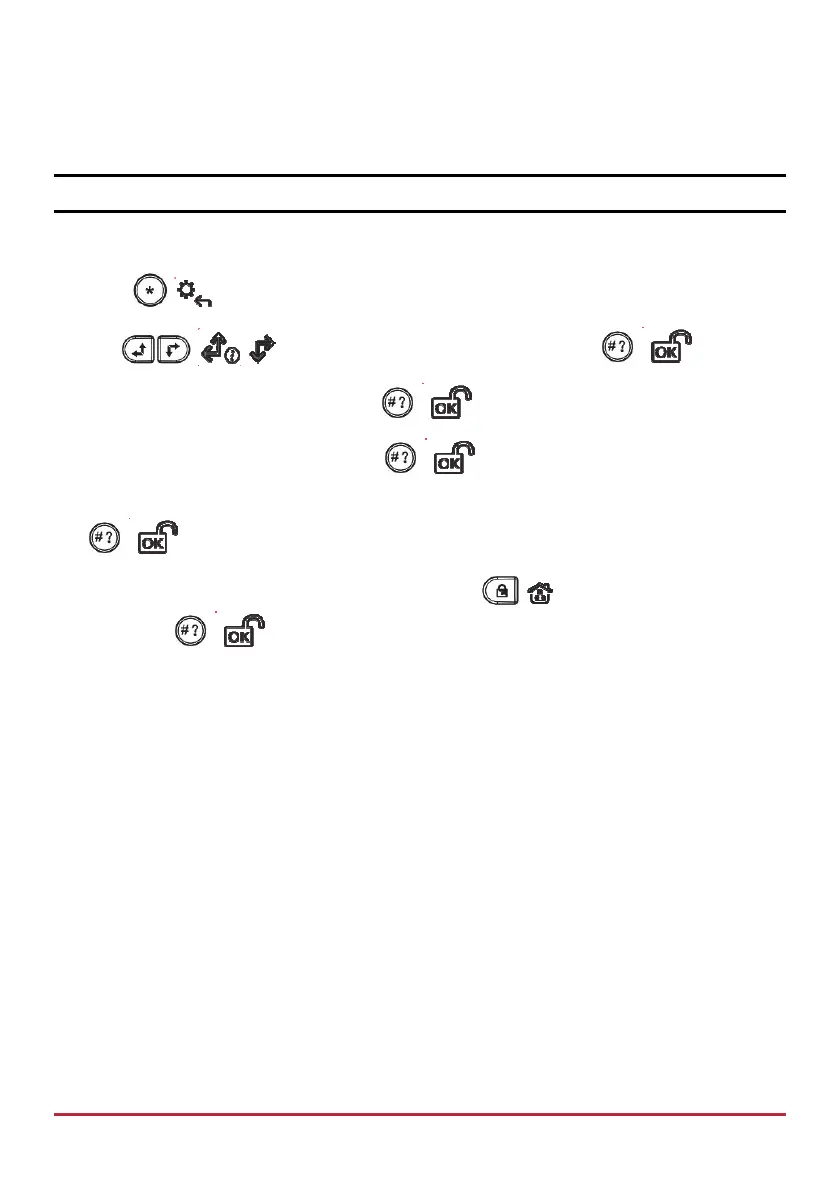
1. Press
/ and enter your code to access the User Menu.
2. Use / to scroll to Codes/Tags, and then press / .
3. Scroll to User Codes, and then press
/ .
4. Scroll to Delete code, and then press
/ .
5. Scroll to the user index number of the code you want to delete, and then press
/ .
6. At the “Delete User, Are You Sure?” prompt, press / to toggle to Y (yes), and
then press
/ ; the system beeps and “deleted” displays.



 To Next Page