Page 47
Activating/Deactivating Automatic Setting & Utility
Output Programs with Scheduler
The Scheduler feature enables the Grand Master to activate or de-activate the following
whenever needed:
Automatic system Setting/Unsetting: The Grand Master can activate (or deactivate)
the system to be Set/Unset at its pre-set time intervals.
Automatic activation of Utility Output (UO): The Grand Master can activate (or
deactivate) UO devices and appliances in order to operate automatically at their pre-set
time intervals.
Before the Grand Master can activate/deactivate, the installer must first define the weekly
program(s). Each program can be defined with up to two “ON” and “OFF” times per day.
NOTES:
Each program can be installer-defined to be activated in a different manner – for
example, different scheduling days/times can be applied during a vacation
Automated programs can also be controlled with the Web user app.
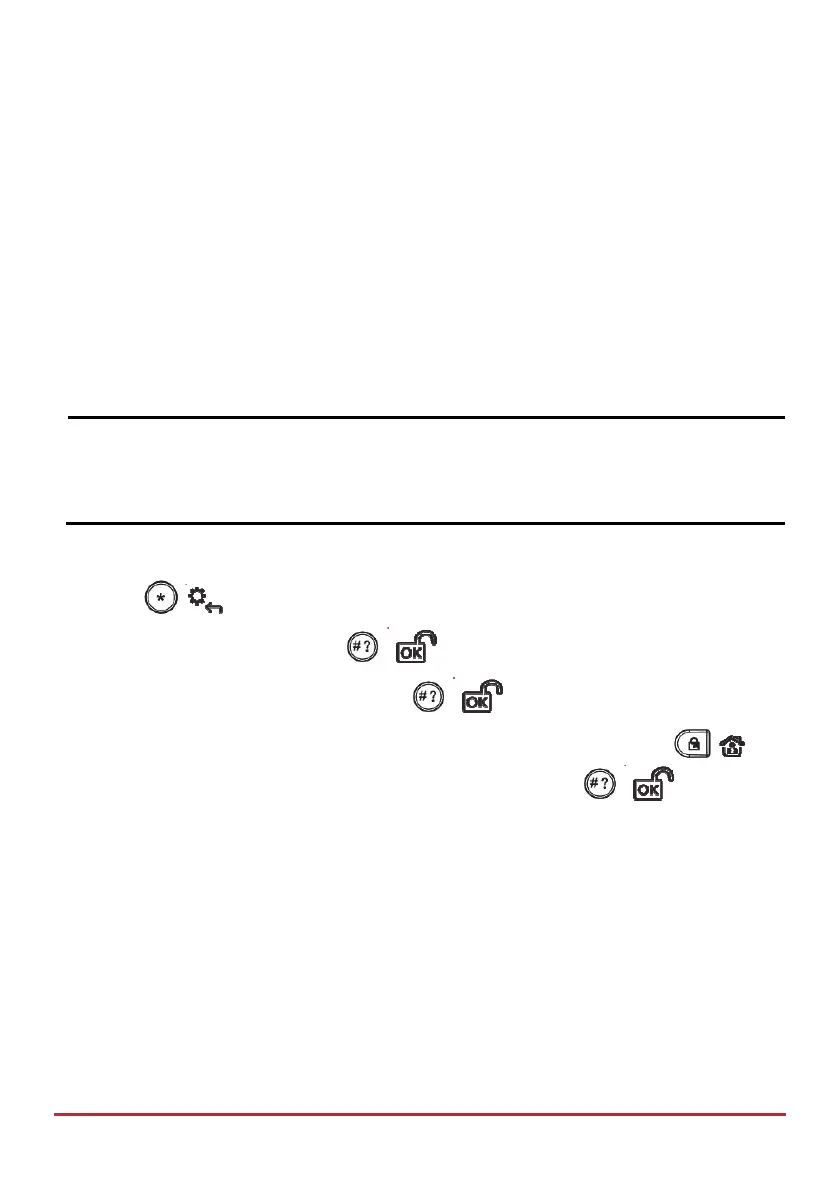
To activate/deactivate an automated program from the LCD/Panda keypad:
1. Press
/ and enter your Grand Master code.
2. Scroll to Clock, and then press
/ .
3. Scroll to Scheduler En., and then press
/ .
4. Scroll to select the (installer-defined) program index number, then press
/ to
toggle between Y (activate) or N (deactivate), and then press
/ .



 To Next Page