Page 25
Sending a Medical / Emergency Alarm
You can send a medical / emergency alarm from the LCD/Panda keypad.
To send a medical / emergency alarm from the LCD/Panda keypad:
Press and (LCD Keypad) / and (Panda Keypad) simultaneously for
2 seconds
Operating Output Control
Also known as Home Automation or Utility Output, this enables you to schedule multiple
automated external (not system-connected) devices to be remotely turned on and off, such
as lights, appliances, a garage door, etc.).
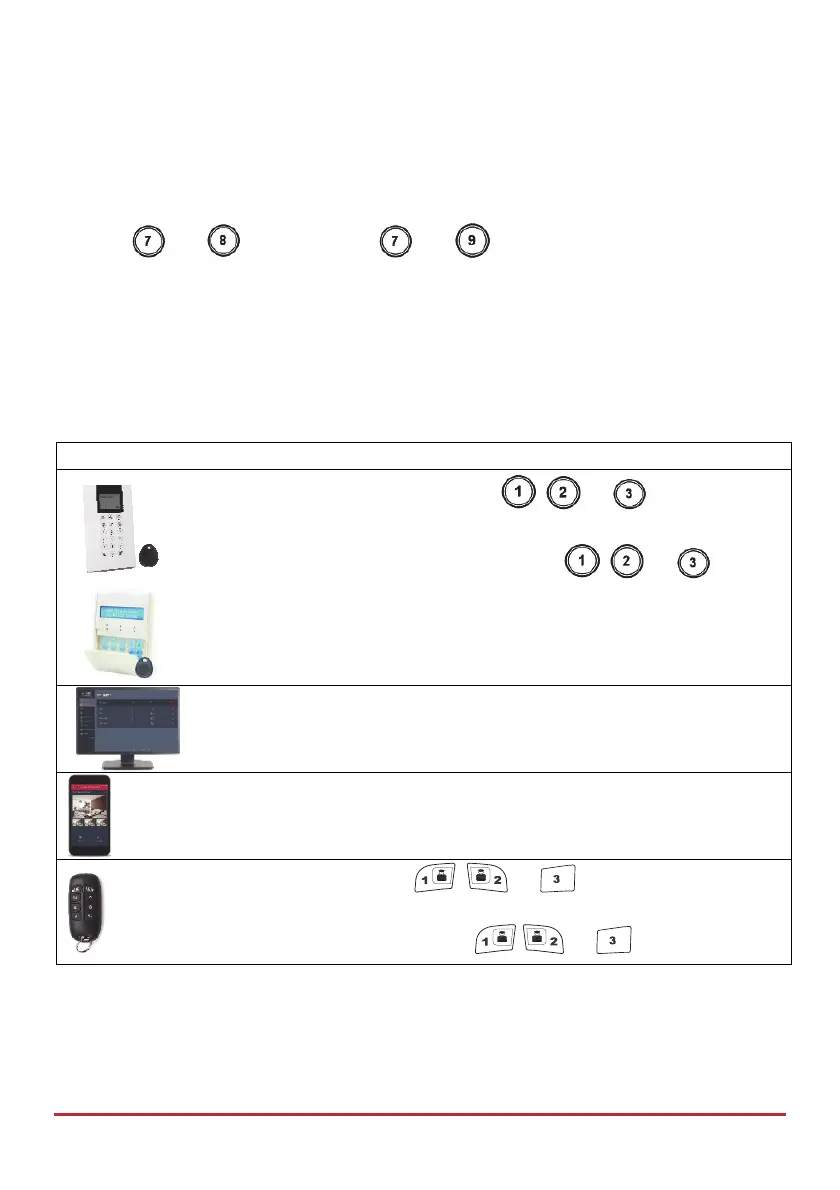
Device Procedure
Quick mode: Press and hold button , , or (for the
respective automated device) for 2 seconds.
High Security mode: Press and hold button , , or (for the
respective automated device) for 2 seconds, then enter your code or
swipe the proximity tag.
NOTE: Installer defines which output is assigned to each of the 3
buttons.
[Web app]: Operating output control [Automation tab]
[Smartphone app]
Quick mode: Long-press
, , or (for outputs A, B, C
respectively)
High security mode: Long-press
, , or , then enter code.



 To Next Page