Page 20
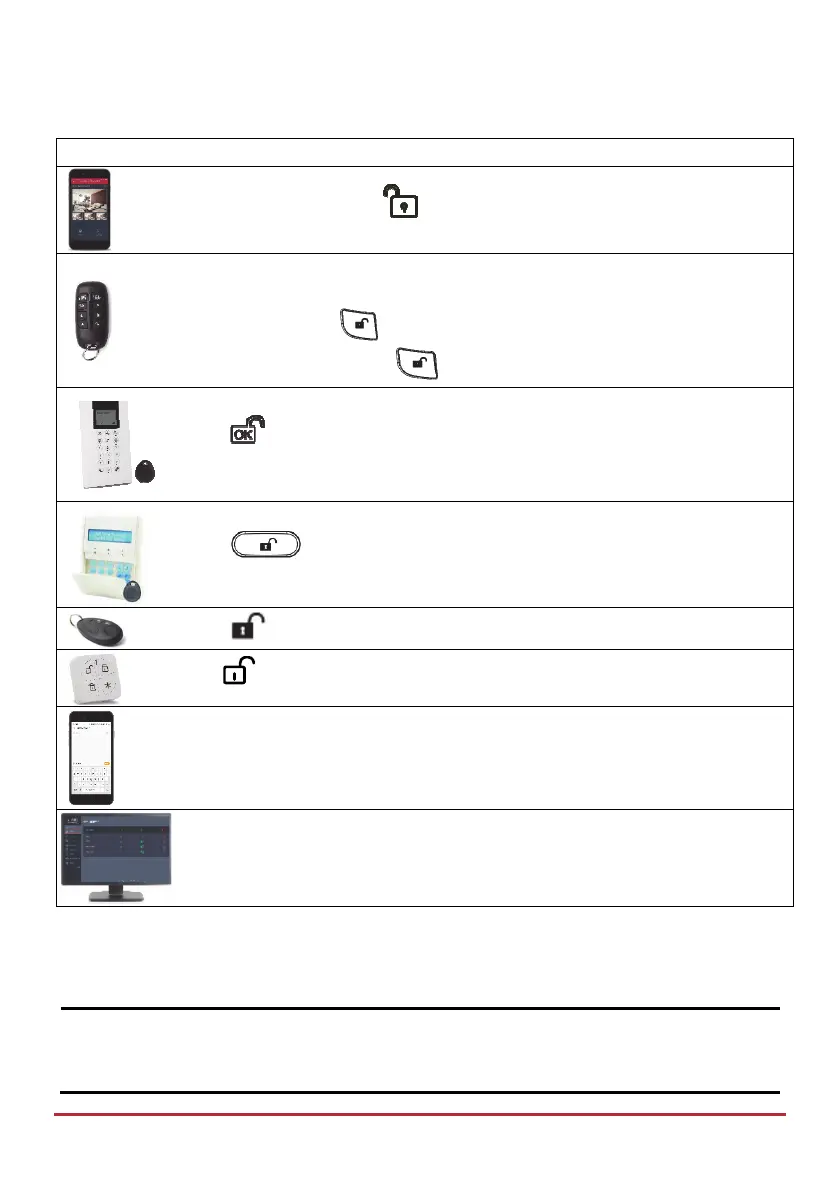
System Unsetting
Device Procedure
[Smartphone app]: Press .
NOTE: For LED and buzzer indication and code descriptions, see Main
Panel LED Indicators on page 9, and Main Panel Sound Indicators on page 10
Quick mode: Press .
High security mode: Press , then enter code.
Press
then enter code or use proximity tag.
Press
then enter code or use proximity tag.
Press
Press
[SMS]: Enter code + US
Example: 1234US. For more information refer to SMS Operation, page 37.
[Web app]: Enter user code, and then click Unset.
Unsetting after Alarm Activation / Silencing an Alarm
After an alarm activation, if you Unset the system it will also serve to silence the alarm.
NOTES:
After Unsetting, the system will sound 4 siren chirps to inform that an alarm has
occurred, and then any alarms will be silenced.



 To Next Page