Page 26
Viewing the Event Log
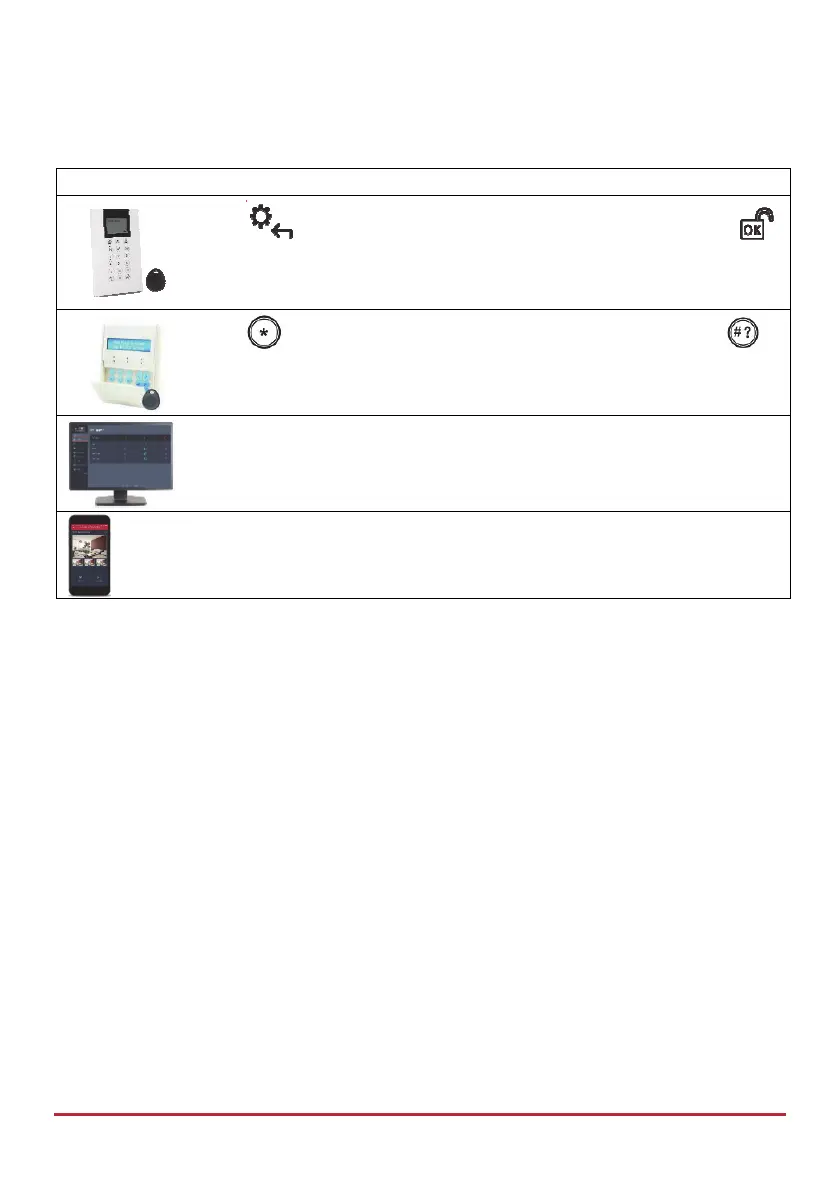
Device Procedure
Press
then enter code and then scroll to Event Log and press
Press
then enter code and then scroll to Event Log and press
[Web app]: Viewing the Event Log (History tab)
[Smartphone app]: Viewing the Event Log
Describing Talk & Listen
The Talk & Listen feature enables 1-way or 2-way voice communication between the
monitoring station and system users at the premises. Installer-defined, it can be activated by
the monitoring station and also user-activated and operated from the keypad. The
monitoring station, for example, can listen silently to the premises in order to verify an event
or to talk to someone at the premises who needs assistance. For users at the premises, for
example, they can place a service call to the monitoring station or call the monitoring station
to prompt them to listen-in only (without any talking). The user at the premises
communicates through the built-in microphone and speaker on the main panel, or
alternatively via an external Talk & Listen unit – which must be located next to a keypad.



 To Next Page