Robustel R5020 User Guide
RT_UG_R5020_v.1.0.2 Mar. 17, 2023 108/167
Indicate the ordinal of the list.
In server mode, configure the username of the client.
In server mode, configure the password corresponding to the user
name of the client.
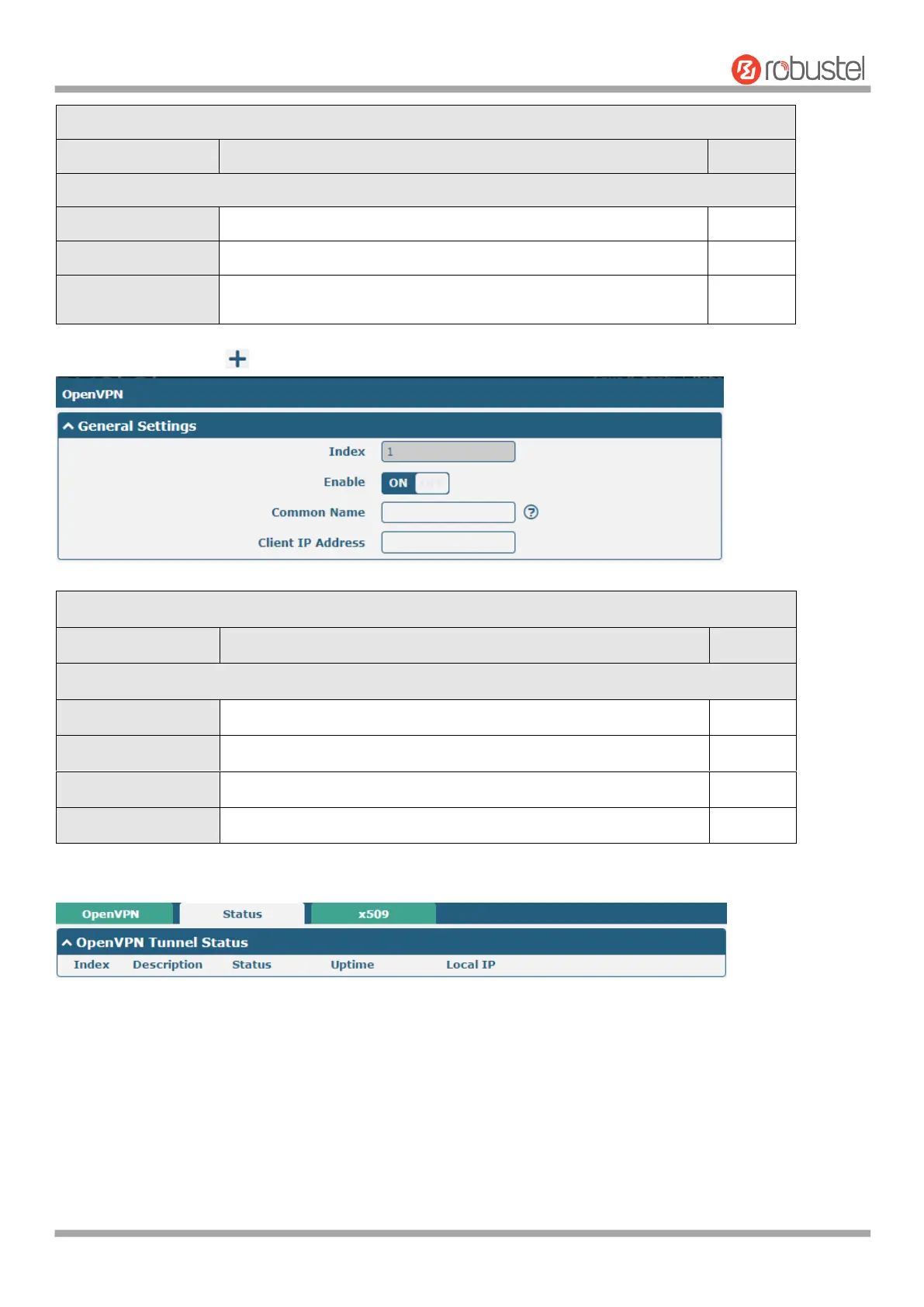
Click Password Manage to add user names and passwords, up to 20. The following is displayed.
Indicate the ordinal of the list.
Click the toggle button to enable/disable this option.
Specify the client's common name.
Specifies the client’s virtual IP address.
This section allows you to view the status of the OpenVPN tunnel.













 To Next Page