Robustel R5020 Hardware Manual
RT064_HM_R5020 7/11
Interface Descriptions
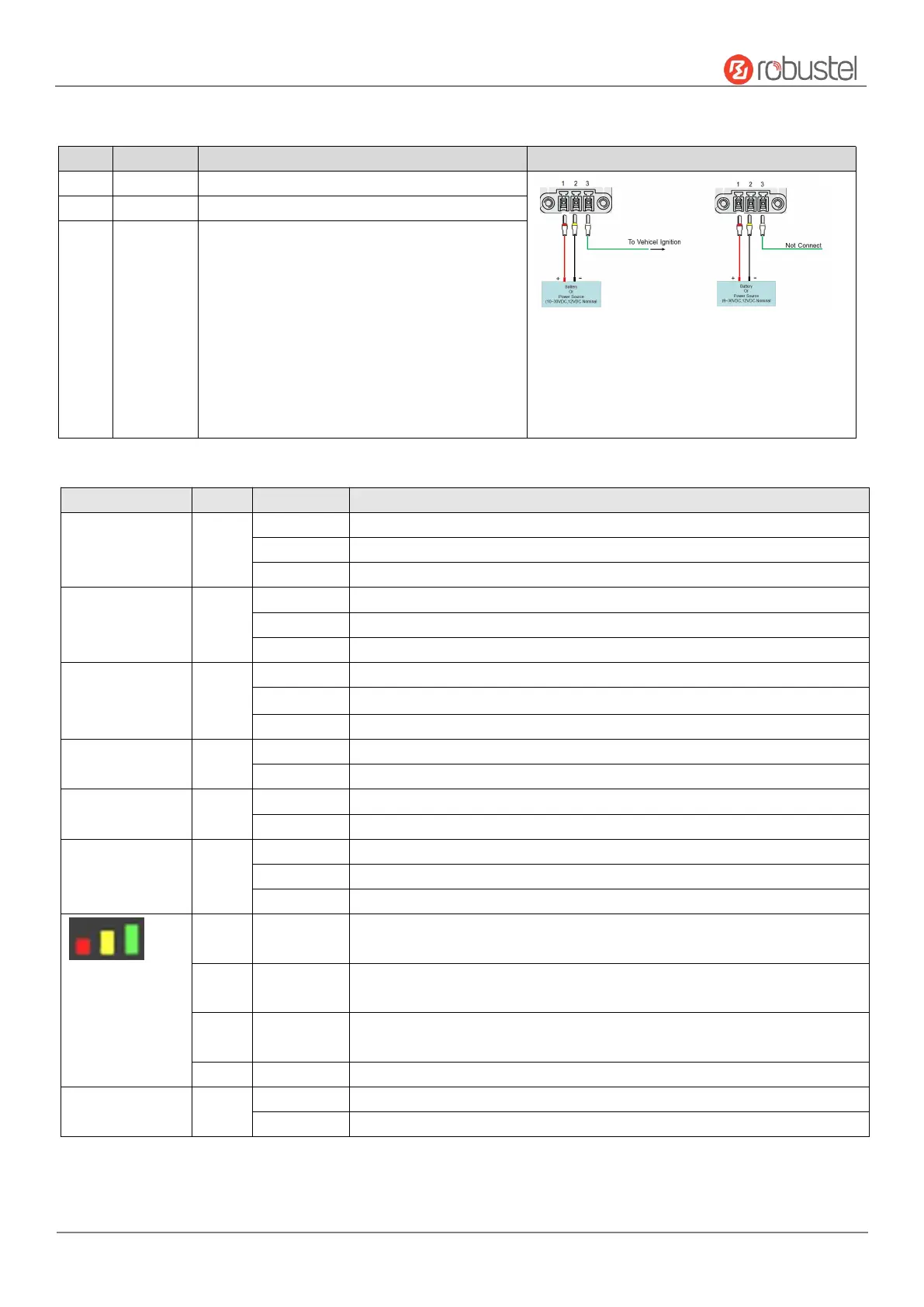
1. Power Supply. 3PIN 3.5mm pitch terminal block.
Connect adapter or battery positive (red line)
With ACC Function With POE Function
Note:
1) ACC and POE function can only be selected one
2) The input voltage is 10 to 30V DC(With ignition
sensing) or 9 to 36V DC(Without ignition sensing)
Connect adapter or battery negative (yellow line)
Car ignition and flameout detection (green line)
Note: when the car ignition and flameout detection function
is not used, the ACC pin need to be connected to the V+ and
cannot be left floating.
Link connection is working
Data is sent and received
Link connection is not working
Connection to 5G network is established(5g signal is the best)
Connection to Legacy network (4G or 3G) is established(3G signal difference / 4G signal medium)
Network is not joined or joining
OpenVPN connection is established
OpenVPN connection is not established
IPsec connection is established
IPsec connection is not established
Main SIM card is being used
Backup SIM card is being used
No SIM card is being used
5G network: Reference Signal Received Power greater than -86 dBm (Strong signal)
Non-5G network: Received Signal Strength Indication greater than -73 dBm (Strong signal)
5G network: Reference Signal Received Power -105 to -86 dBm (Moderate signal)
Non-5G network: Received Signal Strength Indication -91 to -73 dBm (Moderate signal)
5G network: Reference Signal Received Power -140 to -106 dBm (Weak signal)
Non-5G network: Received Signal Strength Indication -111 to -93dBm (Weak signal)
Wi-Fi is enabled and working properly
Wi-Fi is disabled or not working properly
Note: You can choose the display type of USR LED. For more details, please refer to
RT123_SM_RobustOS Software Manual, Services > Advanced > System >System Settings > User LED Type.













 To Next Page