73 / 327 - EN -
Operation:
Step Description Remark
Activating the program
pause facility
The program pause facility is activated by
pressing the < key and then the f key.
The controller sounds a short beep, the
current program is paused and the
current kiln temperature is maintained.
The program pause is ended by pressing
the < key and then the f key.
The paused firing program continues.
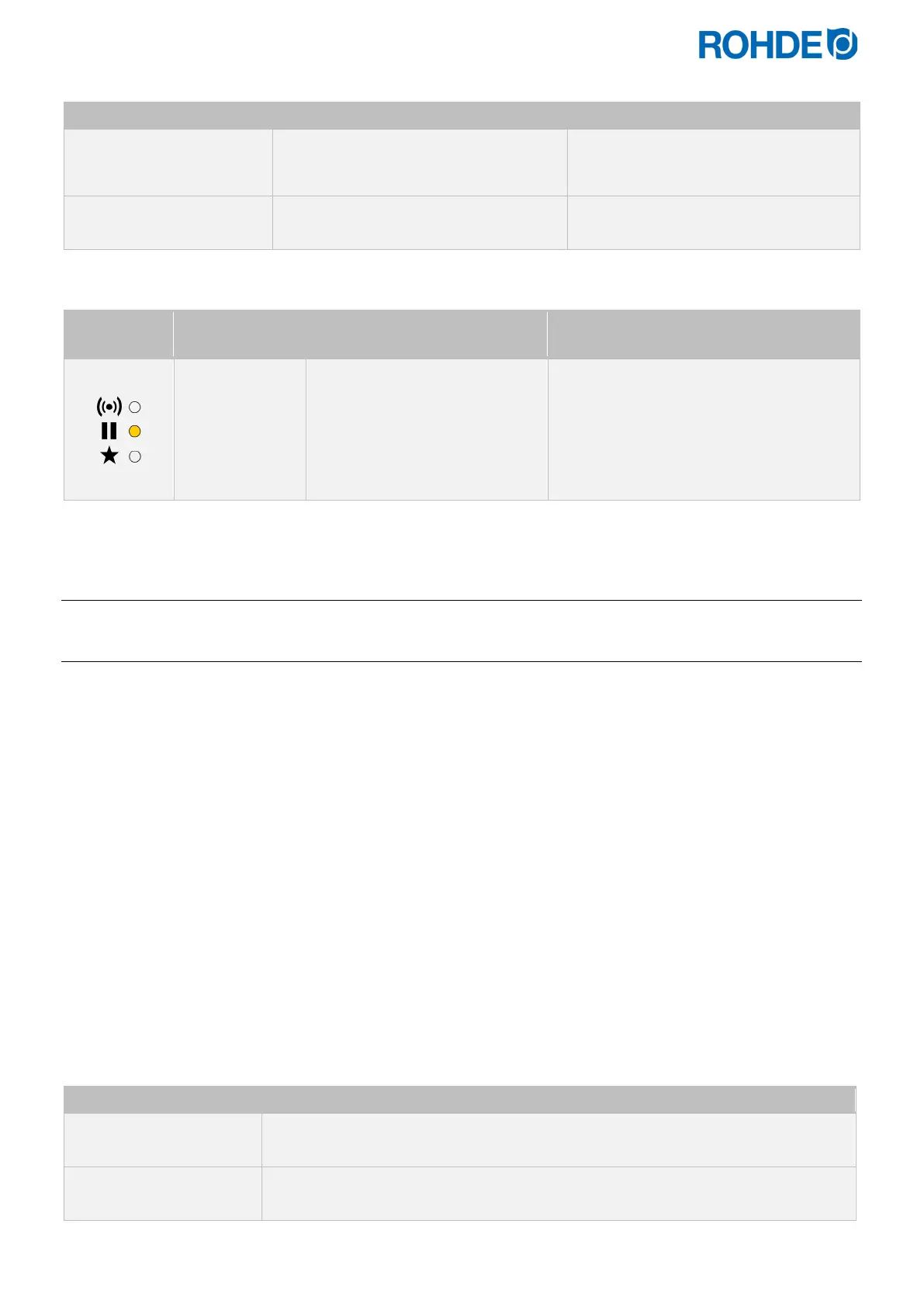
Indicated in the display:
Indicator on
the left
Main display Description Remark
PAUSED
• While paused, the kiln
temperature display will
alternate periodically with a
scrolling “PAUSED” display
• A repeated double beep will
be sounded.
• Program execution is suspended, and
the kiln will be held at its current
temperature.
• The pause will come to an end
automatically after a preset period.
• The pause function is preset to 2 hours
at the factory.
8.2. Notes on the firing process
8.2.1. Querying kiln performance
The controller can display the amount of energy required for a firing:
• The benefit for the user is that the power consumed is displayed at the end of the firing.
• The energy consumption can only be read if the value for the output of the heating zones has been entered in
the parameter configuration (parameter nos. 14/24/34 refer to section 12.).
• If the display shows the value “0.0” continuously, the energy consumption display must also be configured in the
parameter configuration (see Section 12.).
• The consumption values can be called up during or after the firing. When the controller is switched off, the
information is saved and remains available until a new firing program is started.
• During a firing, the energy used so far is shown. After a firing, the total energy used for the firing is shown.
• Information on the calculated amount of energy:
− The controller calculates the amount of energy required by the kiln at intervals of 30 seconds
(factory-set).
− If for example 40
% of full energy is required to maintain a particular ramp rate or a particular soak
temperature then the controller will apply heating power to the kiln for 12 seconds every 30 seconds.
− The kiln heating indicator will light for 12 seconds every 30 seconds.
− If the kiln has a contactor, then a loud click will be heard both when the kiln heating indicator lights up
and when it goes out.
− If full heating power is required, then the kiln heating indicator will remain lit.
− If full cooling is required, the kiln heating indicator will remain off.
To check the required amount of energy (consumption values):
Main display Description
0 . 0 KWH
Press the < and h keys (a small “i” is shown next to this arrow key).
22°C
Press the h key again to display the current setpoint (the temperature that the
controller is currently trying to achieve).


 To Next Page
 Loading...