63 / 327 - EN -
6.5. Programming the control unit
6.5.1. Changing the firing program
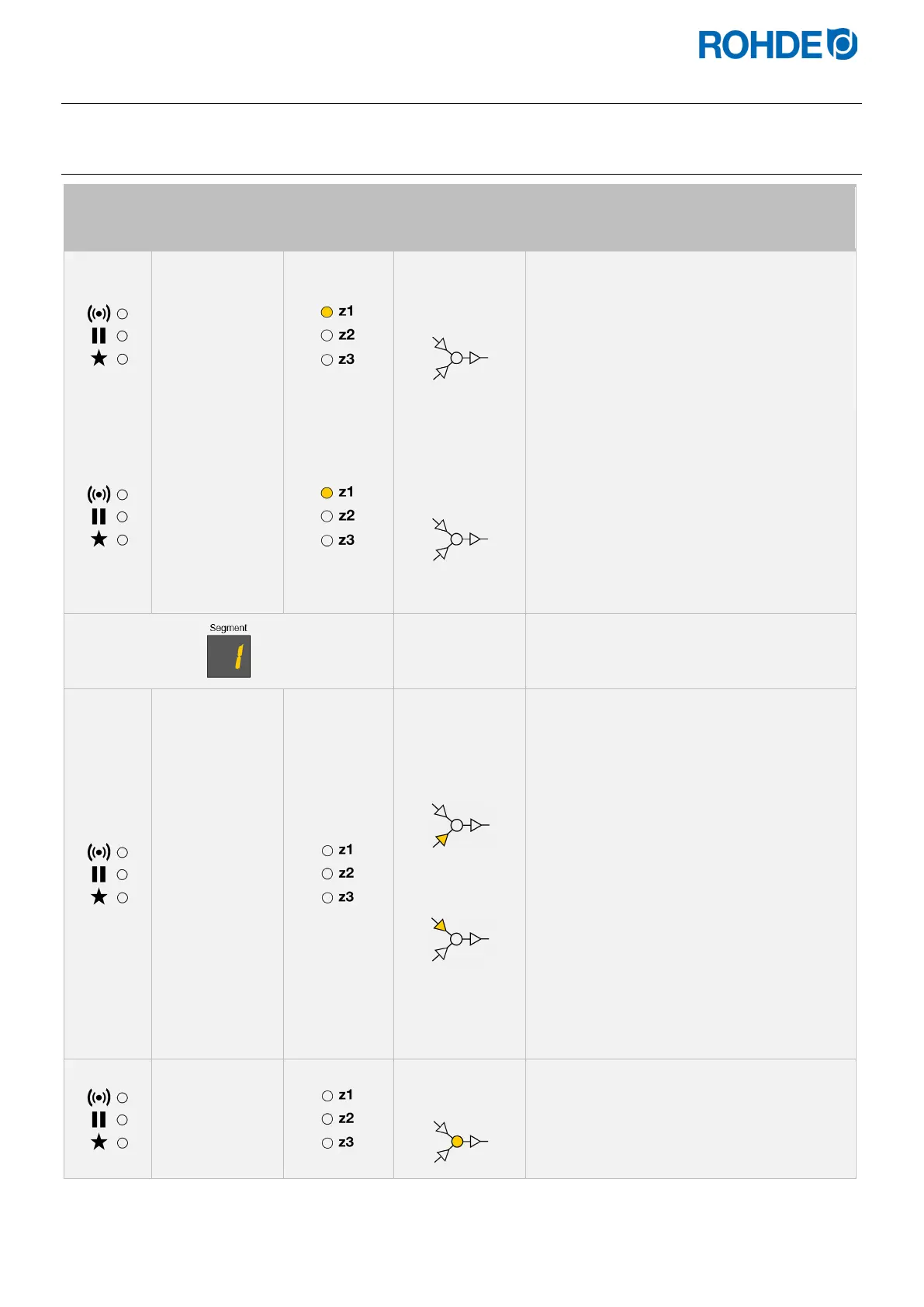
Indicator
on the
left
Main display
Heating
zone display
on the right
Meaning Description
20 °C
No program
in operation
• If no firing is carried out, no element lights
up in the program sequence of the
graphical display.
• The “Program running” indicator must not
light up
• The main display shows the current firing
chamber temperature of the respective
heating zone.
PROG: 1
Program number
selection
• When you press the g key, the program
number lights up on the display.
• The firing program can now be selected
with the d and f keys.
• By pressing the g key again, the program
number which is to be changed can be
selected.
• You can switch back to the previous value
in each step by pressing the h key.
Indicator in the
segment display
The selected firing program always shows the
first segment first.
150°C/HR
Heating ramp
Cooling ramp
• The ramp rate in the main display appears
as:
⇒ “0,1°C/h-9,9°C/h” or
⇒ “10°C/h-999°C/h“ or
⇒ “FULL” or
⇒ “END”
• This can be altered with the d & f keys.
• The graphical display indicates whether a
heating ramp or a cooling ramp is being
programmed.
Notes:
⇒ To change the heating ramp to a cooling
ramp and vice versa, see Section
6.5.2./6.5.3.
⇒ To program the ramp rate to “FULL” or
“END”, see Section 6.5.4./6.5.5.
⇒ To program the additional switch outputs
1 & 2 see section 7.4.
632°C
Soak/Target
temperature
• The next press of the g key displays the
soak or target temperature.
• This can be altered with the d & f keys.


 To Next Page
 Loading...