84 / 327 - EN -
Code no. Description
The controller displays the error message “Error 2” (thermocouple broken).
The controller displays the error message “Error 3” (thermocouple polarity reversed).
The controller displays the error message “Error 40 (kiln cooling down too slowly).
The controller displays the error message “Error 5” (over-temperature).
The controller displays the error message “Error 6” (maximum firing time exceeded).
The controller displays the error message “Error 7” (ambient temperature too high).
Note:
Code numbers 1 & 2 are normally not displayed in the log file because the log file is only filled when a program is active.
10.4. ROHDE myKiln app
10.4.1. General informationen
ROHDE myKiln app is an application for the visualisation, archiving, creation, editing or managing of firing curves from
the recorded measured values of the control system.
Create an
account
N
Create a free account and register the controller there with the
“Access code”.
Connect to Wi-Fi
7 p
Connect the controller and device (computer, tablet or smartphone) to
the Wi-Fi.
Record data
7
The firing data is automatically recorded in ROHDE myKiln app during
firing with the controller.
Monitoring and
evaluating
X
The firing data is displayed and saved as a firing curve in ROHDE
myKiln app.
Send program
data
G
Create, edit or manage firing program data and load it onto the
controller with ROHDE myKiln app.
System
Z
Internet-capable device (computer, tablet or smartphone) and a Wi-Fi
access point for connecting the controller to the Internet.
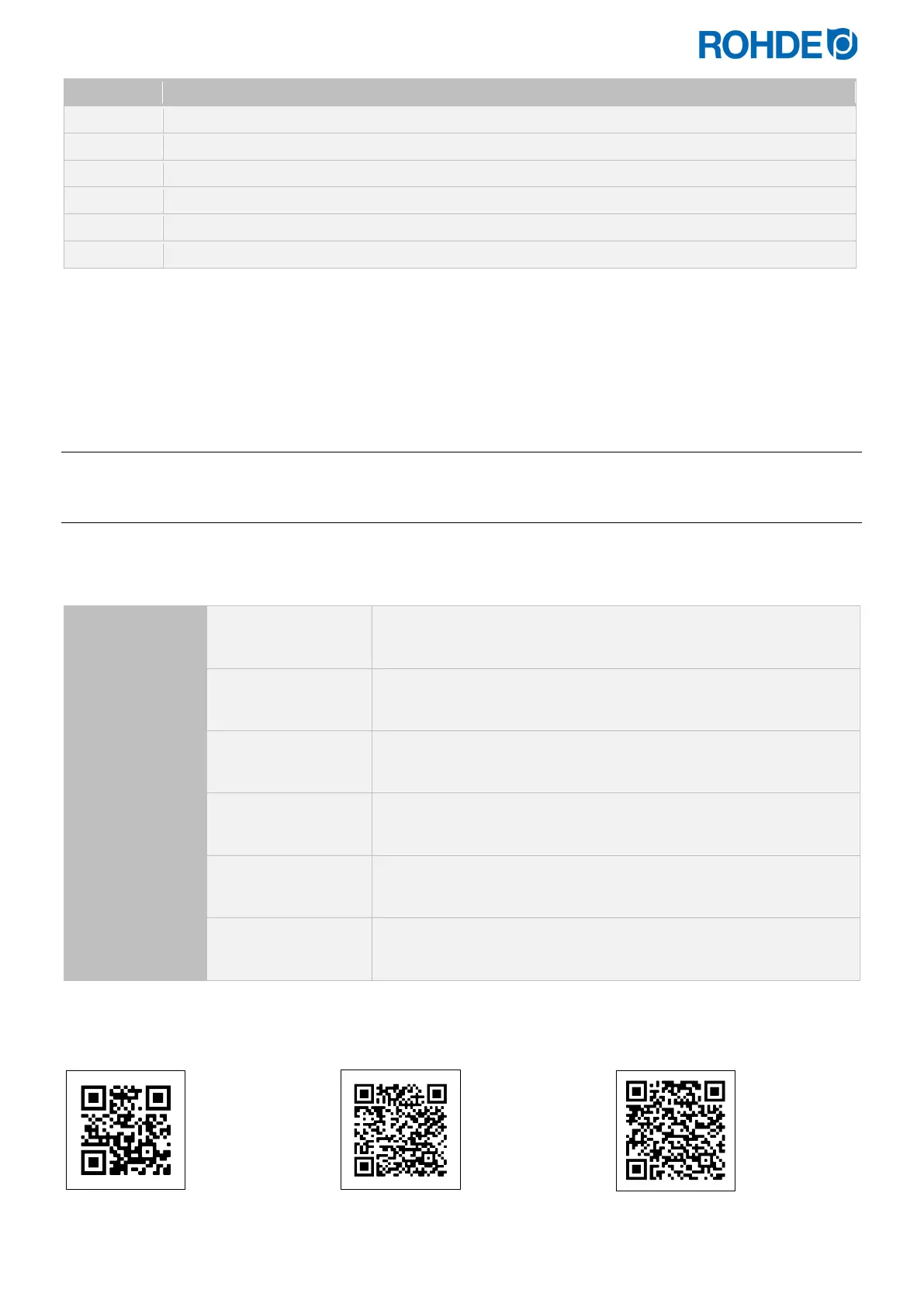
Informationen, FAQ and free account at:
app.rohde.eu (Web) myKiln in the App Store (Android) myKiln in the App Store (Apple)


 To Next Page
 Loading...
