EasyManua.ls Logo

Rosemount 1151GP - Safety Messages; Warnings

Rosemount 1151GP
176 pages
Print Icon
To Next Page IconTo Next Page
To Previous Page IconTo Previous Page
Loading...
Reference Manual
00809-0100-4360, Rev BA
August 2008
Rosemount 1151
2-2
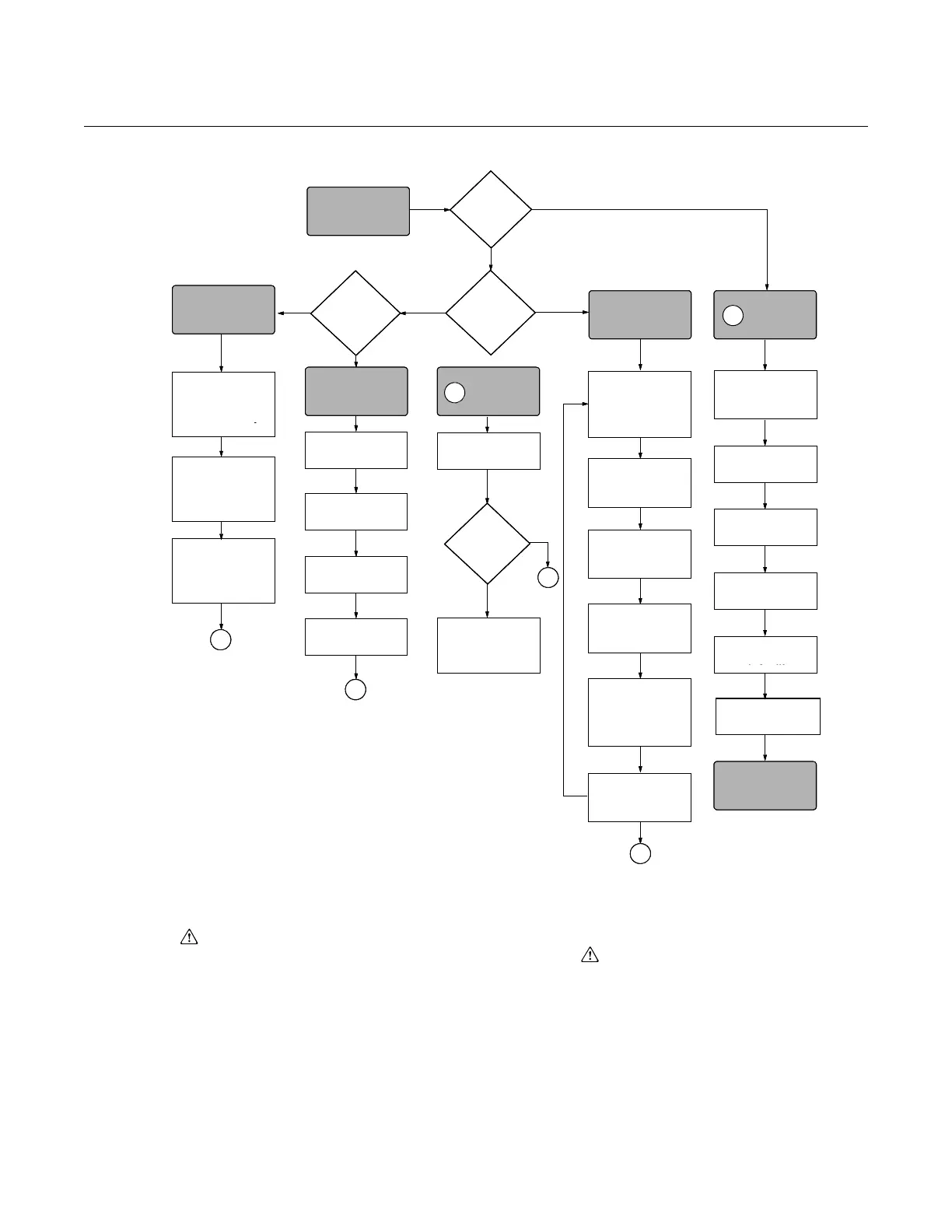
Figure 2-1. Rosemount 1151 Installation Flowchart.
SAFETY MESSAGES
Warnings ( ) Procedures and instructions in this section that raise potential safety issues
are indicated by a warning symbol ( ). Refer to the following warning
messages before performing an operation preceded by this symbol.
No
No Smart Analog
B
Yes
Yes
A
Yes
A
A
No
Check Jumper
or Switches
Wire
Transmitte
Power
Transmitter
Zero
Transmitter
DONE
Repeat Steps
until
Calibrated
Turn Span Screw
above or below
Desired Output by
Value in Last Step
Mount
Transmitter
Press Both Zero
and Span Button
Simultaneously
Set Units
Set
Range Points
Set
Output Type
Set
Damping
Apply Pressure
Refer to
Section 4
Troubleshooting
Apply Zero Point
Pressure and
Press Zero Button
Apply Span Point
Pressure and Press
Span Button
CONFIGURE
Within
Specification?
VERIFY
START HERE
CALIBRATE
Analog
or
Smart?
Using a
communicator?
FIELD
INSTALL
ADJUST ANALOG
ZERO/SPAN
B
B
Check for Leaks
(Process Connections)
No
No Smart Analog
B
Yes
Yes
A
Yes
A
A
No
Check Jumper
or Switches
Wire
Transmitte
Power
Transmitter
Zero
Transmitter
DONE
Repeat Steps
until
Calibrated
Turn Span Screw
above or below
Desired Output by
Value in Last Step
Mount
Transmitter
Press Both Zero
and Span Button
Simultaneously
Set Units
Set
Range Points
Set
Output Type
Set
Damping
Apply Pressure
Refer to
Section 4
Troubleshooting
Apply Zero Point
Pressure and
Press Zero Button
Apply Span Point
Pressure and Press
Span Button
CONFIGURE VERIFY
START HERE
CALIBRATE
Analog
or
Smart?
Bench
Calibration?
Using a
communicator?
FIELD
INSTALL
ADJUST ANALOG
ZERO/SPAN
B
B
Check for Leaks
(Process Connections)
No
No Smart Analog
B
Yes
Yes
A
Yes
A
A
No
Check Jumper
or Switches
Wire
Transmitter
Power
Transmitter
Zero
Transmitter
DONE
Divide
Difference
by 5
Repeat Steps
until
Calibrated
Turn Span Screw
above or below
Desired Output by
Value in Last Step
Mount
Transmitter
Press Both Zero
and Span Button
Simultaneously
Set Units
Set
Range Points
Set
Output Type
Set
Damping
Apply Pressure
Refer to
Section 4
Troubleshooting
Apply Zero Point
Pressure and
Press Zero Button
Apply Span Point
Pressure and Press
Span Button
CONFIGURE VERIFY
START HERE
CALIBRATE
Analog
or
Smart?
Using a
communicator?
FIELD
INSTALL
ADJUST ANALOG
ZERO/SPAN
B
B
Subtract Actual
Output from Desired
Output
Apply
20 mA-point
Pressure
Apply 4 mA-point
Pressure and Turn
Zero Screw to Output
4 mA
Check for Leaks
(Process Connections)

Table of Contents

Related product manuals