Wireless Router RNX-N150RT User Manual
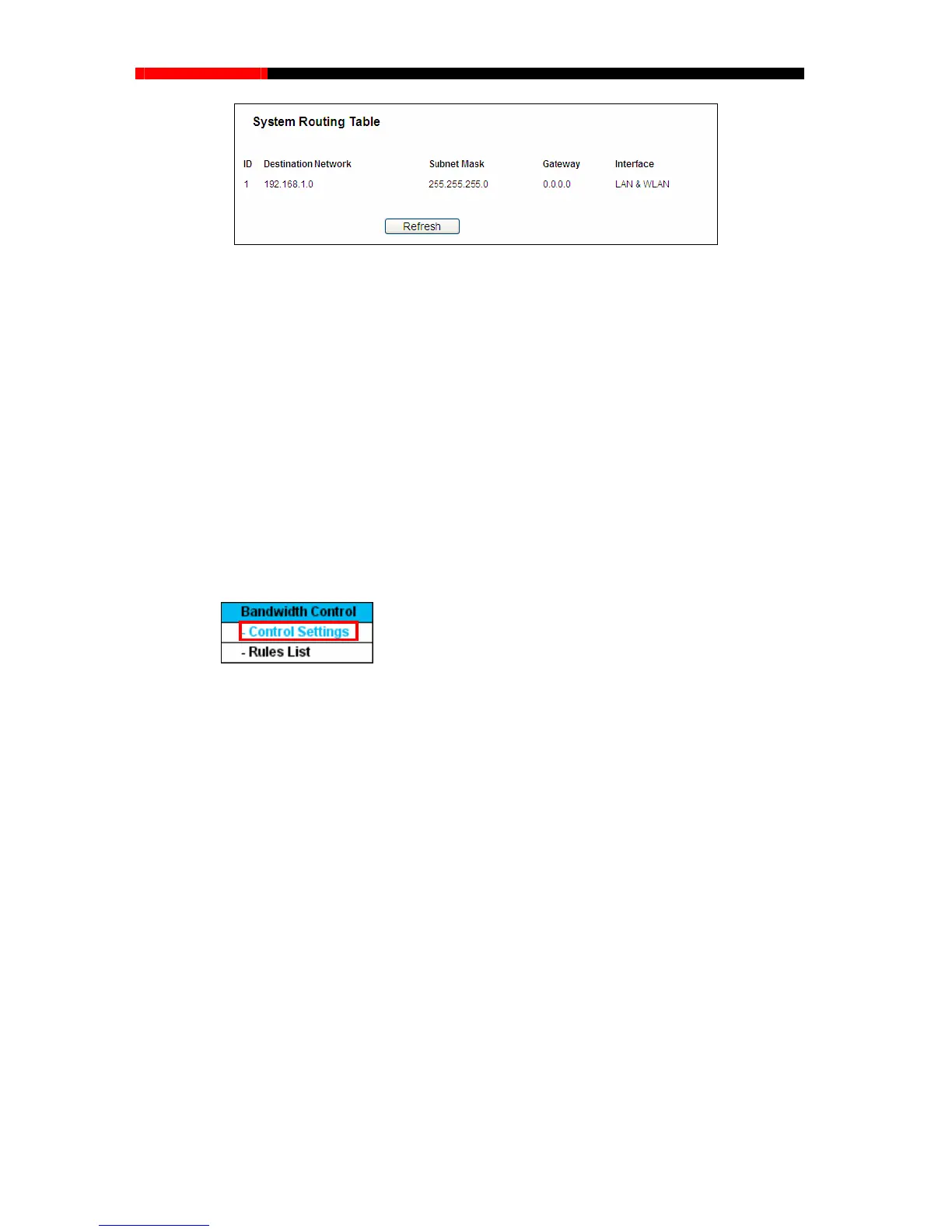
Figure 4-70 System Routing Table
Destination Network - The Destination Network is the address of the network or host to
which the static route is assigned.
Subnet Mask - The Sub n IP address is the network
, and which portion is the host portion.
interface tells you either the Destination IP Address is on the LAN & WLAN
4.15 Bandwidth Control
net Mask determines which portion of a
portion
Gateway - This is the IP address of the gateway device that allows for contact between the
router and the network or host.
Interface - This
(internal wired and wireless networks), or on the WAN (Internet).
Figure 4-
71
There are two submenus under the Bandwidth Control menu as shown in Figure 4-71. Click any of
them, and you will be able to configure the corres
ponding function. The detailed explanations for
each submenu are provided belo
Control Settings
r values yo
u configure should be less than
w.
4.15.1 Control Settings
Choose menu “Bandwidth Control→ ”, you can configure the Egress Bandwidth
and Ingress Bandwidth in the next screen. Thei
1000000Kbps.
- 95 -



 To Next Page