Wireless Router RNX-N150RT User Manual
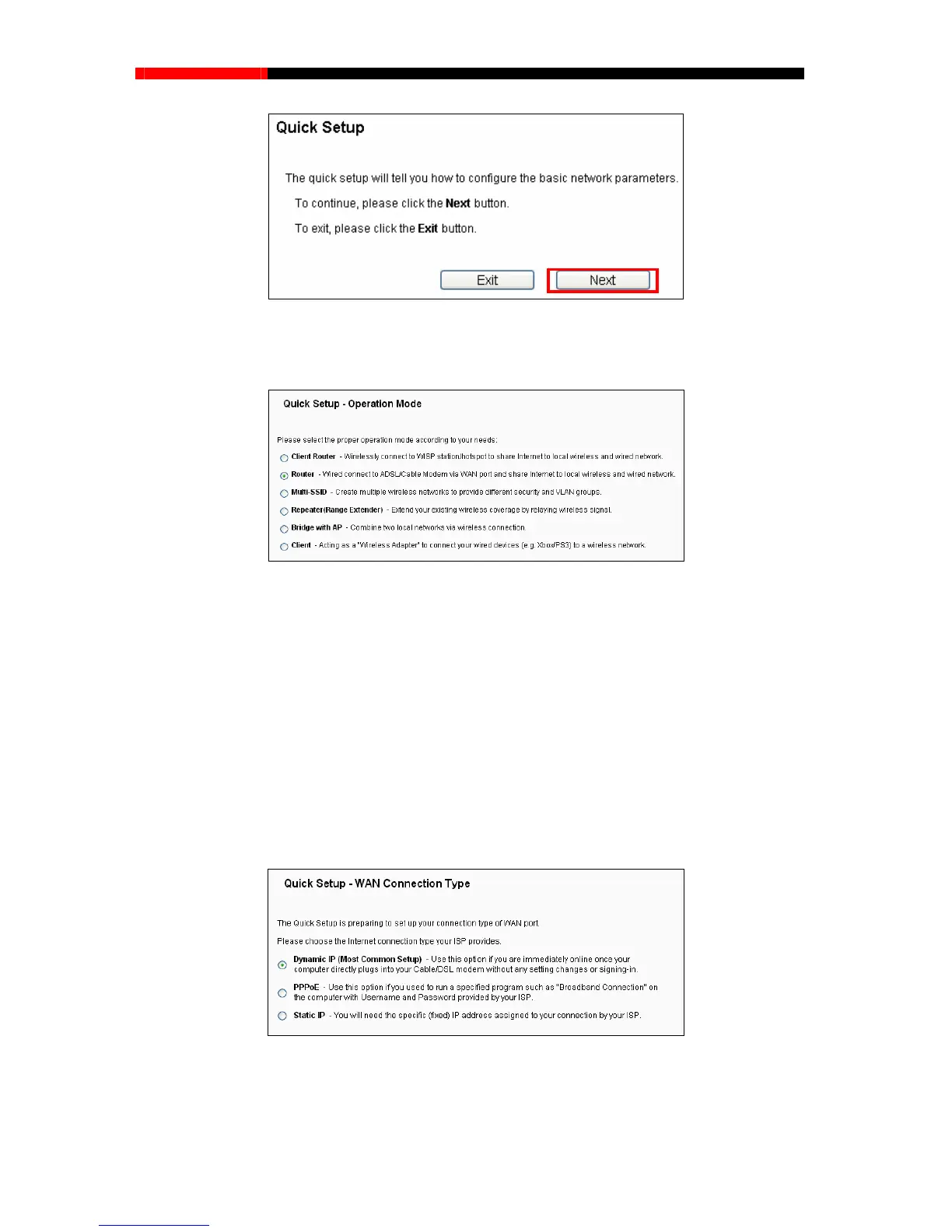
Figure 3-5 Quick Setup
3. Click Next, and then Operation Mode page will appear, as shown in Figure 3-6.
Figure 3-6 Operation Mode
Note:
The router supports six operation modes for multi-user to access the Internet: Client Router, Router,
Repeater, Bridge with AP and Client. If you are unsure about which one to select, please refer to
Operation Mode Help page. You can configure your device quickly by the following steps in
different modes.
3.2.1 Configuration for Client Router Mode
When you choose Client Router on Operation Mode page in Figure 3-6, take the following steps:
1. Click Next, and then WAN Connection Type page will appear as shown in Figure 3-7.
Figure 3-7 Wan Connection Type
- 12 -



 To Next Page