Wireless Router RNX-N150RT User Manual
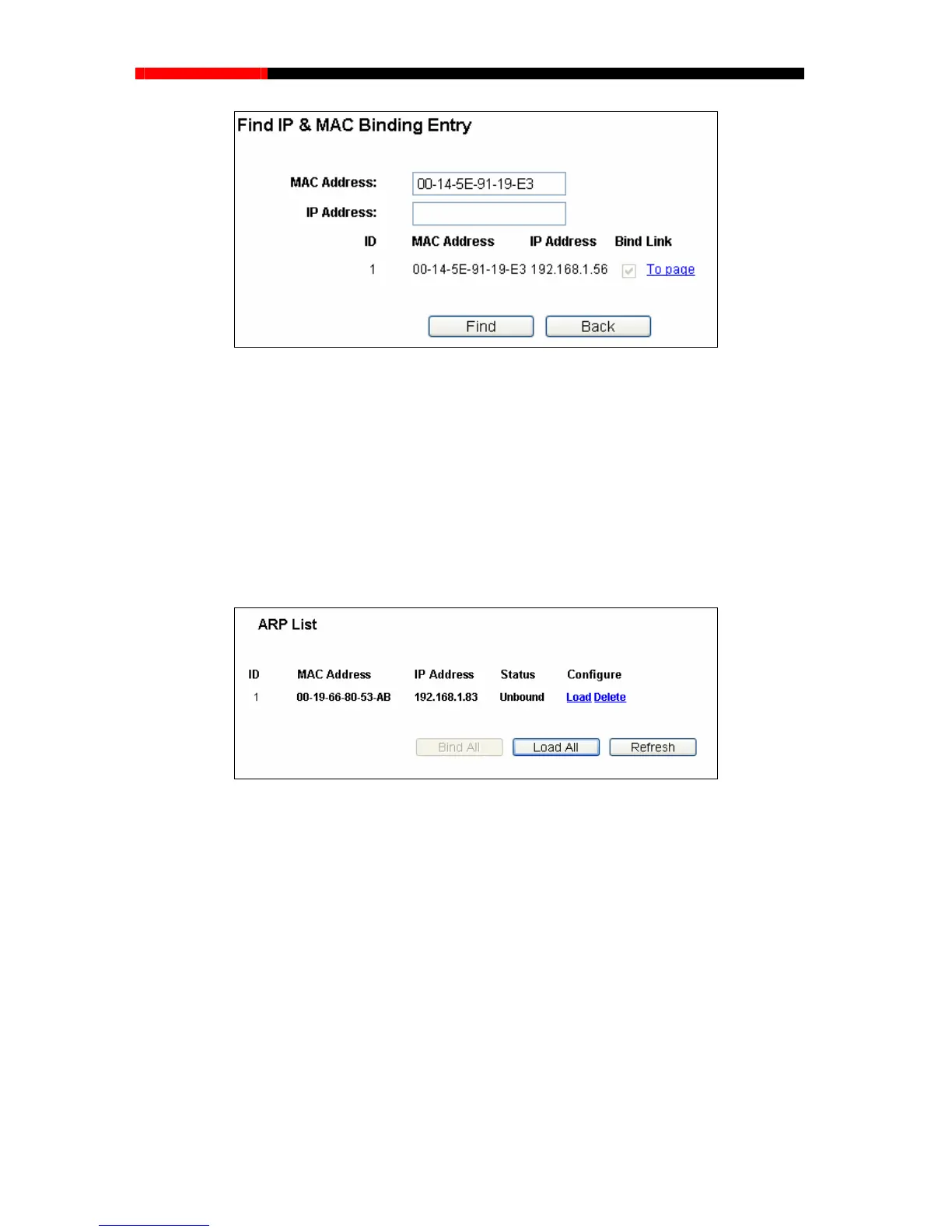
Figure 4-78 Find IP & MAC Binding Entry
Click the Enable All button to make all entries enabled.
Click the Delete All button to delete all entries.
4.16.2 ARP List
To manage the computer, you could observe the computers in the LAN by checking the
relationship of MAC address and IP address on the ARP list, and you could configure the items on
displays the ARP List; it shows all the existing IP & MAC Binding the ARP list also. This page
entries as shown in Figure 4-79.
Figure 4-79 ARP List
MAC Address- The MAC address of the controlled computer in the LAN.
IP Address- The assigned IP address of the controlled computer in the LAN.
Status-Indicates whether
g list.
C
lick the Load All button to load all items to the IP & MAC Binding list.
or not the MAC and IP addresses are bound.
Configure- Load or delete an item.
Load- Load the item to the IP & MAC Bindin
Delete- Delete the item.
Click the Bind All button to bind all the current items, available after enable.
- 99 -



 To Next Page