Wireless Router RNX-N150RT User Manual
button to return the previous
page.
→
nferencing, Internet calling and so on. These applications cannot work
Click the Next button to go to the next page and click the Previous
Note:
If you set the service port of the virtual server as 80, you must set the Web management port on
“Security → Remote Management” page to be any other value except 80 such as 8080.
Otherwise there will be a conflict to disable the virtual server.
4.10.2 Port Triggering
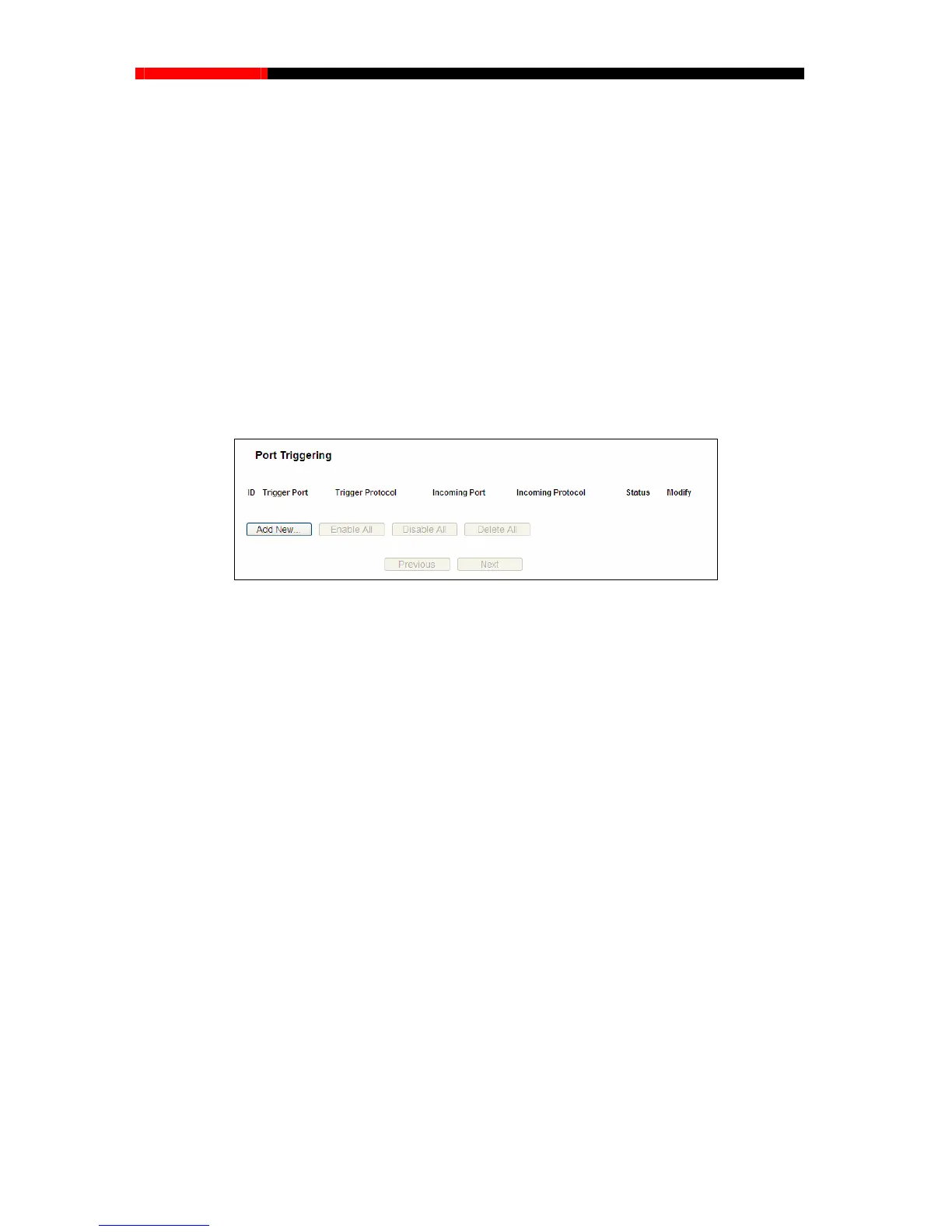
Choose menu “Forwarding Port Triggering”, and then you can view and add port triggering
in the screen as shown in Figure 4-44. Some applications require multiple connections, like
Internet games, video co
with a pure NA
T router. Port Triggering is used for some of these applications that can work with
an NAT router.
Figure 4-44 Port Triggering
Once the router is configured, the operation is as follows:
1. A local host makes an outgoing connection using a destination port number defined in the
Trigger Port field.
2. The router records this s associated with this
entry in the Port Triggering table, and associates them with the local host.
ill be able to connect to the local host using one of the
ort - The port for outgoing traffic. An outgoing connection using this port will trigger
protocol used for T
rigger Ports, either TCP, UDP, or All (all protocols
Incoming Ports Range - The port or port range used by the remote system when it
one of these ports will be forwarded to
put at most 5 groups of ports (or port sections).
up of ports must be set apart with ",". For example, 2000-2038, 2050-2051, 2085,
30.
connection, opens the incoming port or port
3. When necessary, the external host w
ports defined in the Incoming Ports field.
Trigger P
this rule.
Trigger Protocol - The
supported by the router).
responds to
the outgoing request. A response using
the PC that triggered this rule. You can in
Every gro
3010-30
Incoming Protocol - The protocol used for Incoming Ports Range, either TCP or UDP, or
ALL (all protocols supported by the router).
- 74 -



 To Next Page