Wireless Router RNX-N150RT User Manual
splays the current hardware version. The hardware version of the
1. Download a more recent firmware upgrade file from our website.
2. Type the path and file name of the update file into the File field. Or click the Browse button to
locate the update file.
3. Click the Upgrade button.
Note:
is no
ade the firmware unless the new firmware has a new feature you want to use.
ather than the configuration,
are, you may lose its current configurations, so before
write down some of your customized settings to avoid losing
Do not turn off the router or press the Reset button while the firmware is being upgraded,
has been finished.
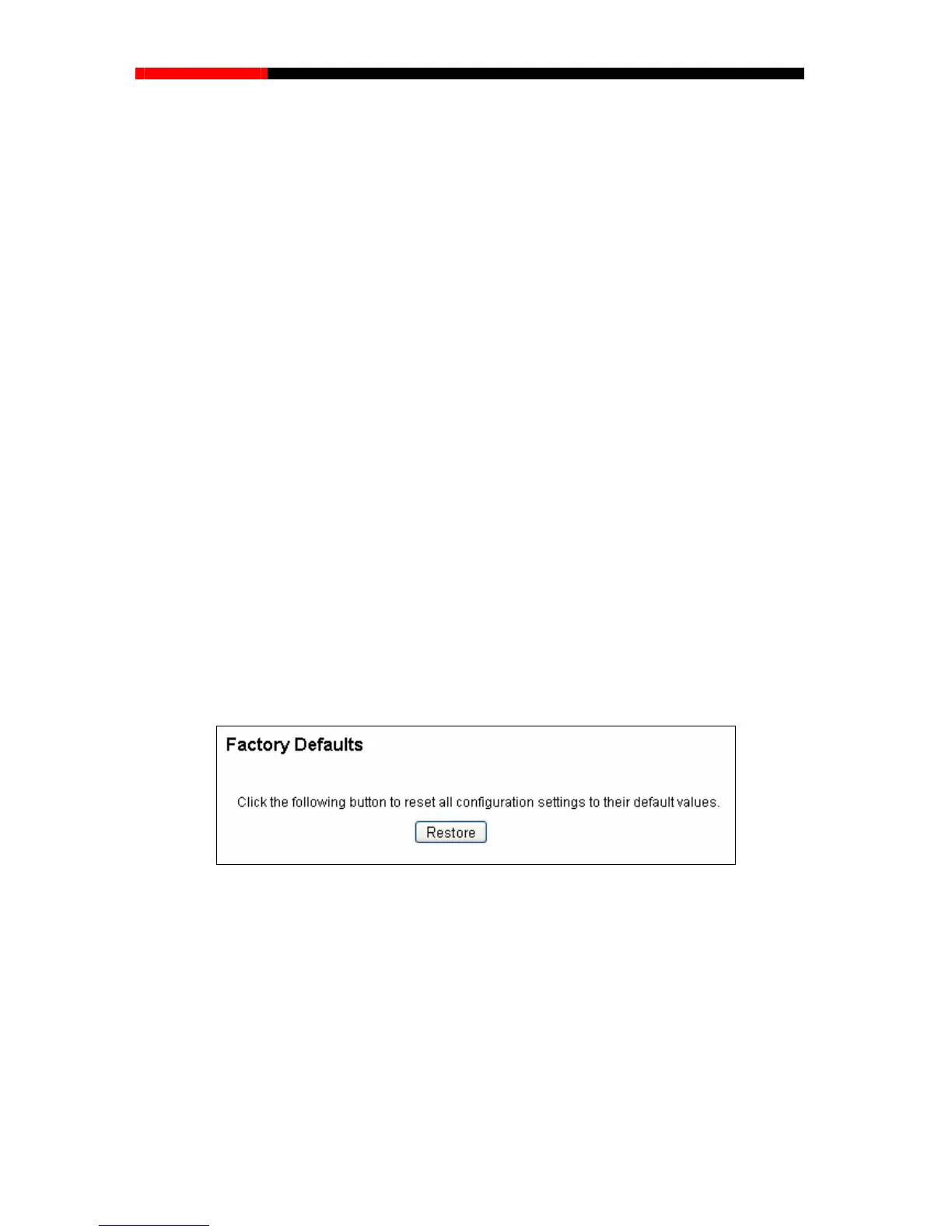
4.18.4 Factory Defaults
stem Tools→Factory Defaults”, and you can restore the configurations of the
Hard
ware Version-This di
upgrade file must accord with the router’s current hardware version.
To upgrade the router's firmware, follow these instructions below:
1.
New firmware versions are posted at our website and can be downloaded for free. There
need to upgr
However, when experiencing problems caused by the router r
you can try to upgrade the firmware.
2. When you upgrade the router's firmw
upgrading the firmware please
important settings.
3.
otherwise, the router may be damaged.
4. The router will reboot after the upgrading
Choose menu “S
y
router to factory defaults on the following screen.
Figure 4-88 Restore Factory Default
Click the Restore button to reset a r default values.
16
8.1.1
red.
2. Press and hold the WPS/Reset button for more than 5 seconds, you can reset the router, too.
ll configuration settings to thei
The default User Name: admin
The default Password: admin
The default IP Address: 192.
The default Subnet Mask: 255.255.255.0
Note:
1. Any settings you have saved will be lost when the default settings are resto
- 106 -



 To Next Page