Wireless Router RNX-N150RT User Manual
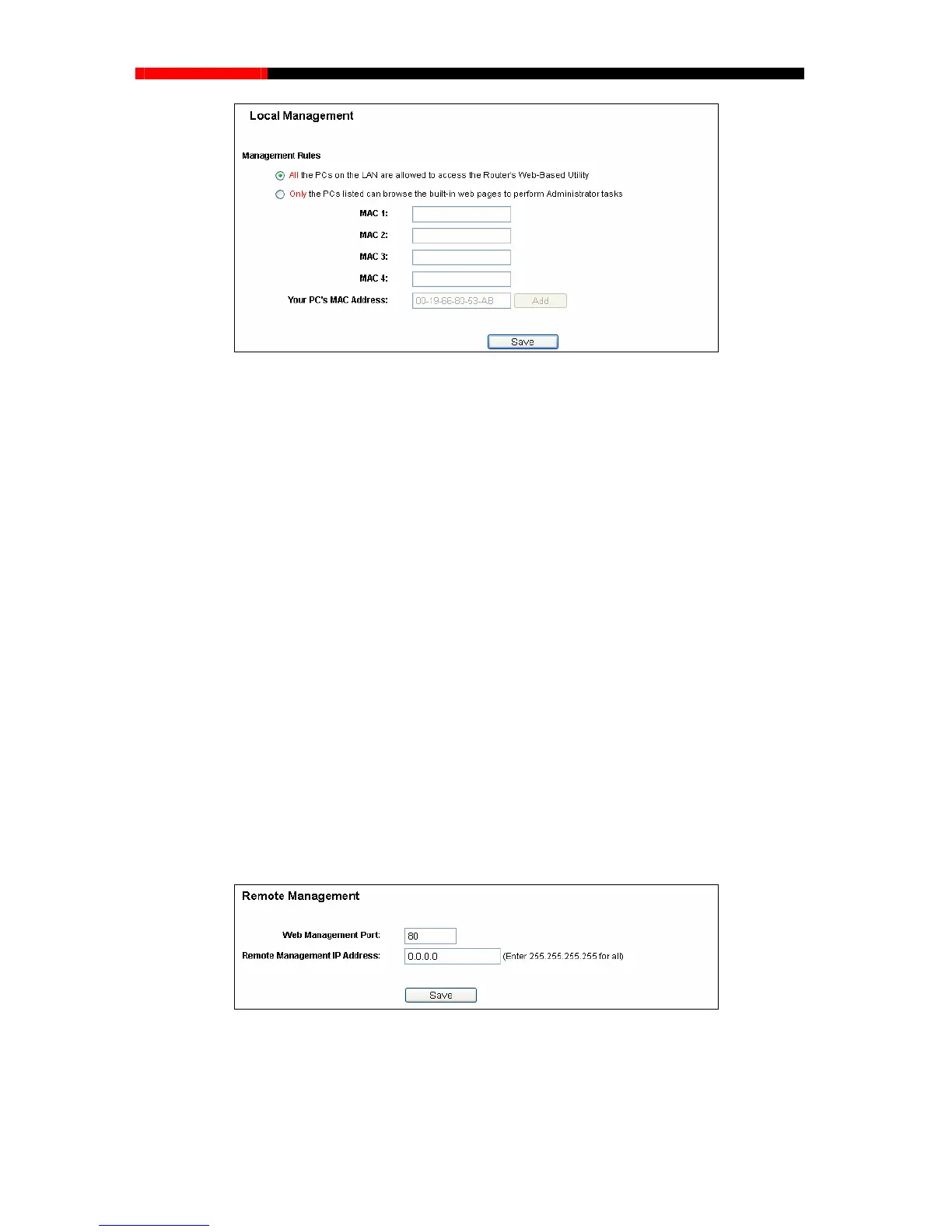
Figure 4-51 Local Management
By default, the radio button “All the PCs on the LAN are allowed to access the router's
Web-Based Utility” is checked. If you want to allow PCs with specific MAC Addresses to access
the Setup page of the router's Web-Based Utility locally from inside the network, check the radio
Administrator
Address in a separate field. The format for the MAC Address is
xadecimal digit). Only the PCs with MAC address listed can use
ve.
Click the Save button to save your settings.
Note:
If your PC is blocked but you want to access the router again, press and hold the WPS button for
more than 5 seconds to reset the router to factory defaults.
4.11.4 Remote Management
Choose menu “Security→Remote Management”, you can configure the Remote Management
function in the screen as shown in Figure 4-52.This feature allows you to manage your router from
a remote location v
ia the Internet.
button “Onl
y the PCs listed can browse the built-in web pages to perform
tasks”, and then enter each MAC
XX-XX-XX-XX-XX-XX (X is any he
the password to browse the built-in web pages to perform Administrator tasks while all the others
will be blocked.
After click the Add button, your PC's MAC Address will be placed in the list abo
Figure 4-52 Remote Management
Web Management Port - Web browser access normally uses the standa
port 80. This router's default remote management web port number is 80. For gr
rd HTTP service
eater security,
that number you can change the remote management web port to a custom port by entering
- 81 -



 To Next Page