Wireless Router RNX-N150RT User Manual
Restore the router's settings to factory defaults (system will reboot automatically).
Update the configuration with the file (system will reboot automatically.
4.18.7 Password
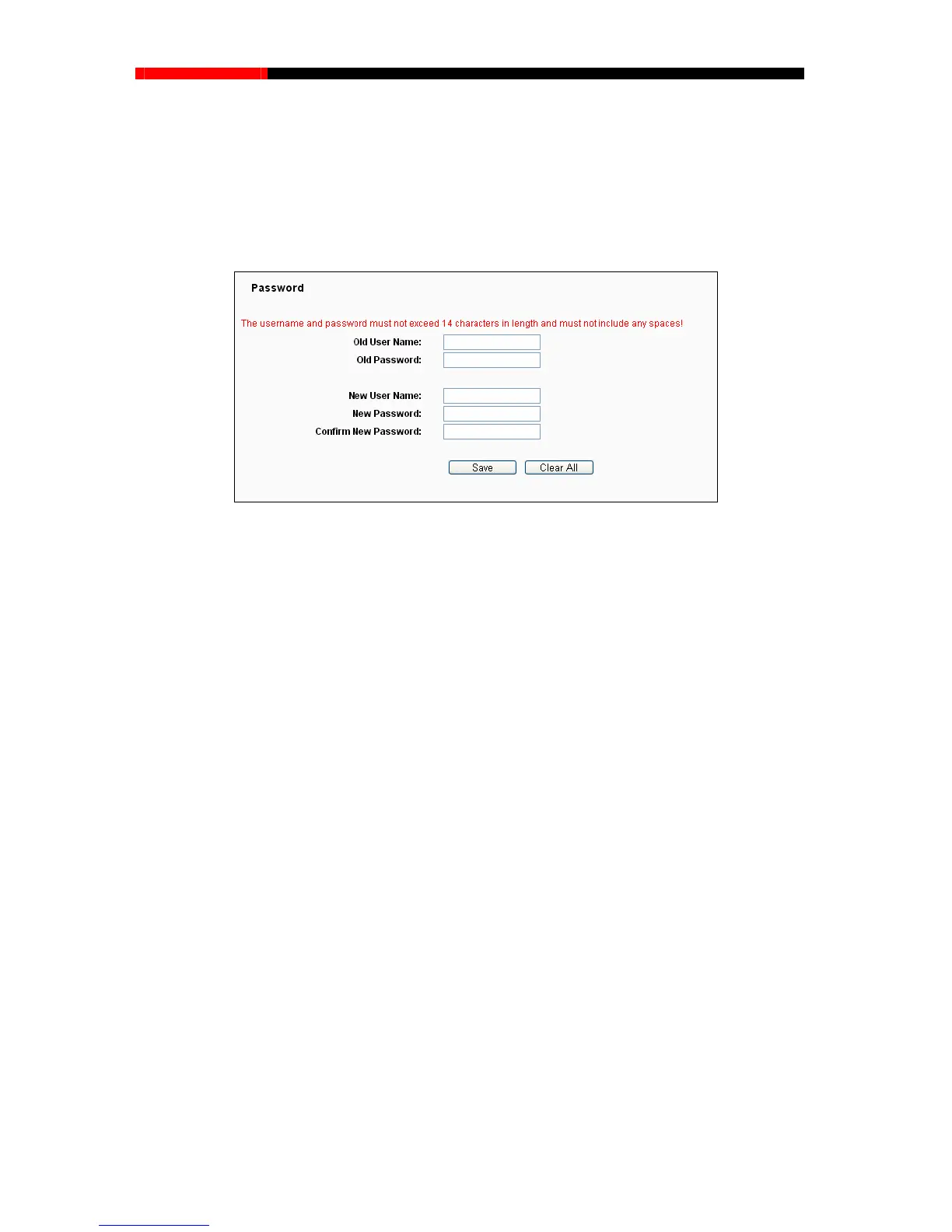
Choose menu “System Tools→Password”, you can change the factory default user name and
password of the router in the next screen as shown in Figure 4-91.
Figure 4-91 Password
It is strongly recommended that you should change the factory default user name and password of
the router, because all users who try to access the router's Web-based utility or Quick Setup will
be prompted for the router's default user name and password.
Note:
The new user name and password must not exceed 14 characters in length and not include any
spaces. Enter the new Password twice to confirm.
Click the Save button when finished.
Click the Clear All button to clear all.
4.18.8 System log
Choose menu “System Tools→System Log”, you can view the logs of the router.
- 108 -



 To Next Page