Wireless Router RNX-N150RT User Manual
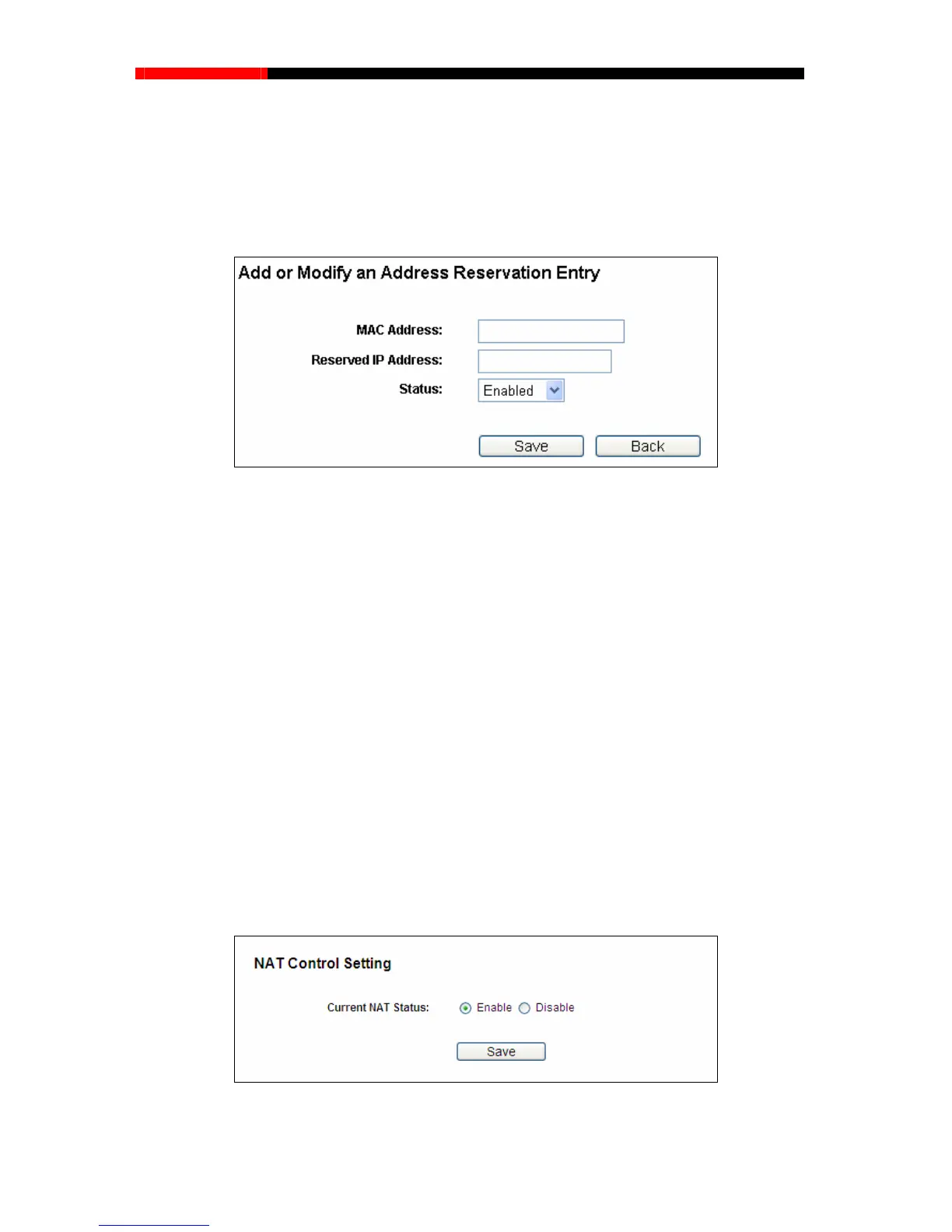
w…button. Then Figure 4-39 will pop-up.
u want to reserve a
n IP address.
. Click the Save button.
To Reserve an IP address:
1. C
lick the Add Ne
2.
Enter the MAC address (in XX-XX-XX-XX-XX-XX format.) and IP address (in dotted-decimal
notation) of the computer for which yo
3
Figure 4-39 Add or Modify an Address Reservation Entry
To modify or delete an existing entry:
e entry you want to modify. If you want to delete the entry, click the
Delete.
Click the Next button to go to the next page and Click the Previous button to return the previous
page.
4.9 NAT
Choose “NAT”, and you can enable or disable the NAT and Hardware NAT Control feature. The
NAT Rules and Hardware NAT wil NAT Control feature is enabled.
1. Click
the Modify in th
2. Modify the information.
3. Click the Save button.
Click the Enable/Disabled All button to make all entries enabled/disabled.
Click the Delete All button to delete all entries.
l work properly only when the
Figure 4-40 NAT Control Setting
- 71 -



 To Next Page