Wireless Router RNX-N150RT User Manual
Current UPnP Settings List - This table displays the current UPnP information.
App Description - The description provided by the application in the UPnP request.
External Port - The external port the router opens for the application.
Protocol - The type of protocol the router opens for the application.
Internal Port - The Internal port the router opens for local host.
IP Address - The IP address of the UPnP device that is currently accessing the router.
Status - The status of the port is displayed here. “Enabled” means that the port is still
active. Otherwise, the port is inactive.
Click Refresh to update the Current UPnP Settings List.
4.11 Security
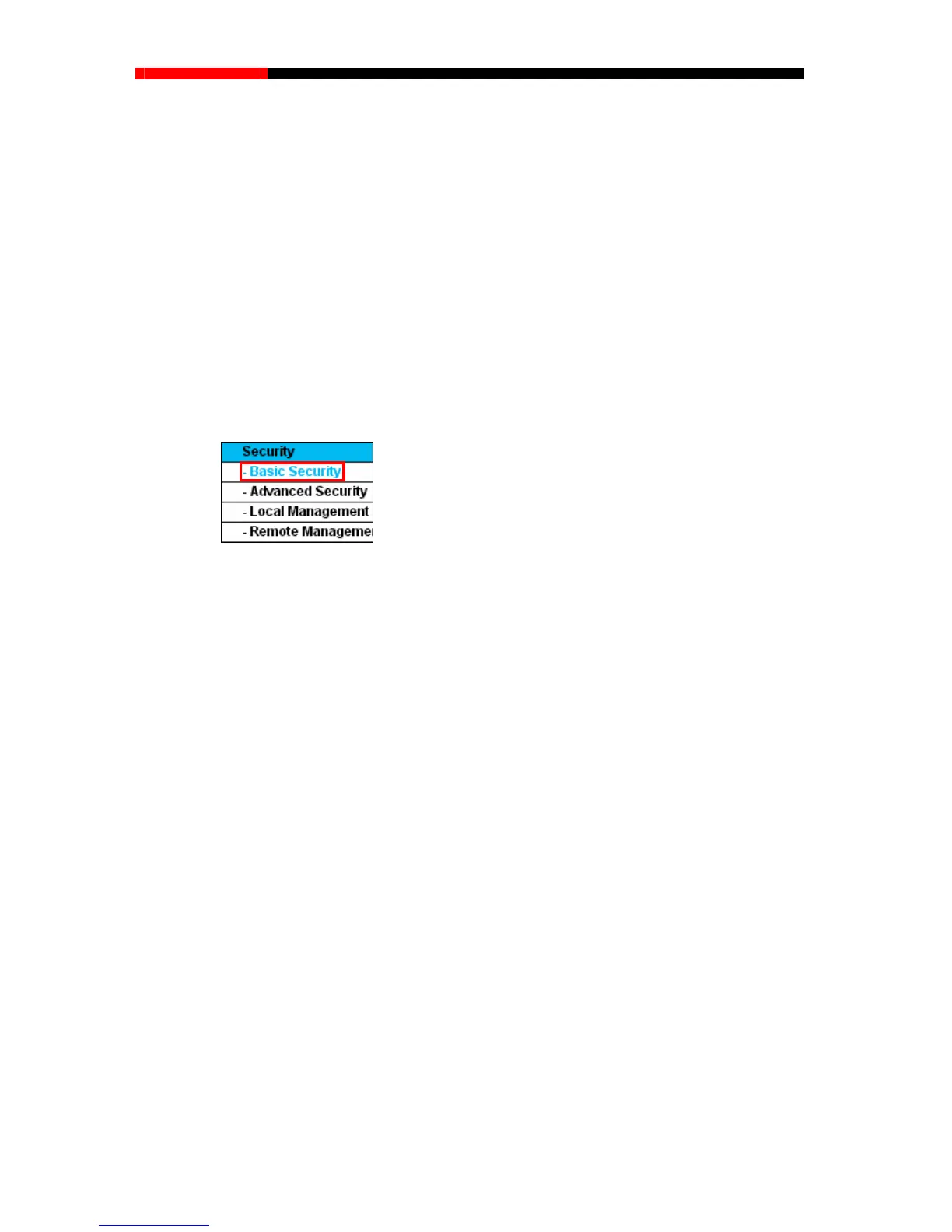
Figure 4-
48 The Security menu
There are four submenus under the Security menu as shown in Figure 4-48: B
asic Security,
sic Securit
y”, you can configure the basic security in the screen as
Advanced S
ecurity, Local Management and Remote Management. Click any of them, and you
will be able to configure the corresponding function.
4.11.1 Basic Security
Choose menu “Security→Ba
shown in Figure 4-49.
- 77 -



 To Next Page