Wireless Router RNX-N150RT User Manual
5) The following TCP/IP Properties window will display and the IP Address tab is open on
this window by default.
Now you have two ways to configure the TCP/IP protocol below:
Setting IP address automatically
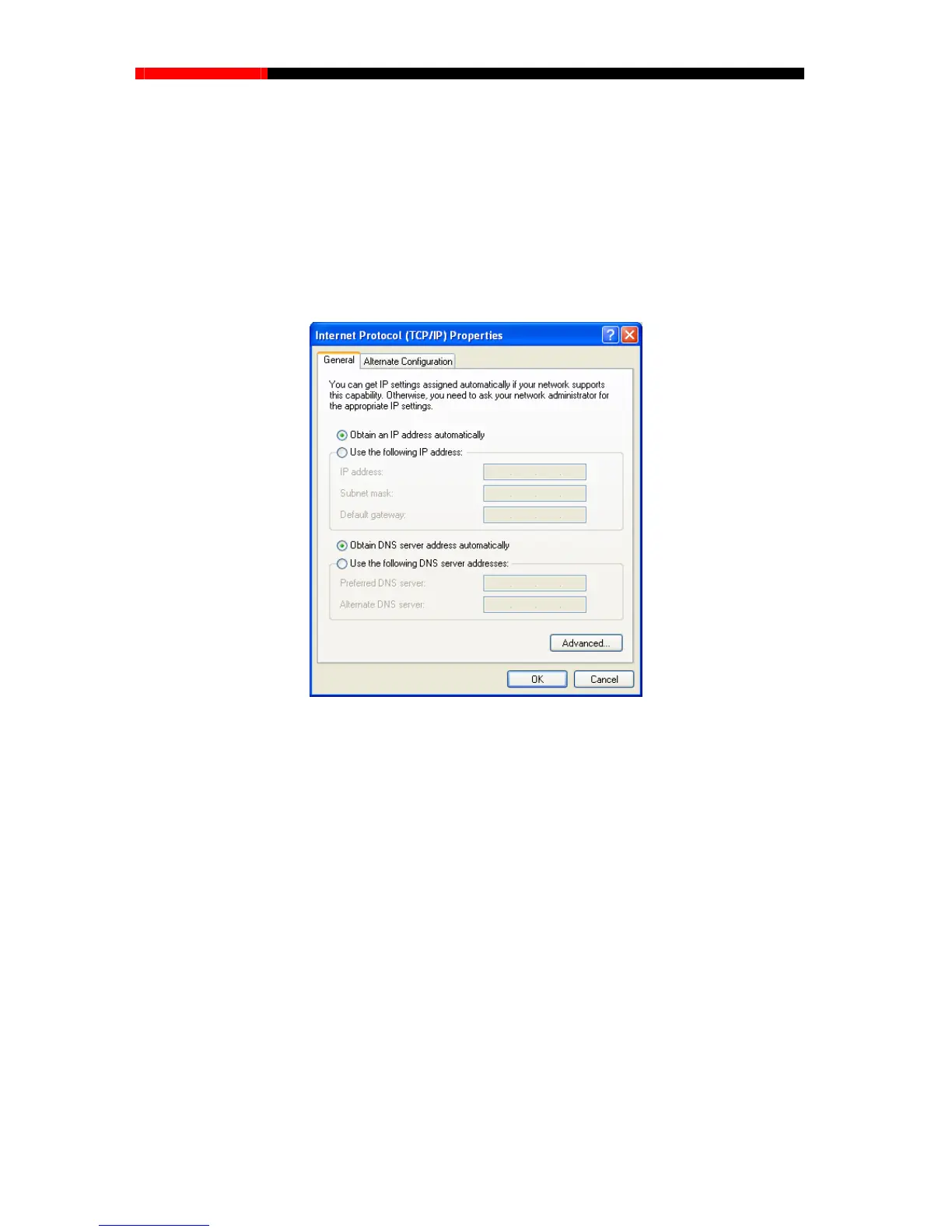
Select Obtain an IP address automatically, Choose Obtain DNS server automatically, as
shown in the Figure below:
Figure B-3
Note:
For Windows 98 OS or before, the PC and router may need to be restarted.
Setting IP address manually
2 Select Use the following IP address radio button. And the following items available
3 If the router's LAN IP address is 192.168.1.1, specify the IP address as 192.168.1.x (x is from
2 to 254), and the Subnet mask as 255.255.255.0.
4 Type the router’s LAN IP address (the default IP is 192.168.1.1) into the Default gateway
field.
5 Select Use the following DNS server addresses. In the Preferred DNS Server field you
can enter the same value as the Default gateway or type the local DNS server IP address.
- 119 -



 To Next Page