Section 4 Control Denitions H85A Manual
www.rottlermfg.com
4-5
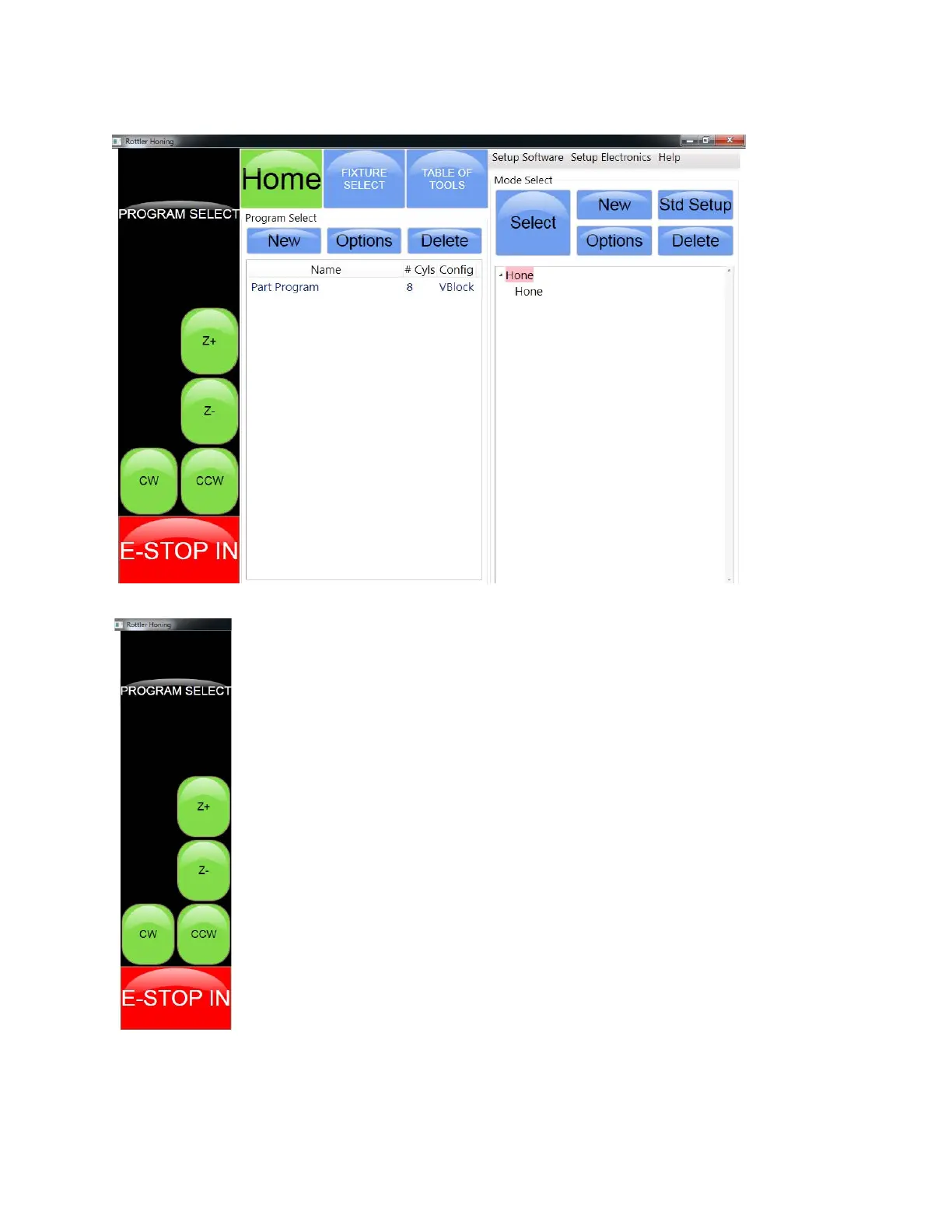
Set Up Screen
Jog Button Panel
The jog buttons are momentary contact buttons. They activate rapid travel for the axis
indicated on the button.
The Z+ button will move the spindle up.
The Z- button will move the spindle down.
The CW button will rotate the spindle clockwise.
The CCW button will rotate the spindle counter clockwise.
The Stop Machine button is used to stop the machine cycle before it has completed.
The machine will complete a hone stroke and raise out of the cylinder.



 To Next Page