Section 4 Control Denitions H85A Manual
www.rottlermfg.com
4-7
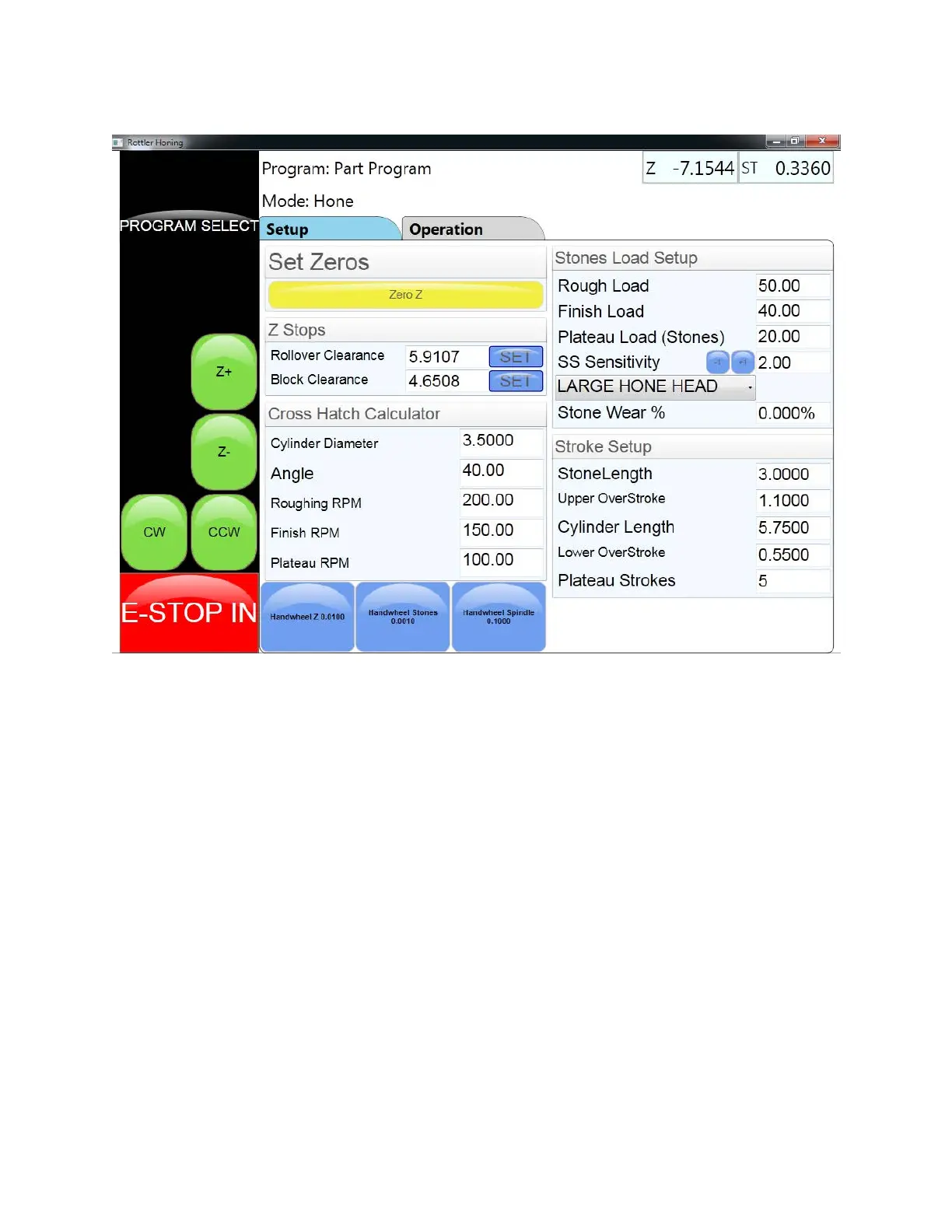
Operation Screen
At the top of the screen you will see the block and process that was selected. In the upper right section
there is a readout of current location of the different axis’s. All readings are plus or minus from the
zero set points. ( The A axis readout in this case is the 4
th
axis and will only show a reading if the optional
auto rotate xture is installed )
Screen Tabs: When the Setup, Bore Locations, or Operation tab is touched the corresponding screen for
that tab will appear. These different screens are used for programing and operation of the machine.
Handwheel Buttons
At the bottom of the screen are 4 buttons. When a button is touched and activated the operator will be
able to control the axis indicated on the button by using the handwheel. The active button will turn red
after it is touched.
Handwheel Z Button: When this button is activated the operator will be able to move the spindle up
or down using the handwheel. Each notch or click of the handwheel will move the spindle 0.010 of an
inch. Turning the handwheel clockwise or to the plus side will cause the spindle to move up. Turning the
handwheel counter clockwise or to the minus side will cause the spindle to move down.
Handwheel Stones Button: When this button is activated the operator will be able to feed the stones in
or out using the handwheel. Each notch or click will increase or decrease the diameter of the stones by
0.001 of an inch. Turning the handwheel clockwise or to the plus side will cause the stones in increase in
diameter. Turning the handwheel counter clockwise or to the minus side will cause the stones to decrease
in size.



 To Next Page