Section 5 Operating Instructions H85A Manual
www.rottlermfg.com
5-25
Mode Select Section of Home Screen.
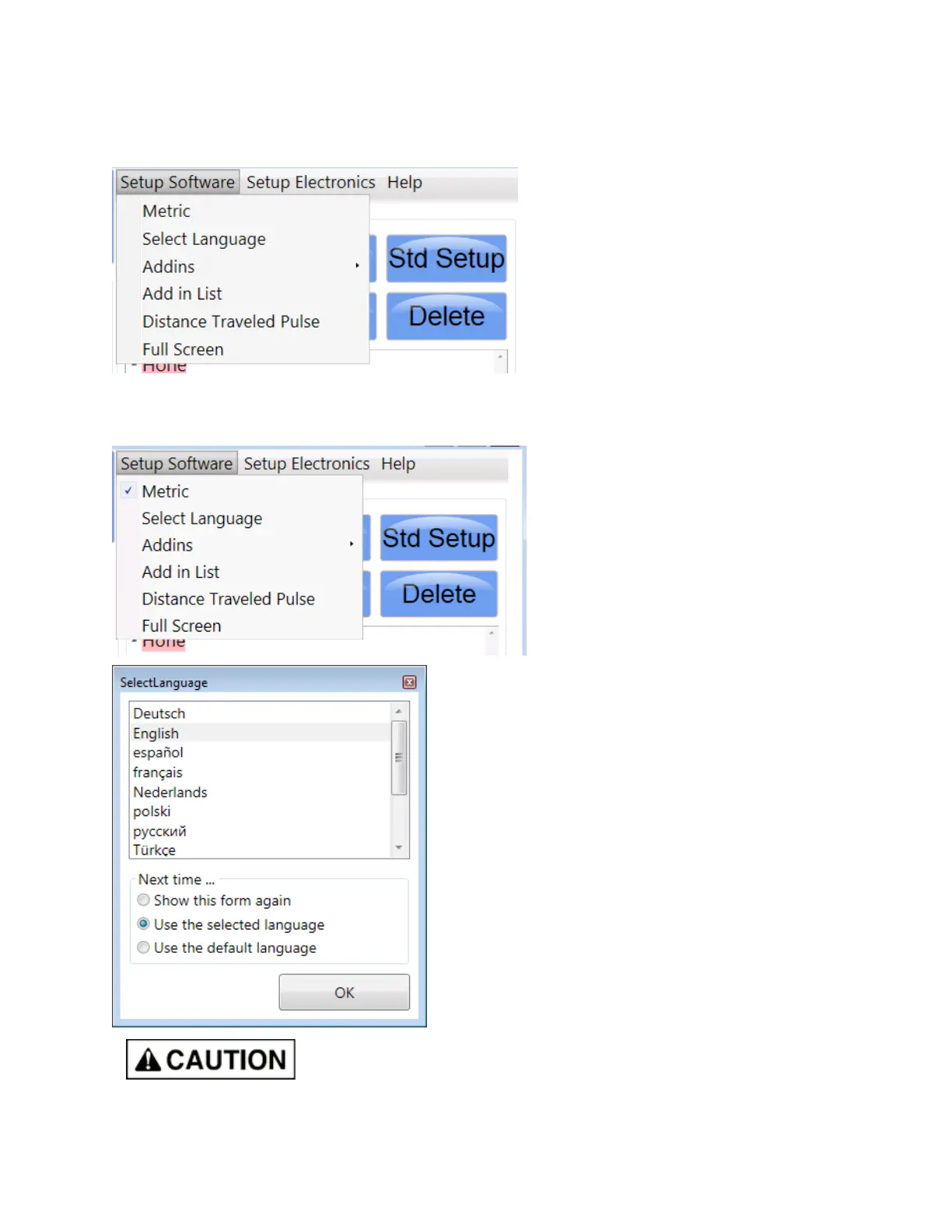
Click the Setup Software menu tab and this drop down menu will appear.
Operator should only concern themselves with the rst two. Click on Metric and all readings and settings
on the monitor will be metric. Uncheck Metric to return all readings and settings to inch. Click on Select
Language to have everything on screen in a different language.
The rest of the menu items and those of the Setup Electronics tag are used
only for machine setup at the factory or for use by qualied service person
when needed.



 To Next Page